![[Fixed] External Data Connections Have Been Disabled in Excel](/_next/image/?url=https%3A%2F%2Fpub-b39c974f4c124a36a2fb517be38076ec.r2.dev%2Fimages%2F2026%2F08%2Ffeatured-image-excel-external-data-connections-have-been-disabled-2-da66a249.webp&w=3840&q=75)
Data Analysis with Excel
[Fixed] External Data Connections Have Been Disabled in Excel
Learn how to fix “External Data Connections Have Been Disabled” in Excel by enabling connections, macros, and trusted locations.
Read article

2 articles tagged with “Data Model in Excel”
Learn how to fix “External Data Connections Have Been Disabled” in Excel by enabling connections, macros, and trusted locations.
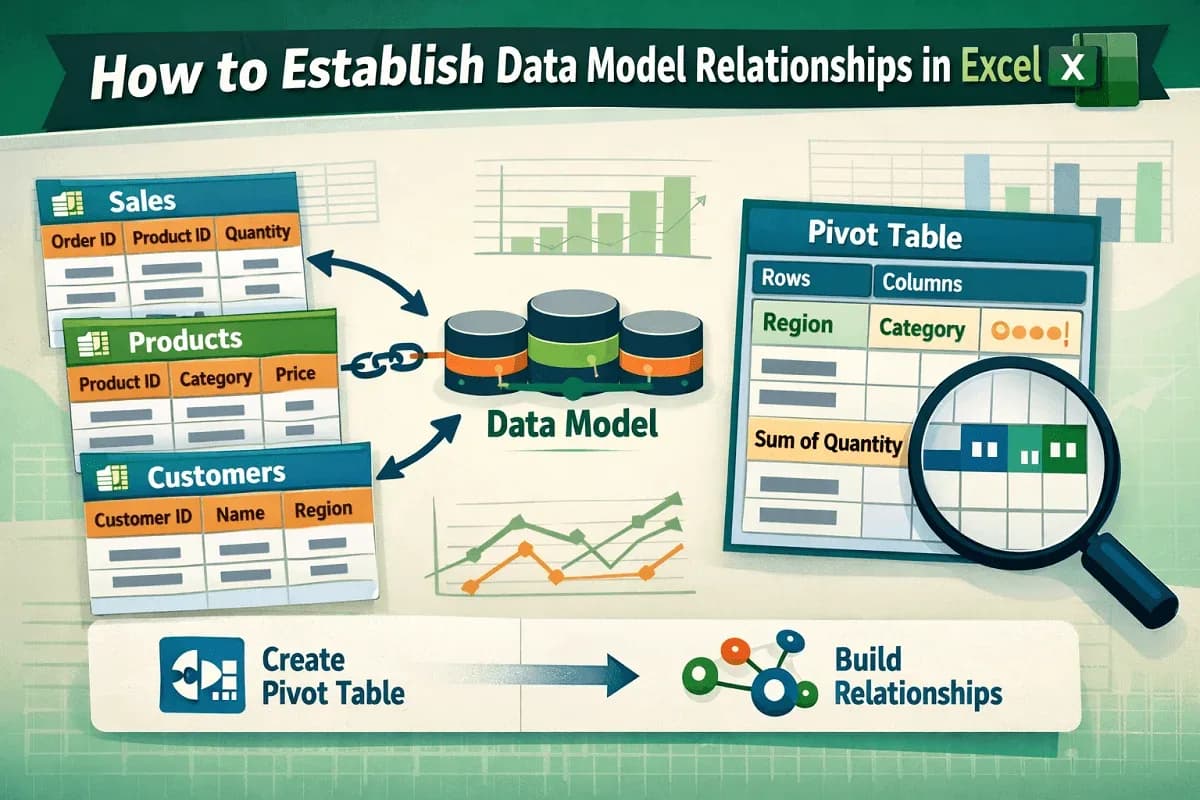
Learn how to establish data model relationships in Excel using tables, PivotTables, and relationships to analyze data efficiently.