Excel Pro Tips
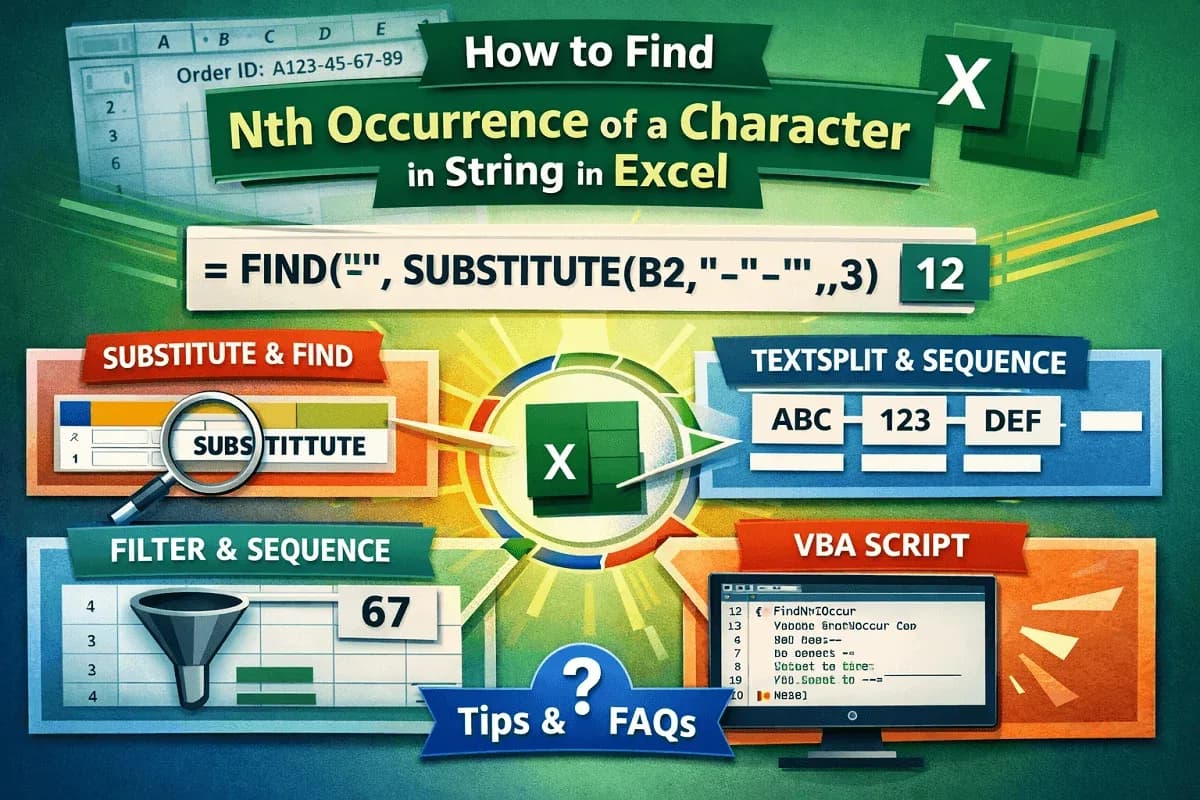
How to Find Nth Occurrence of a Character in String in Excel
Learn how to find the Nth occurrence of a character in an Excel string using formulas, Excel 365 functions, and VBA with examples.
Read article

5 articles tagged with “Excel Find Value in String”
Learn how to find the Nth occurrence of a character in an Excel string using formulas, Excel 365 functions, and VBA with examples.

Learn how to find the first number in a string in Excel using MID, FIND, MATCH, CODE, XLOOKUP, INDEX-MATCH, or VBA for automation.
![[Solved] CTRL F Not Working in Excel (6 Possible Solutions)](/_next/image/?url=https%3A%2F%2Fpub-b39c974f4c124a36a2fb517be38076ec.r2.dev%2Fimages%2F2026%2F08%2Ffeatured-image-ctrl-f-not-working-in-excel-9f7a8a98.webp&w=3840&q=75)
Fix “CTRL + F not working in Excel” with solutions for hidden data, protected sheets, and incorrect Find and Replace settings.

Learn how to find a character from the right side of a string in Excel using RIGHT, FIND, and TEXTAFTER functions for accurate results.

Learn how to find the last occurrence of a character in a string in Excel using different string manipulation formulas and VBA code.