Advanced Excel
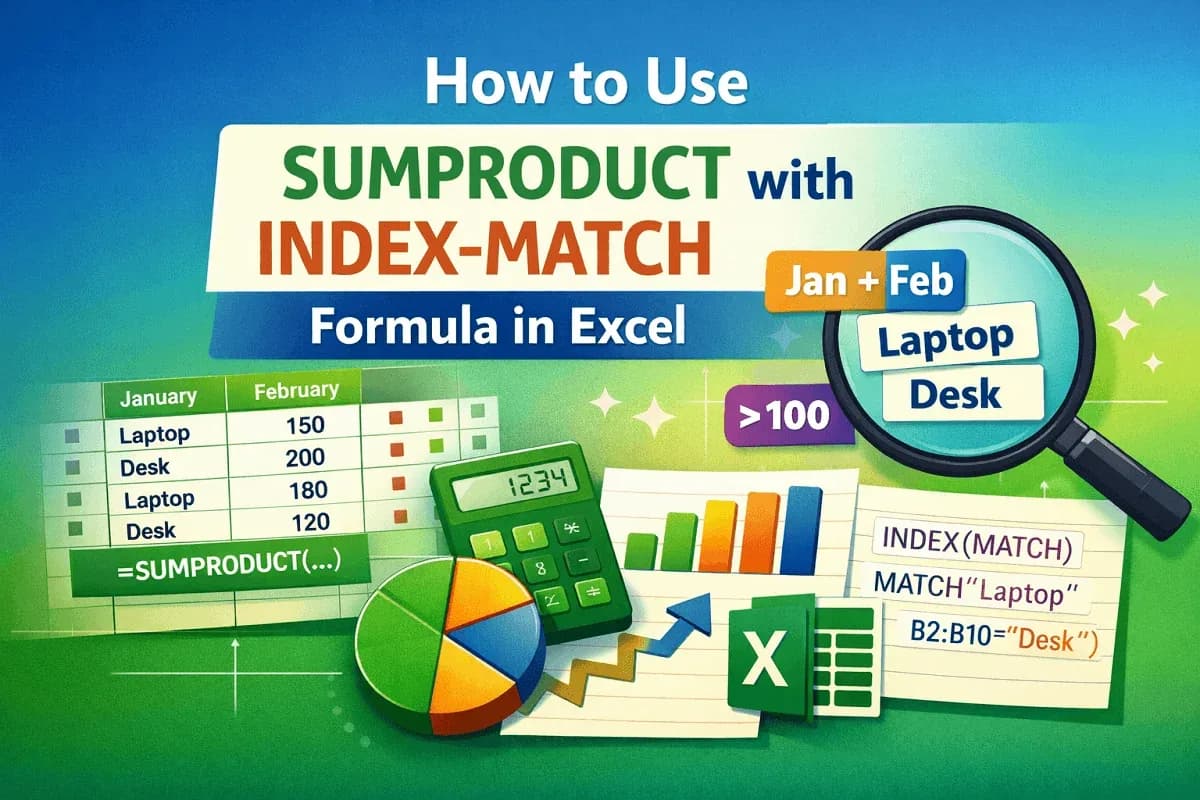
How to Use SUMPRODUCT with INDEX-MATCH Formula in Excel
Learn how to use SUMPRODUCT with INDEX-MATCH in Excel to sum data by text, cell references, multiple criteria, numeric conditions, etc.
Read article

10 articles tagged with “Excel INDEX-MATCH Formula”
Learn how to use SUMPRODUCT with INDEX-MATCH in Excel to sum data by text, cell references, multiple criteria, numeric conditions, etc.
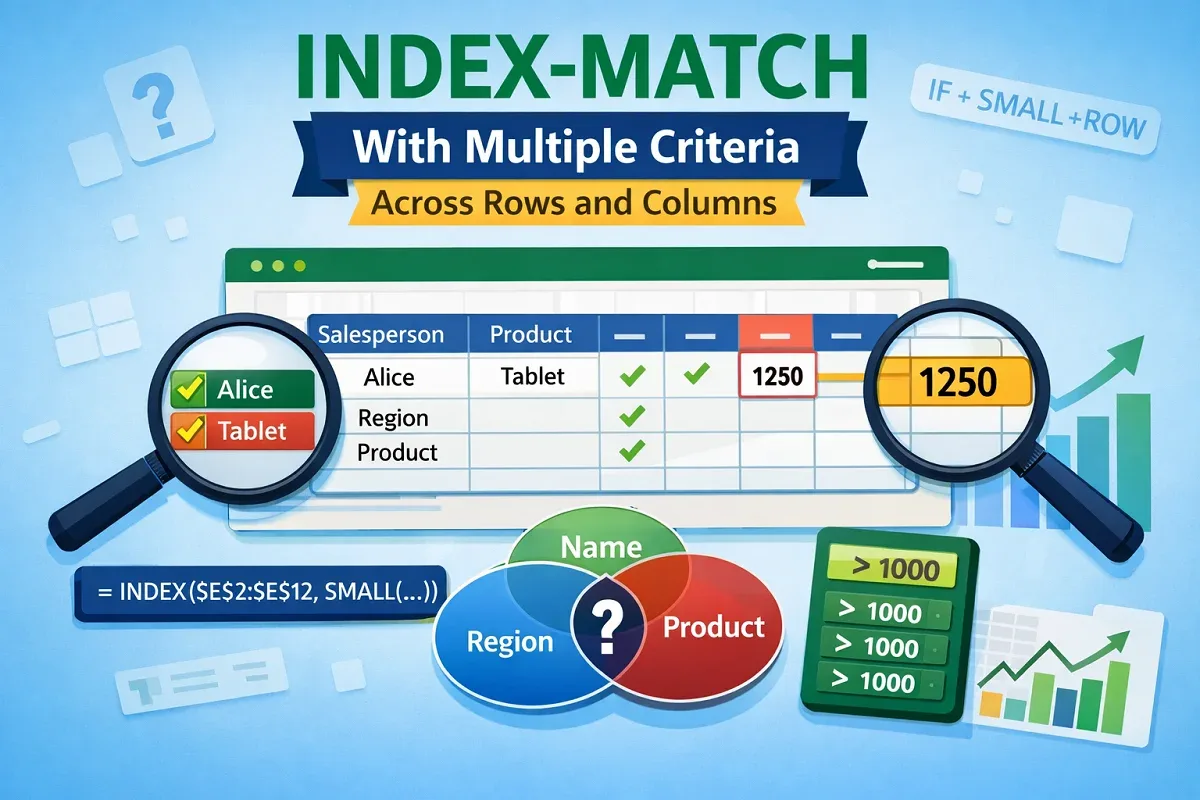
Learn how to use the INDEX-MATCH formula with multiple criteria across rows and columns in Excel to extract and lookup values efficiently.
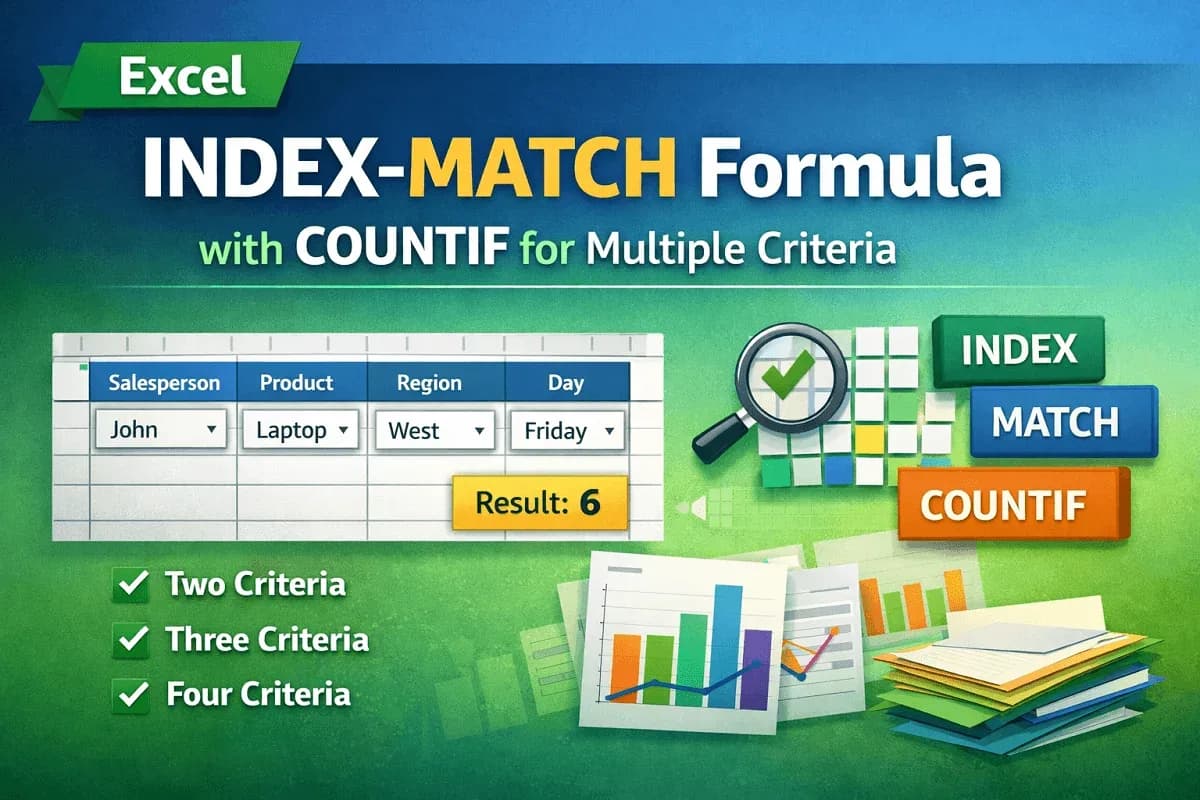
Learn how to combine INDEX-MATCH with COUNTIF in Excel for two, three, and four criteria lookups to boost your data analysis skills.
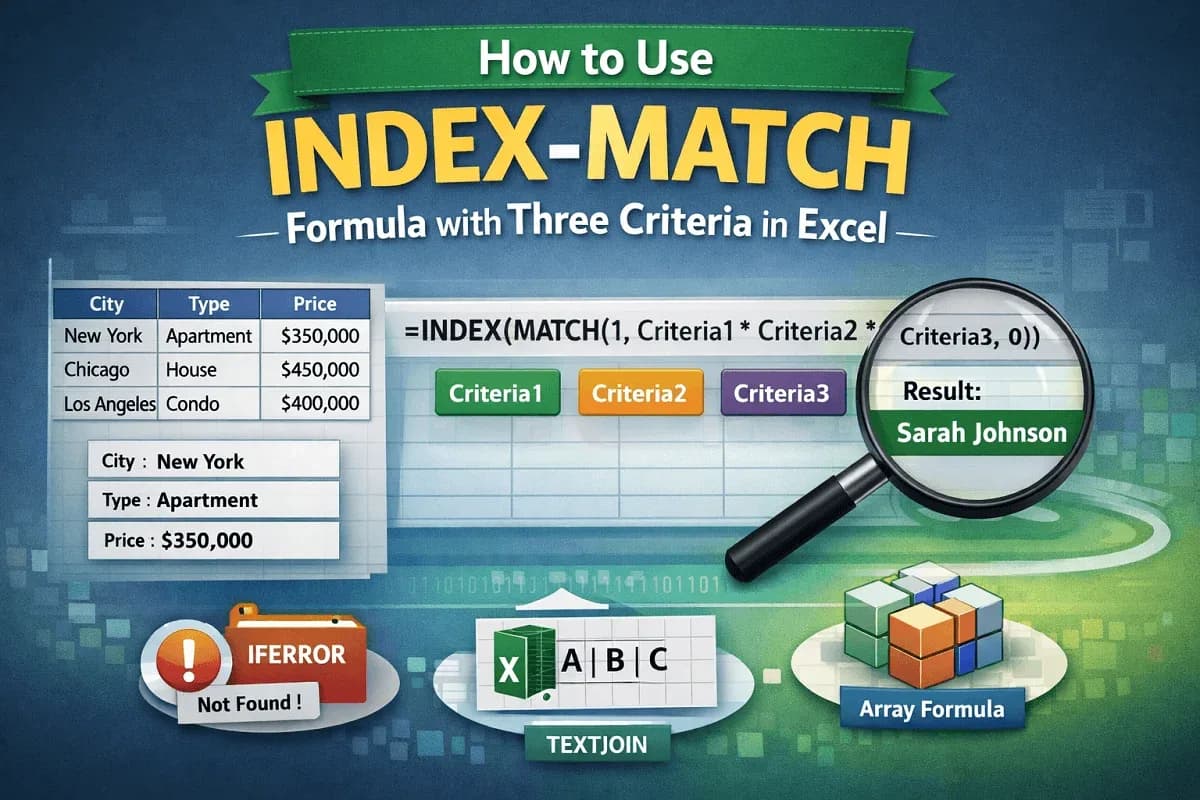
Learn how to use the INDEX-MATCH formula with three criteria in Excel, including array and non-array methods, error handling, and TEXTJOIN.
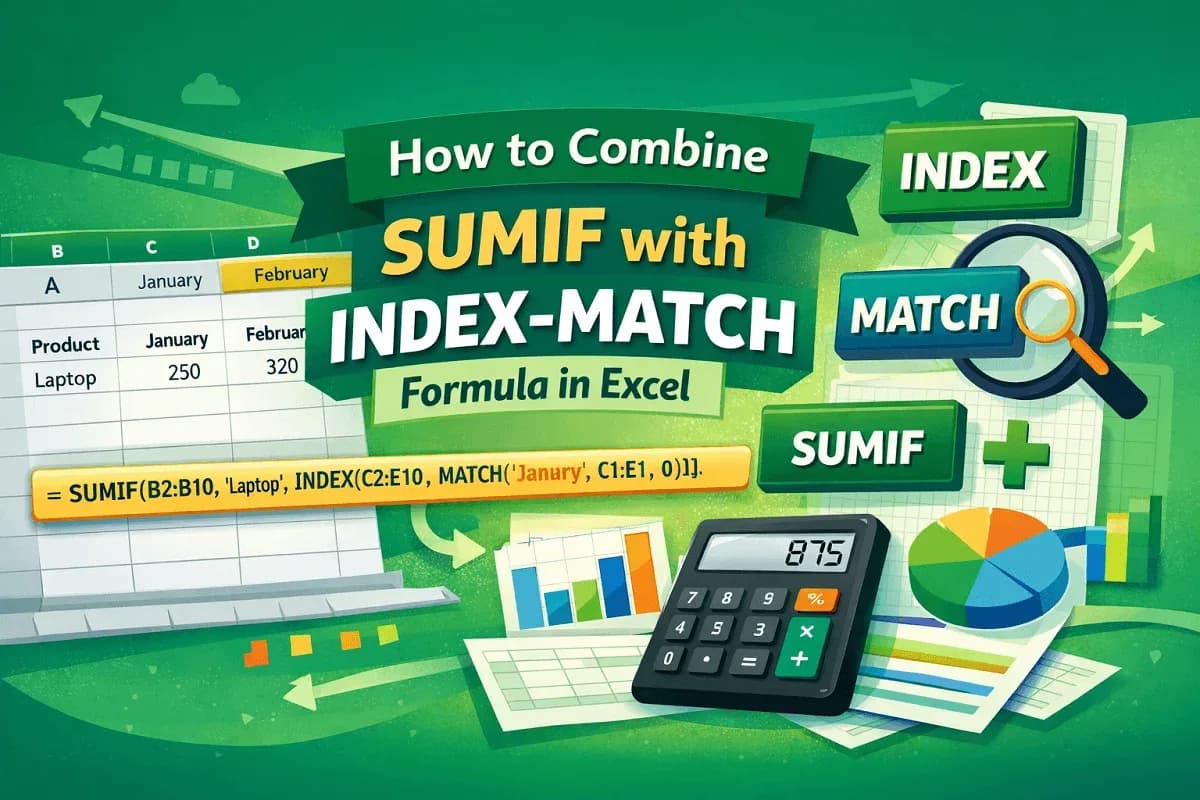
Learn how to combine SUMIF with INDEX-MATCH in Excel to create dynamic, criteria-based summations and advanced lookup formulas.
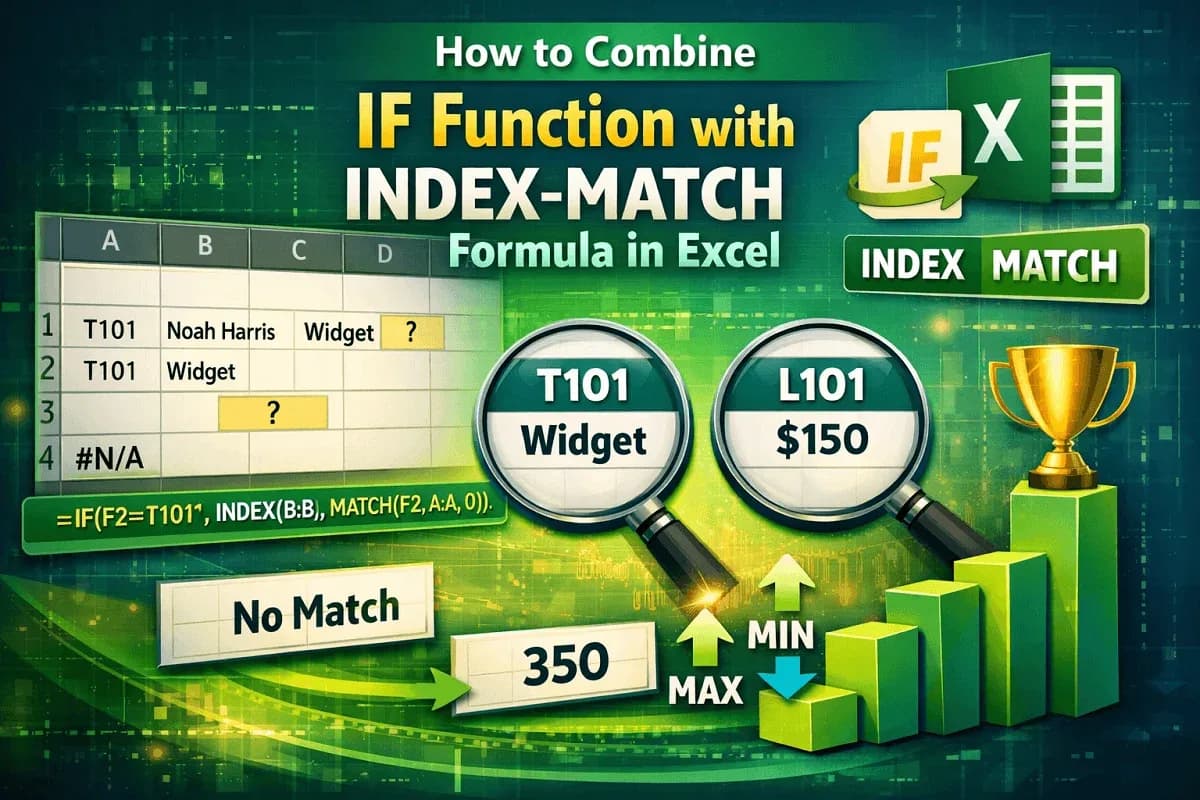
Learn how to combine IF with INDEX-MATCH in Excel for dynamic lookups, error handling, and conditional value extraction.
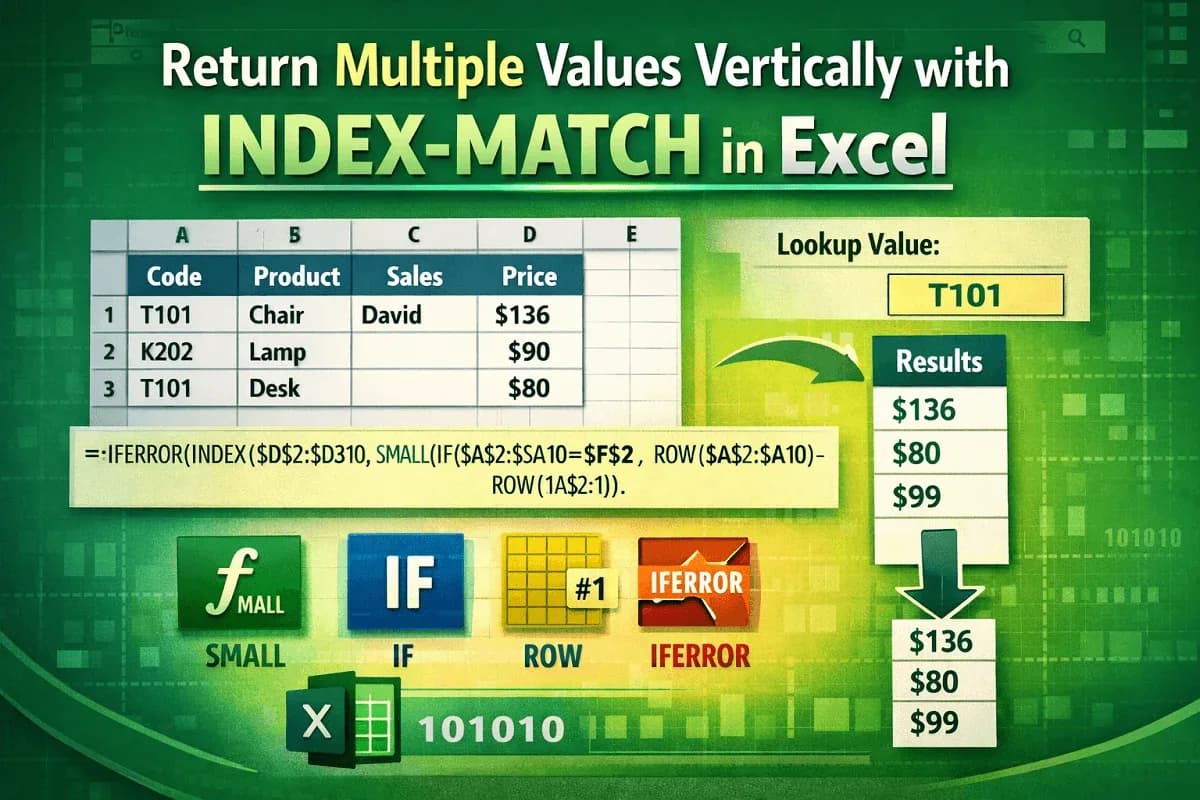
Learn how to use the INDEX-MATCH formula in Excel to return multiple values vertically, including partial matches and multi-criteria results.
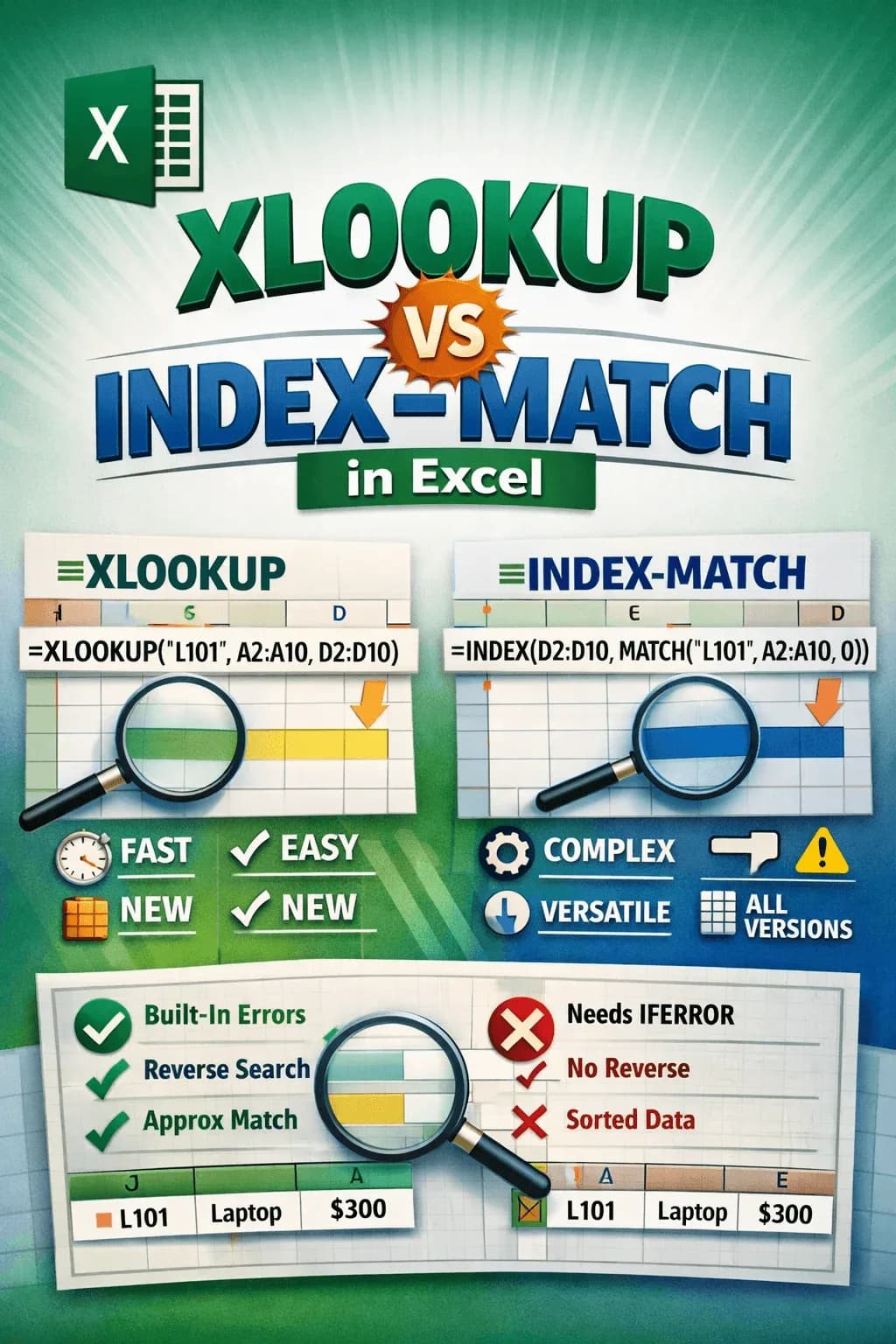
Compare XLOOKUP vs INDEX MATCH in Excel: syntax, speed, compatibility, error handling, and advanced lookup functions in detail.
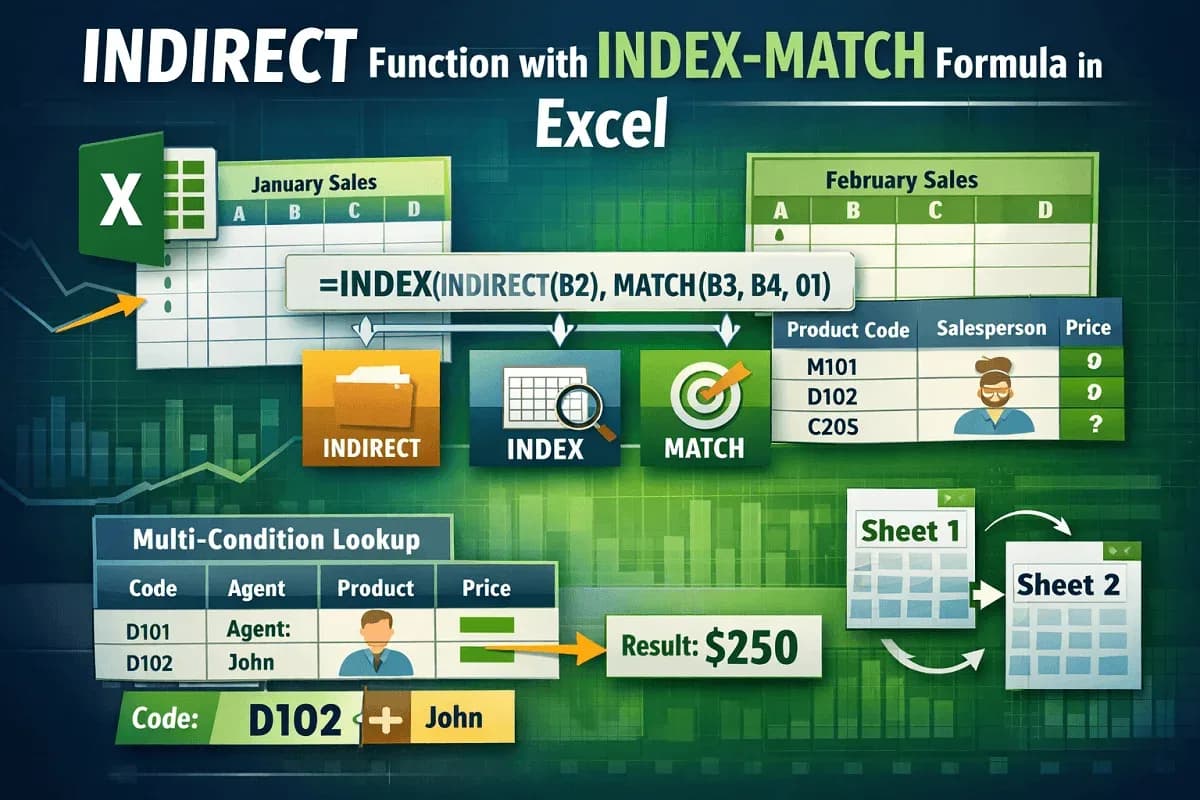
Master the INDIRECT, INDEX, and MATCH functions in Excel for dynamic lookups, cross-sheet references, and advanced data matching tasks.

Learn how to use INDEX MATCH across multiple sheets in Excel to set up lookup fields, retrieve data, and find relevant information easily.