Excel Pro Tips
How to Print Excel Spreadsheet on Multiple Pages (3 Techniques)
Learn how to print an Excel spreadsheet on multiple pages using scaling options, shortcuts, and VBA automation easily.
Read article

9 articles tagged with “Print Excel Sheets”
Learn how to print an Excel spreadsheet on multiple pages using scaling options, shortcuts, and VBA automation easily.

Learn how to print multiple sheets in Excel using print options, set print areas, Camera tool, and VBA automation easily.

Learn how to show the print area in Excel using Page Break Preview, Print Preview, and VBA for precise and professional printing.

Learn how to clear print area in Excel using the Page Layout tab, Name Manager, shortcuts, Page Setup dialog box or VBA macros.

Learn how to print selected area in Excel by setting page breaks, defining named ranges, using Page Setup, or Print Selection options.

Learn how to change print area in Excel using Page Layout, set and adjust print ranges, and add new cells to customize your printed sheets.

Learn how to print comments in Excel, either at the end of the sheet or as displayed on the sheet, using simple Page Layout options.

Learn how to make your Excel spreadsheet bigger when printing by adjusting scale, layout, font size, and print area settings.
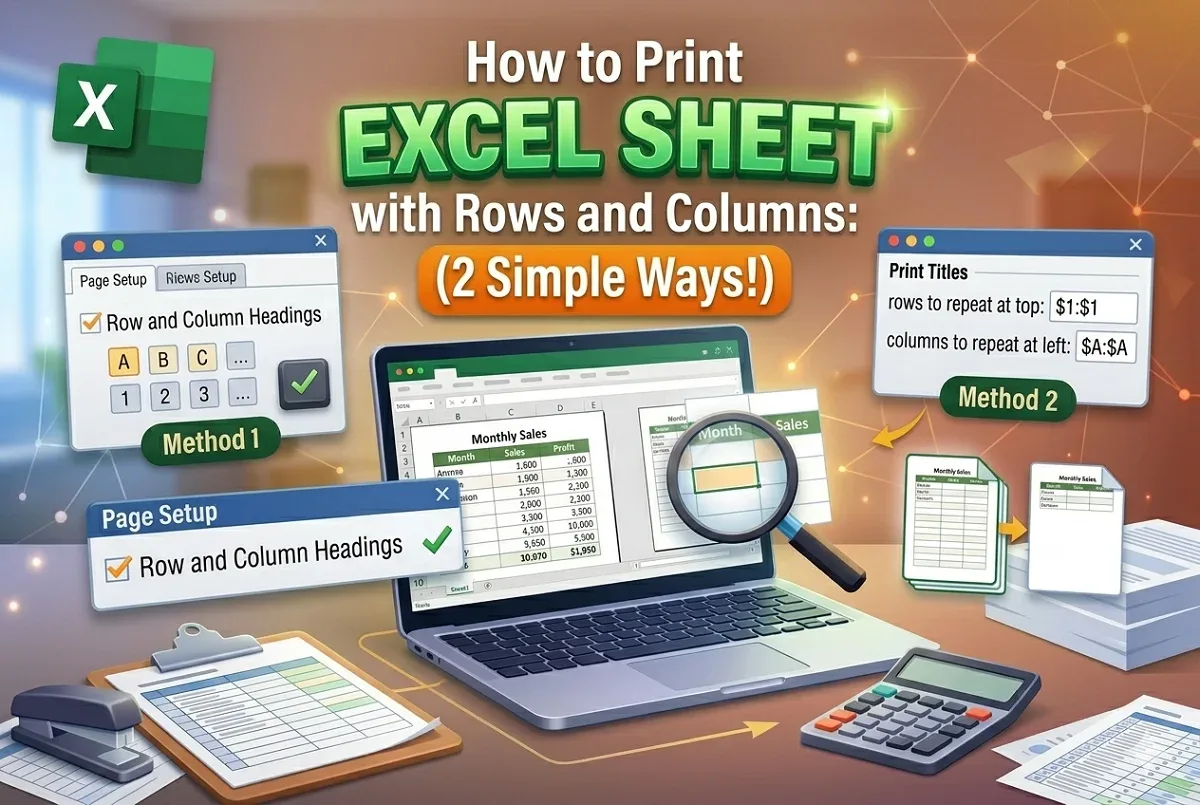
This article covers two different ways to print Excel sheet with rows and columns: to print default Excel's column headings and print titles.