Excel VBA
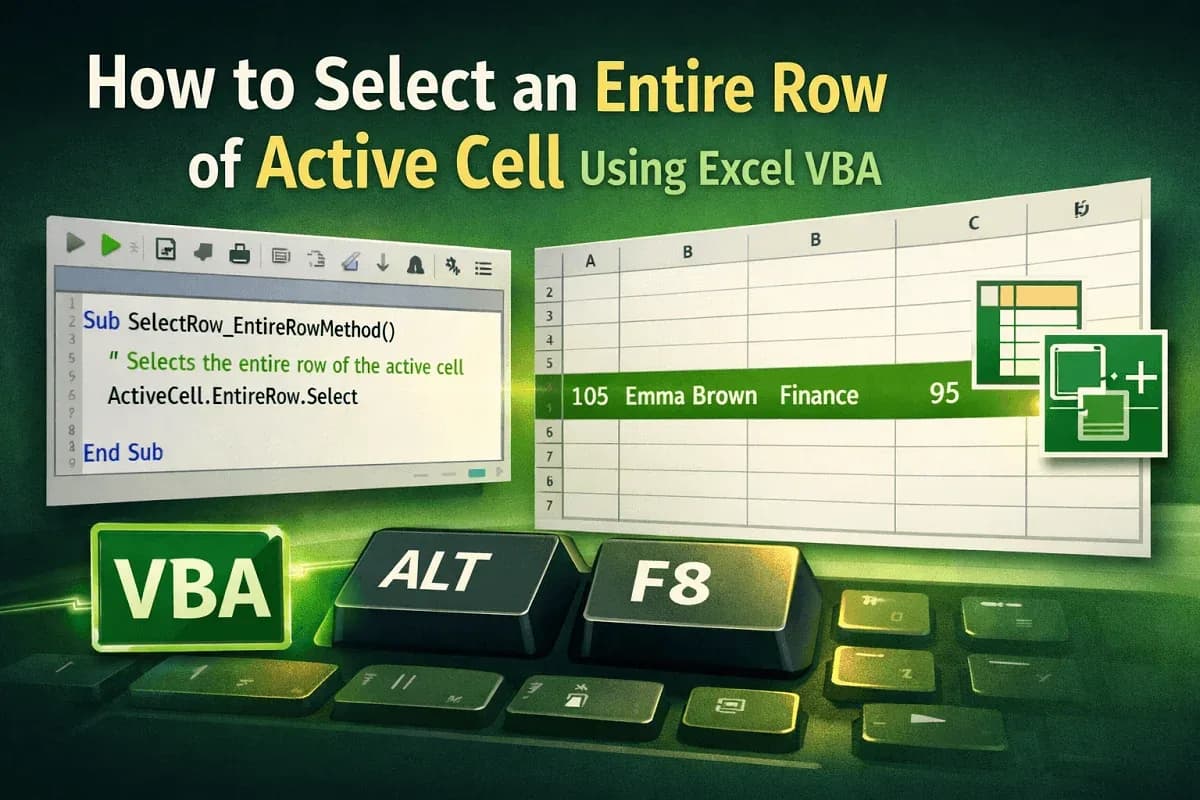
How to Select an Entire Row of Active Cell Using Excel VBA
Learn how to select the entire row of the active cell in Excel VBA using ActiveCell.EntireRow, Rows, and the Union method.
Read article

6 articles tagged with “Working with Rows in Excel VBA”
Learn how to select the entire row of the active cell in Excel VBA using ActiveCell.EntireRow, Rows, and the Union method.

Learn how to insert single or multiple rows in Excel using VBA, with or without formatting, across sheets or at every Nth row.

Learn how to delete rows based on cell values in Excel VBA, whether matching text, blanks, numeric criteria, or multiple user-defined rules.

Learn how to delete empty rows in Excel using VBA by targeting user-selected ranges, defined areas, or removing all blank rows in one go.
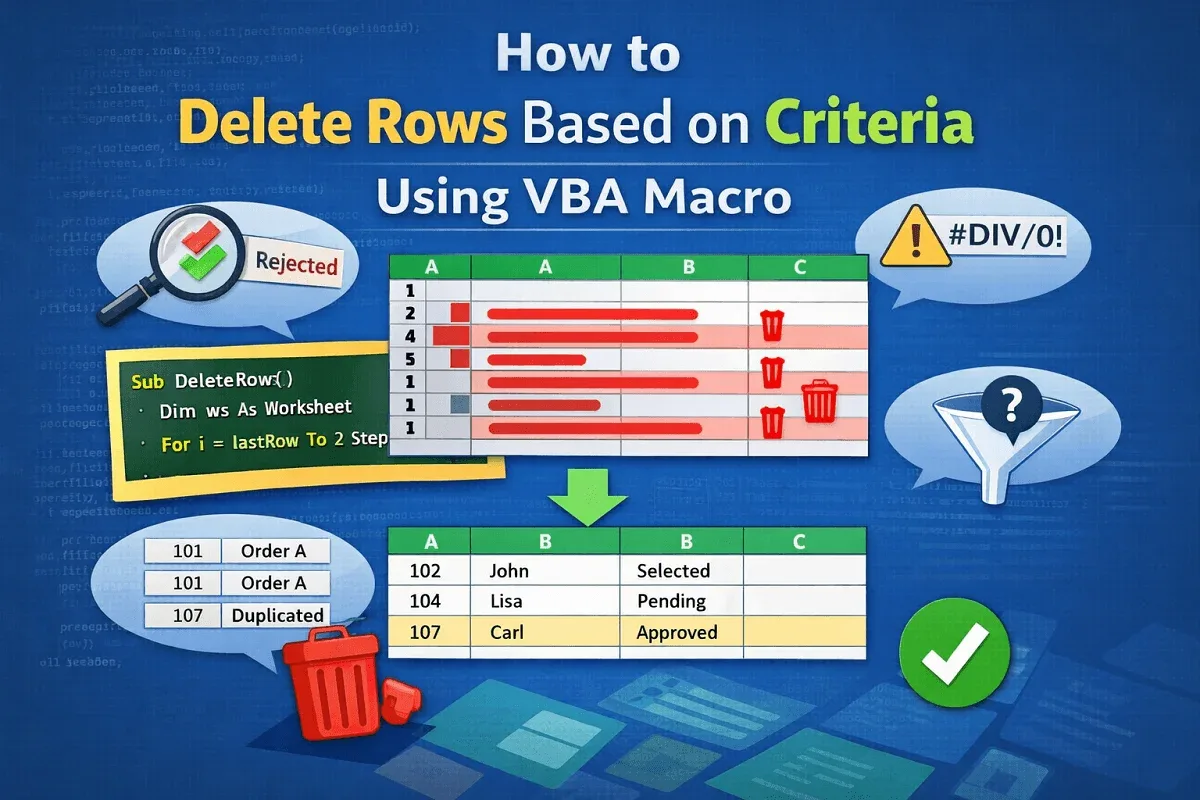
Learn how to delete rows based on criteria using VBA in Excel—remove by keyword, blanks, errors, duplicates, or user-defined conditions.
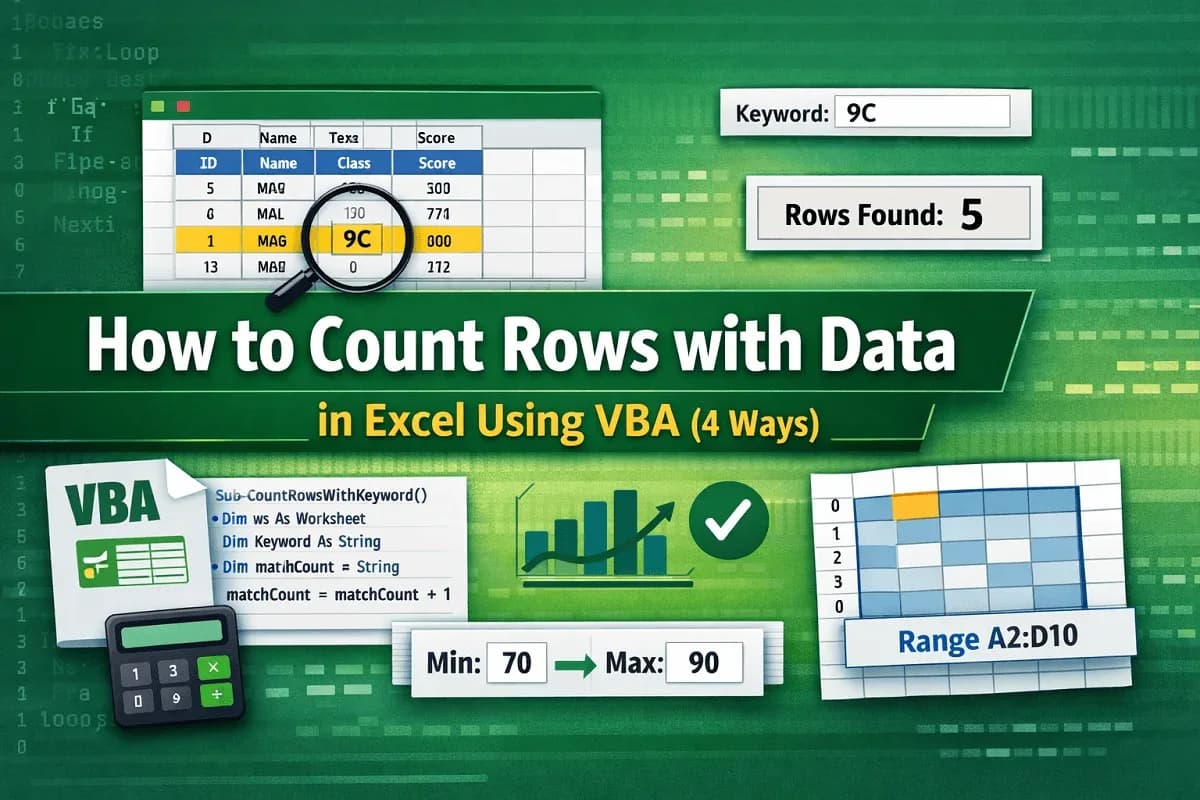
Learn how to count rows with data in Excel using VBA by applying CountA, looping through rows, using criteria, and targeting specific ranges.