
Google Sheets Basics
How to Sort by Date in Google Sheets (4 Easy Methods)
Learn how to sort by date in Google Sheets using Sort Range, SORT, Filter, QUERY functions, and fix common date sorting issues.
Read article

1285 articles
Learn how to sort by date in Google Sheets using Sort Range, SORT, Filter, QUERY functions, and fix common date sorting issues.
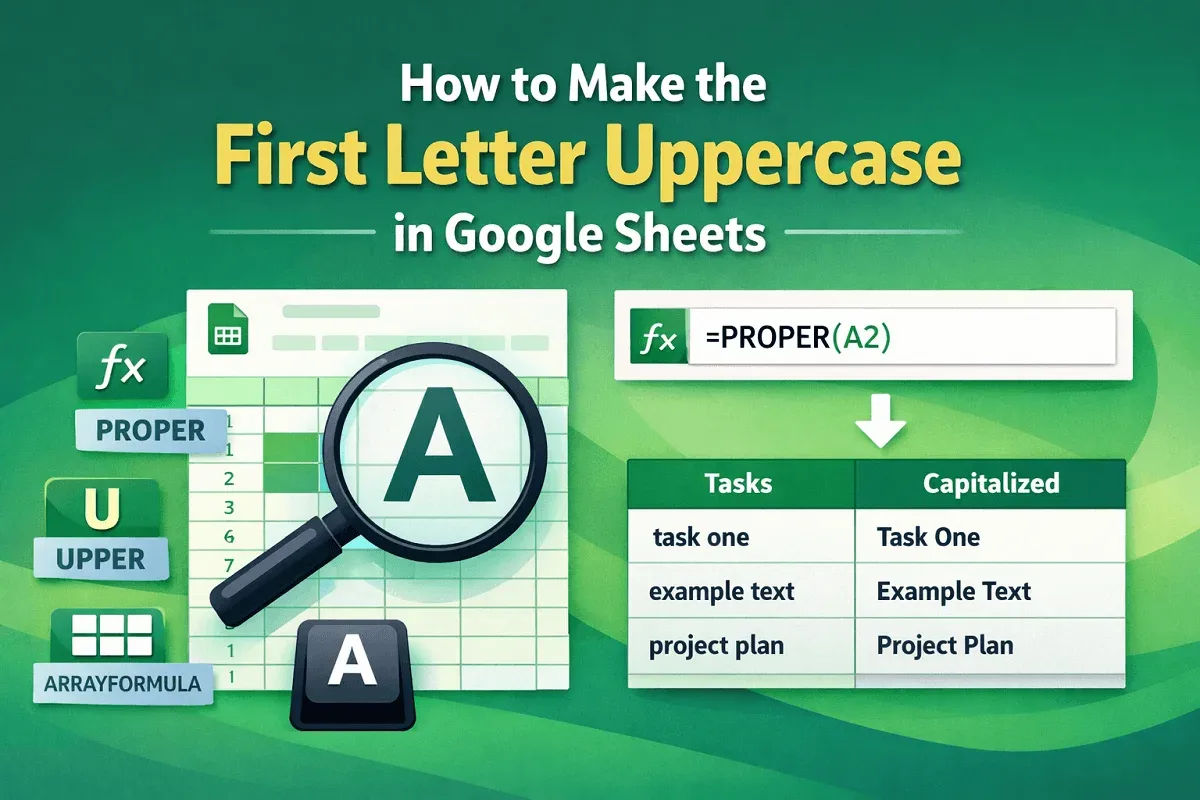
Learn how to make the first letter uppercase in Google Sheets using the PROPER function, UPPER function, or ARRAYFORMULA for bulk changes.
Learn how to find the equation of a trendline in Excel using built-in features or manual calculations for different trendlines.

Learn how to split text by multiple delimiters in Google Sheets using SUBSTITUTE, SPLIT, REGEX, ARRAYFORMULA, or Apps Script for automation.

Learn how to share only one tab in Google Sheets by hiding other tabs, using Protect Sheet, creating a new file, or publishing to the web.

Learn how to apply conditional formatting in Google Sheets based on another cell’s value using single or multiple formatting rules.
Learn how to remove formulas but keep values in Google Sheets using the Paste Values feature or the values-only option from the toolbar.

Learn how to autofill in Google Sheets without dragging using keyboard shortcuts, the suggested autofill box, or the Fill Down feature.
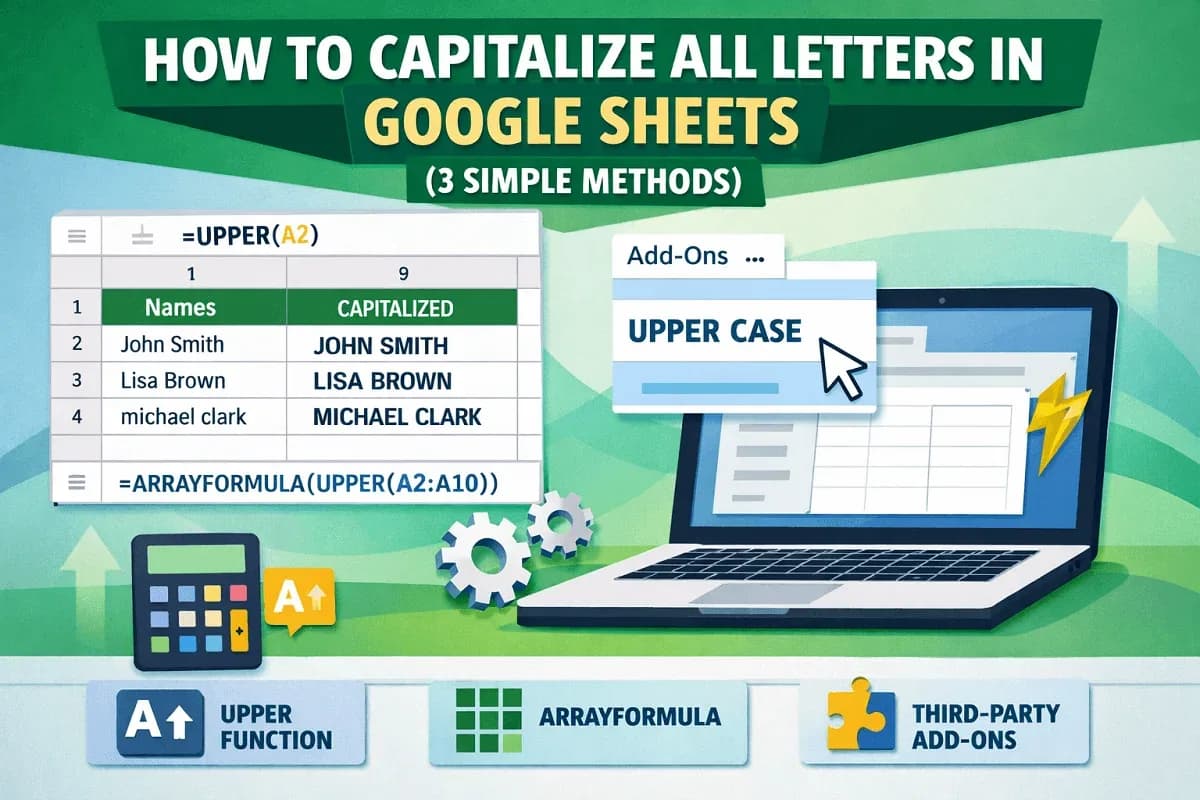
Learn how to capitalize all letters in Google Sheets using the UPPER function, ArrayFormula for bulk edits or third-party add-ons.

Learn how to calculate years and months between two dates in Excel using a helper column and the DATEDIF function.

Learn how to fix numbers stored as text in Excel by changing number format, using a multiplication trick, and applying a helper column.

This article explains and explores the budget vs actual variance formula in Excel, budget vs actual % variance, and plotting variance chart.