Excel Pro Tips
How to Alternate Row Color Based on Group in Excel
Learn how to alternate row colors in Excel based on groups using formulas, helper columns, and conditional formatting for any group size.
Read article

1285 articles
Learn how to alternate row colors in Excel based on groups using formulas, helper columns, and conditional formatting for any group size.

Learn how to highlight cells containing text from a list in Excel using COUNTIF, MATCH, SEARCH, and SUMPRODUCT for exact and partial matches.
Learn how to apply conditional formatting based on dates in another cell, including highlighting before, after, equal & row-based date rules.
Learn how to set conditional formatting rules for a column based on another column in Excel using formulas for numbers & text conditions.
Learn how to use SUMPRODUCT with INDEX-MATCH in Excel to sum data by text, cell references, multiple criteria, numeric conditions, etc.

Learn how to use Conditional Formatting formulas in Excel to highlight cells containing specific, partial or multiple text values.
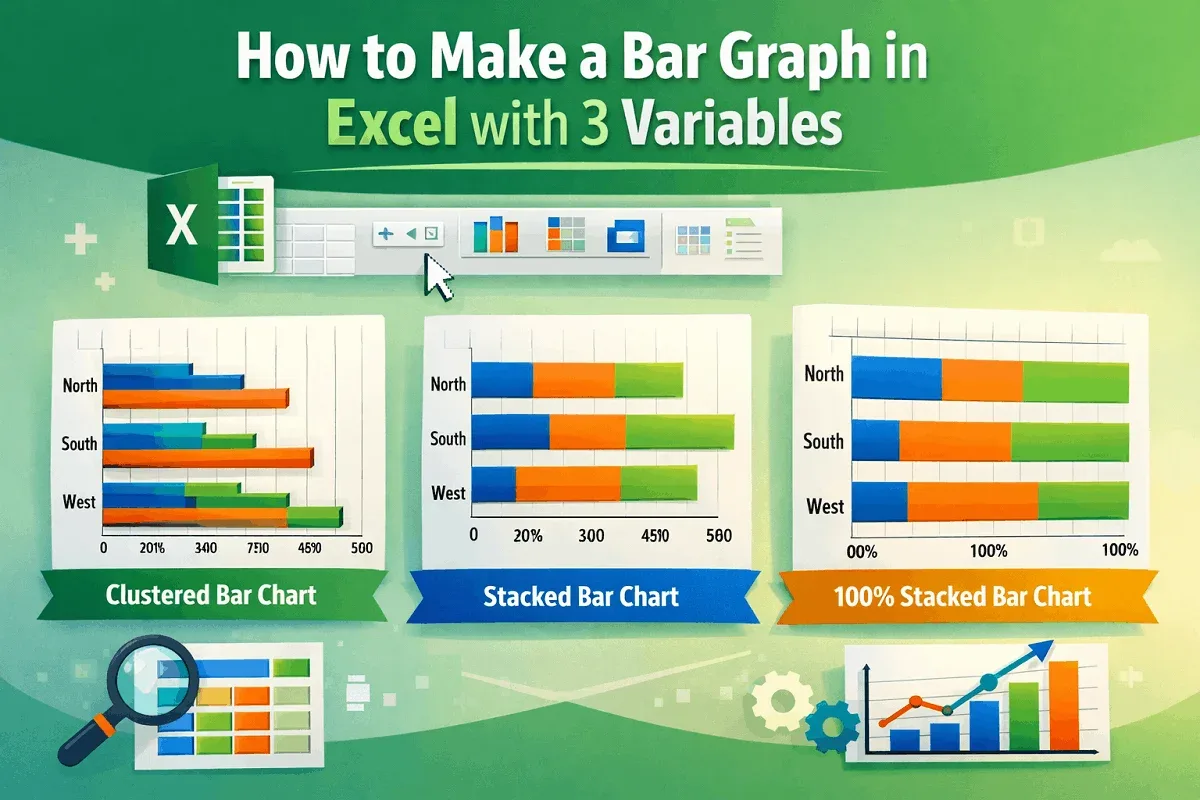
Learn how to make a bar graph in Excel with 3 variables using clustered, stacked, and 100% stacked bar charts in 2-D or 3-D formats.
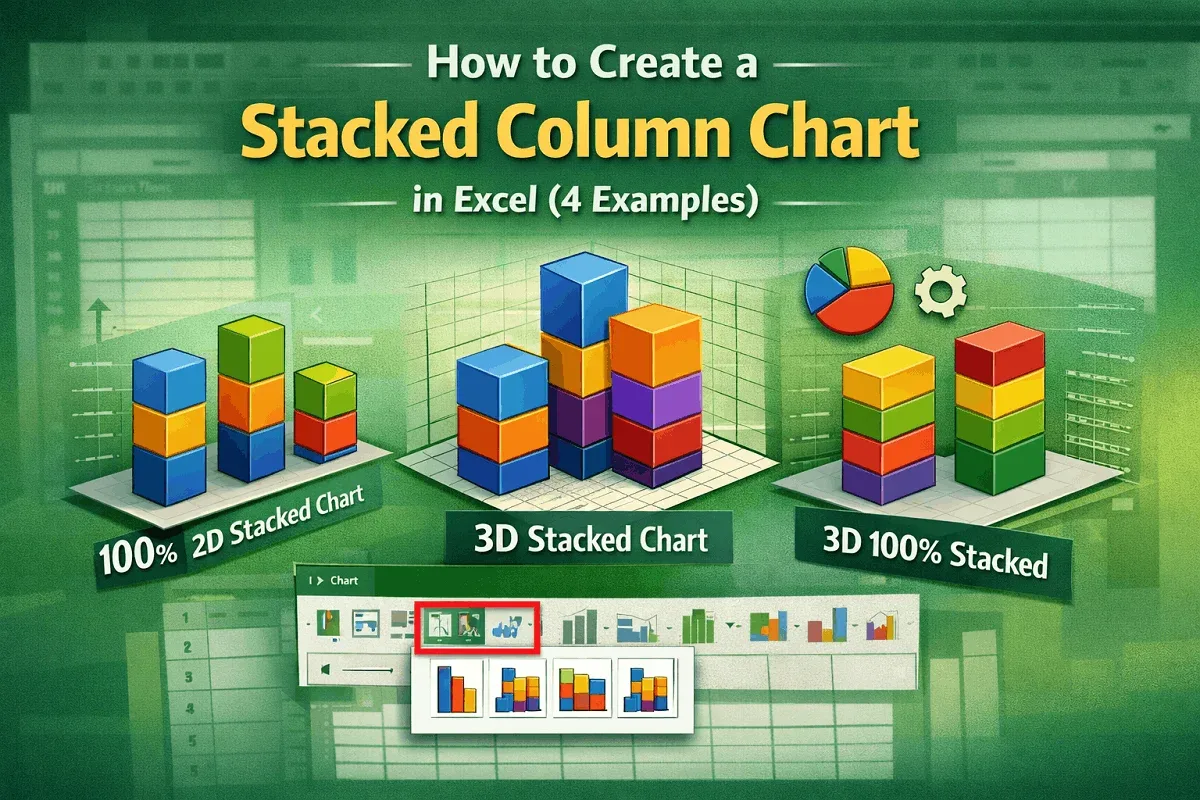
Learn how to create 2-D and 3-D stacked column charts in Excel, including standard and 100% types, to visualize your data effectively.
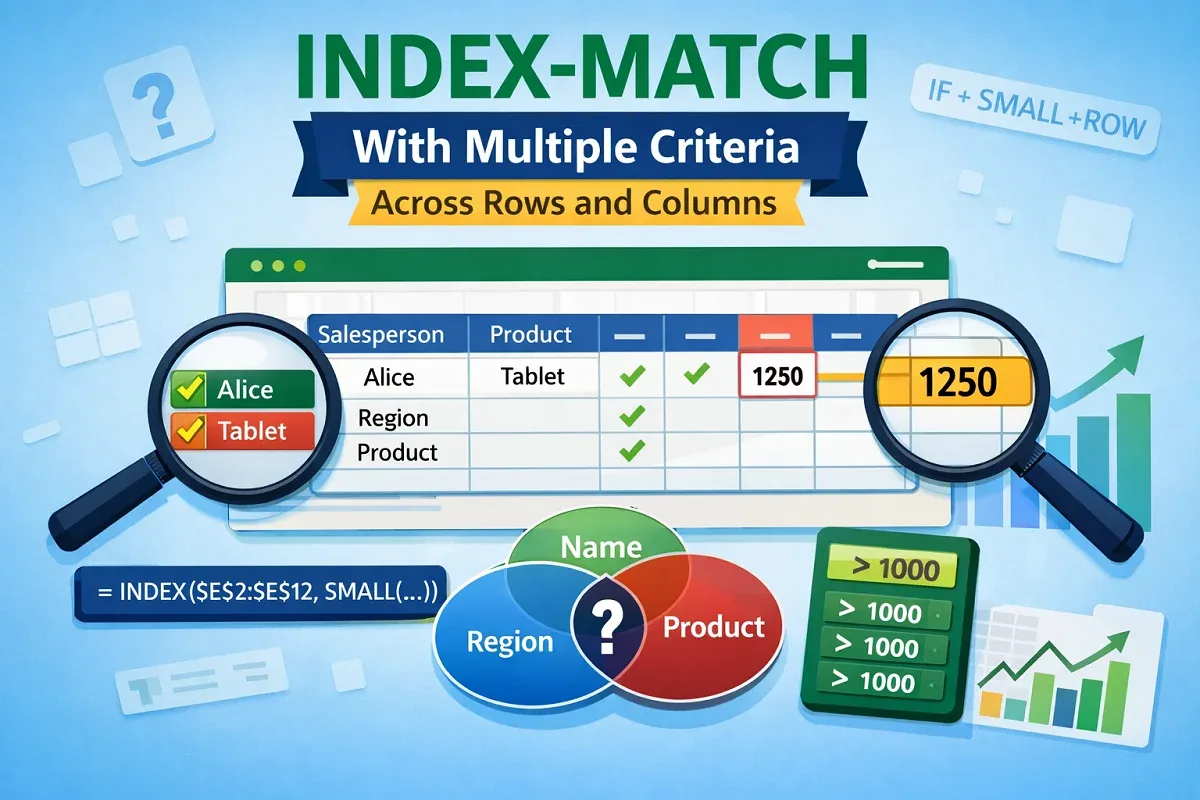
Learn how to use the INDEX-MATCH formula with multiple criteria across rows and columns in Excel to extract and lookup values efficiently.
Learn how to transpose multiple rows in groups to columns in Excel using formulas, Paste Special, Power Query, and VBA automation.

Learn how to transpose a reference and autofill in Excel using Copy Paste, TRANSPOSE, INDIRECT, INDEX, and Power Query methods.
Learn how to create an employee database in Excel with structured tables, data validation, conditional formatting, and protection tips.