Excel for Finance
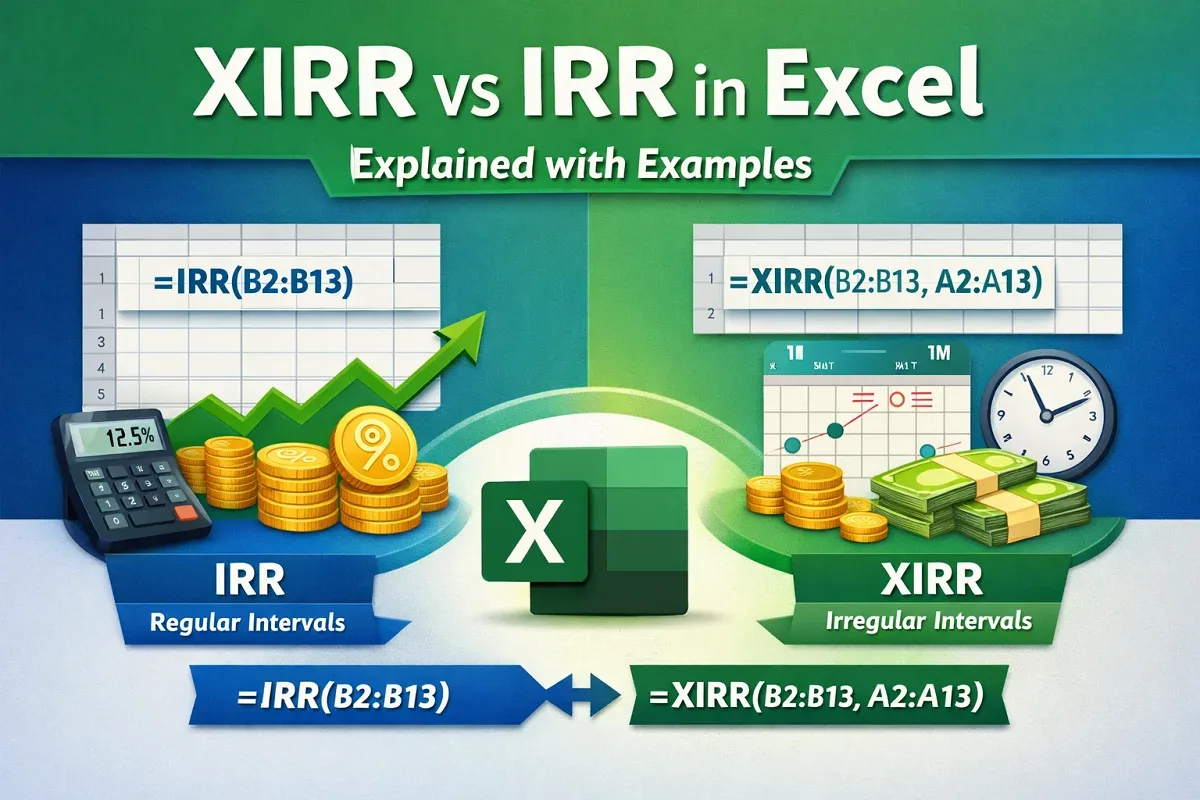
XIRR vs IRR in Excel: Explained with Examples
Learn the key differences between XIRR and IRR in Excel, how to calculate them, and when to use each for accurate investment analysis.
Read article

1285 articles
Learn the key differences between XIRR and IRR in Excel, how to calculate them, and when to use each for accurate investment analysis.

Learn how to make an Excel file read-only by setting file preferences, adding a password, and applying OS-level protection.
Learn how to enable a greyed-out calculated field in Excel Pivot Tables with easy steps to isolate and fix the issue quickly.
Learn how to create a calculated field in an Excel Pivot Table using column values with clear, step-by-step instructions.
Learn how to fix missing distinct count in Excel Pivot Tables with easy solutions using the Data Model or upgrading Excel.

Learn how to remove grand totals from Pivot Tables in Excel using the Design tab, PivotTable options, and VBA for advanced control.
Learn how to fix the “A PivotTable Report Cannot Overlap Another PivotTable Report” error by moving the table or adding space.

Sparklines are small charts. It fits in a single cell in Google Sheets. Without creating full-size charts, you can understand the data more clearly using sparklines. When you’re working with monthly growth, project progress, or sales data, you can get the information without cluttering your spreadsheet. In this article, you can learn in detail about […]
Sometimes it’s difficult to understand the data by looking at charts or graphs. Using a trendline, your data will be more meaningful and easier to explain. You can use a trendline in your Google Sheets chart, whether sales are increasing, website traffic is decreasing, or nothing is changing. Adding a trendline is very simple, and […]
Learn how to fix a Pivot Table not showing all data in Excel with steps to clear filters, refresh, expand, and adjust layout settings.
![[Fixed] 'Add This Data to the Data Model' Missing in Excel](https://pub-b39c974f4c124a36a2fb517be38076ec.r2.dev/images/2026/08/featured-image-add-this-data-to-the-data-model-missing-9123bcc6.webp)
Learn how to restore the missing “Add This Data to the Data Model” option in Excel by fixing file format, PivotTables, and version issues.
Learn how to fix Excel Pivot Table not refreshing issues with easy solutions for new data, filters, field errors, and overlaps.