Excel Pro Tips
How to Transpose an Array with VBA in Excel (3 Examples)
Learn how to transpose an array in Excel using VBA with functions, PasteSpecial, and manual methods for efficient data manipulation.
Read article

1285 articles
Learn how to transpose an array in Excel using VBA with functions, PasteSpecial, and manual methods for efficient data manipulation.
Learn how to extract the year from a date in Excel using YEAR, TEXT functions, cell formatting, and the Text to Columns feature.
Learn how to use Excel formulas, IF function, TODAY, conditional formatting, and VBA to check if one date is greater than another.
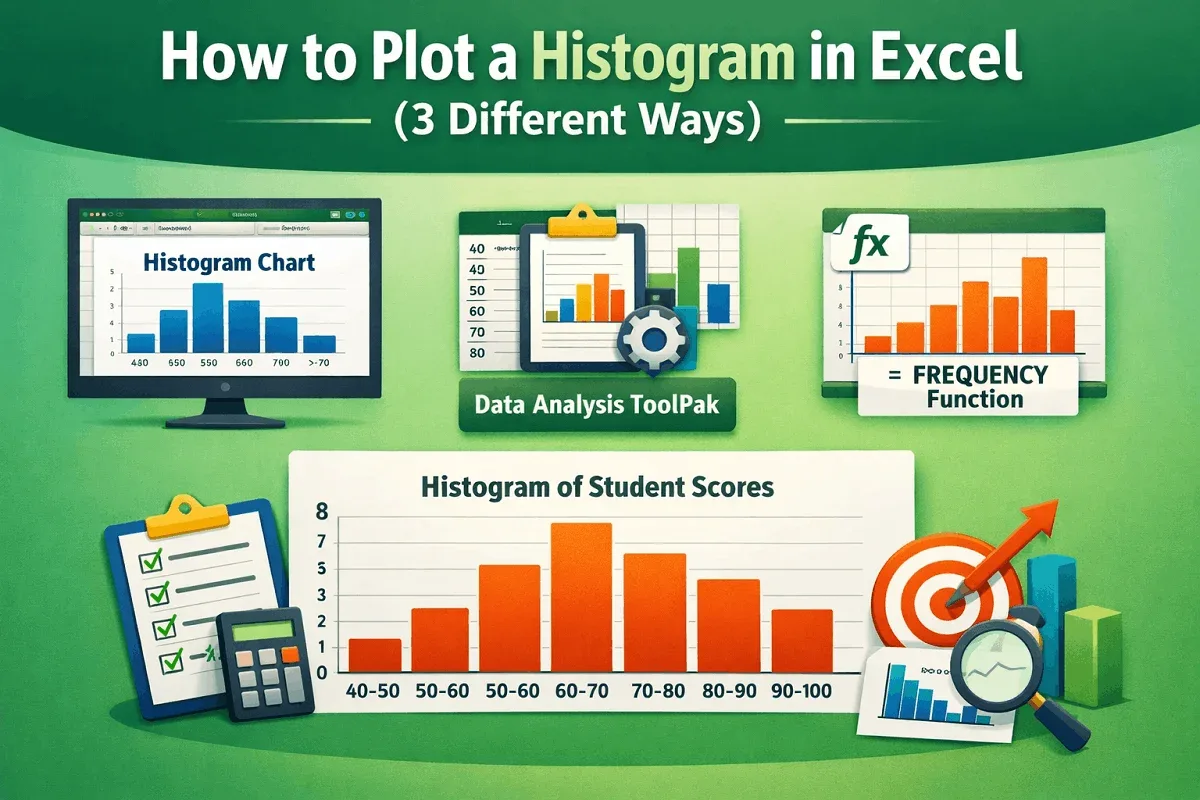
Learn how to plot a histogram in Excel using built-in charts, the Data Analysis ToolPak, or the FREQUENCY function, plus formatting tips.
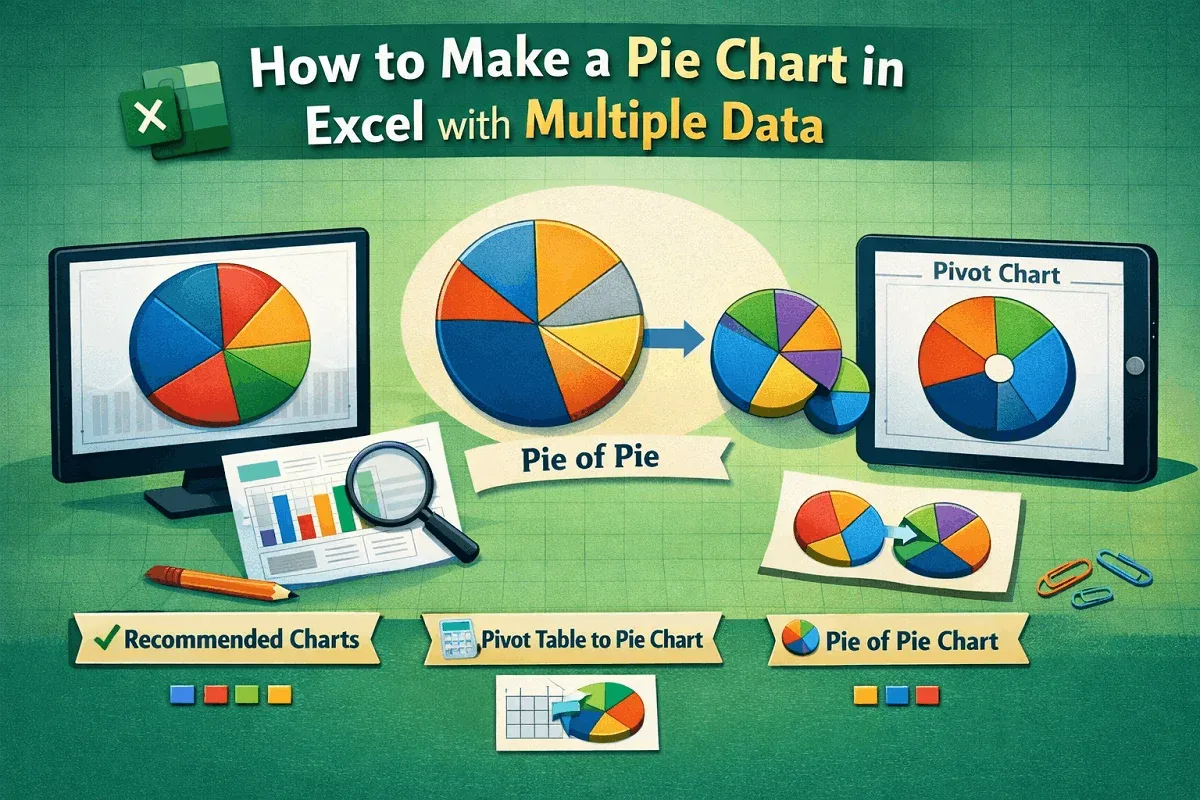
Learn how to make a pie chart in Excel with multiple data using charts, pivot tables, and formatting options like labels and colors.
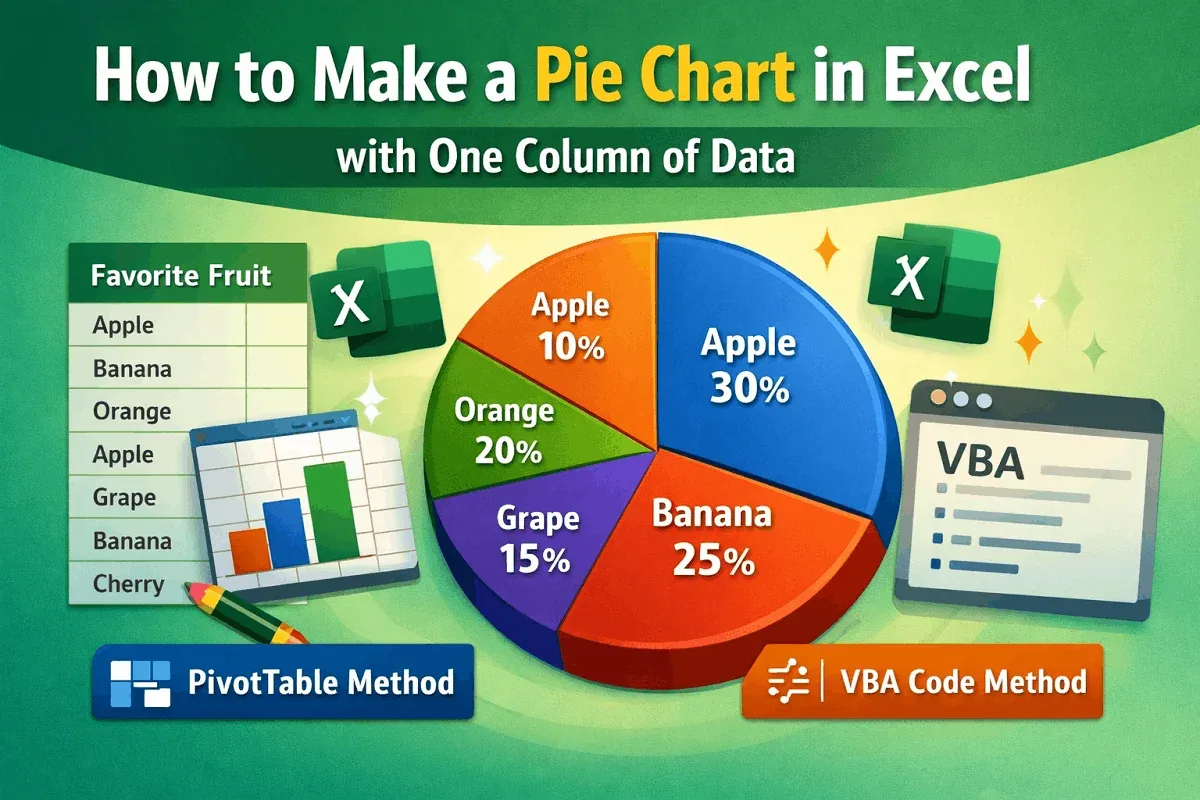
Learn how to create a pie chart in Excel from one column of data using Insert, PivotTable, or VBA code with simple, clear steps.

Learn how to keep a cell fixed in Excel formulas using absolute references or the INDIRECT function for more control and accuracy.

Learn how to remove headers and footers in Excel using Page Layout View, Page Setup options, or a simple VBA script.
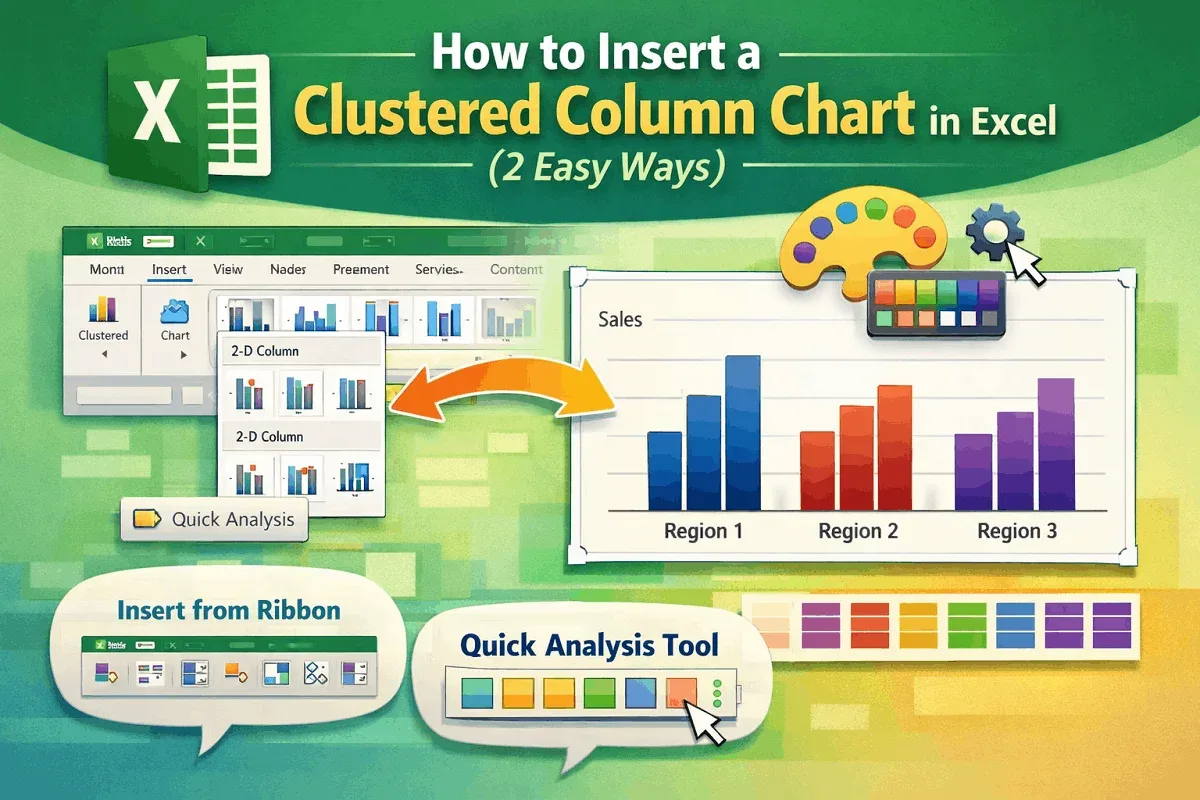
Learn how to insert a Clustered Column Chart in Excel using ribbons, the Quick Analysis Tool, and customize it to suit your data.
Learn how to fix the SpellNumber function in Excel with VBA, macro settings, and add-in tips to ensure it works correctly.

Learn how to find a character from the right side of a string in Excel using RIGHT, FIND, and TEXTAFTER functions for accurate results.
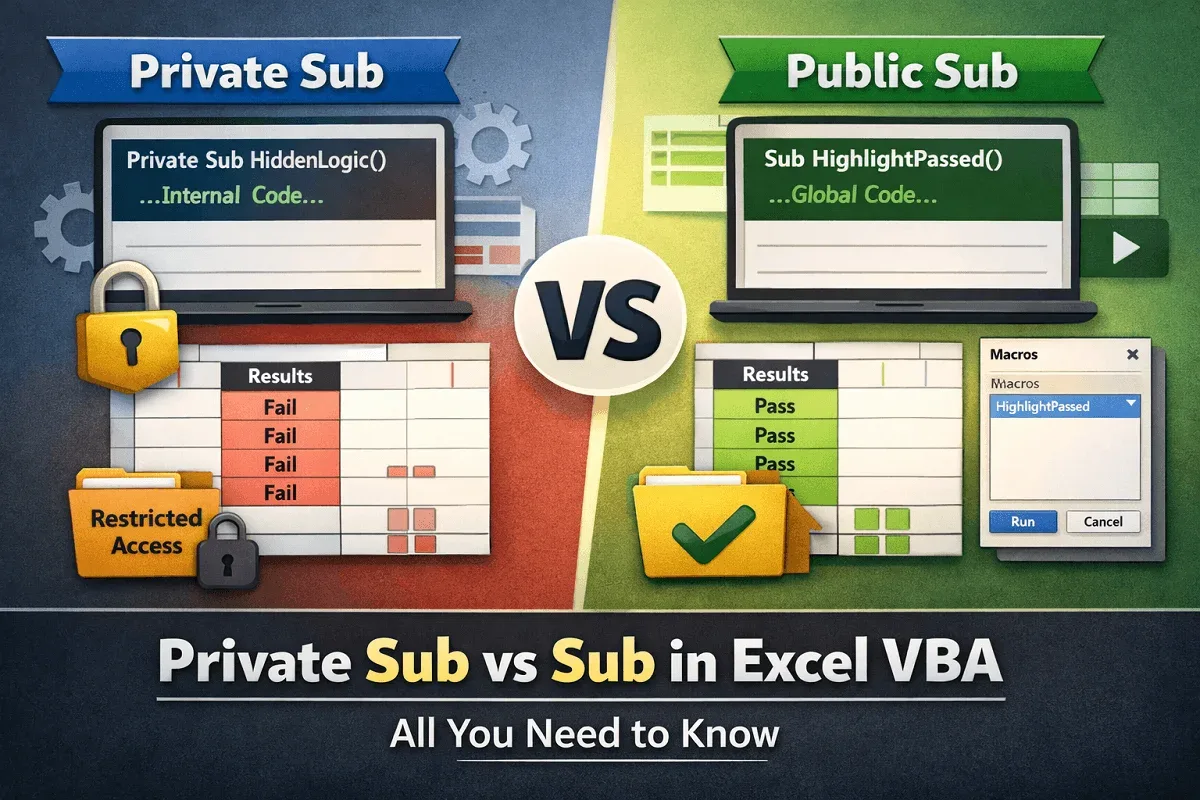
Learn the difference between Private Sub and Sub in Excel VBA, with examples on scope, access control, and modular macro design.