Google Sheets Basics
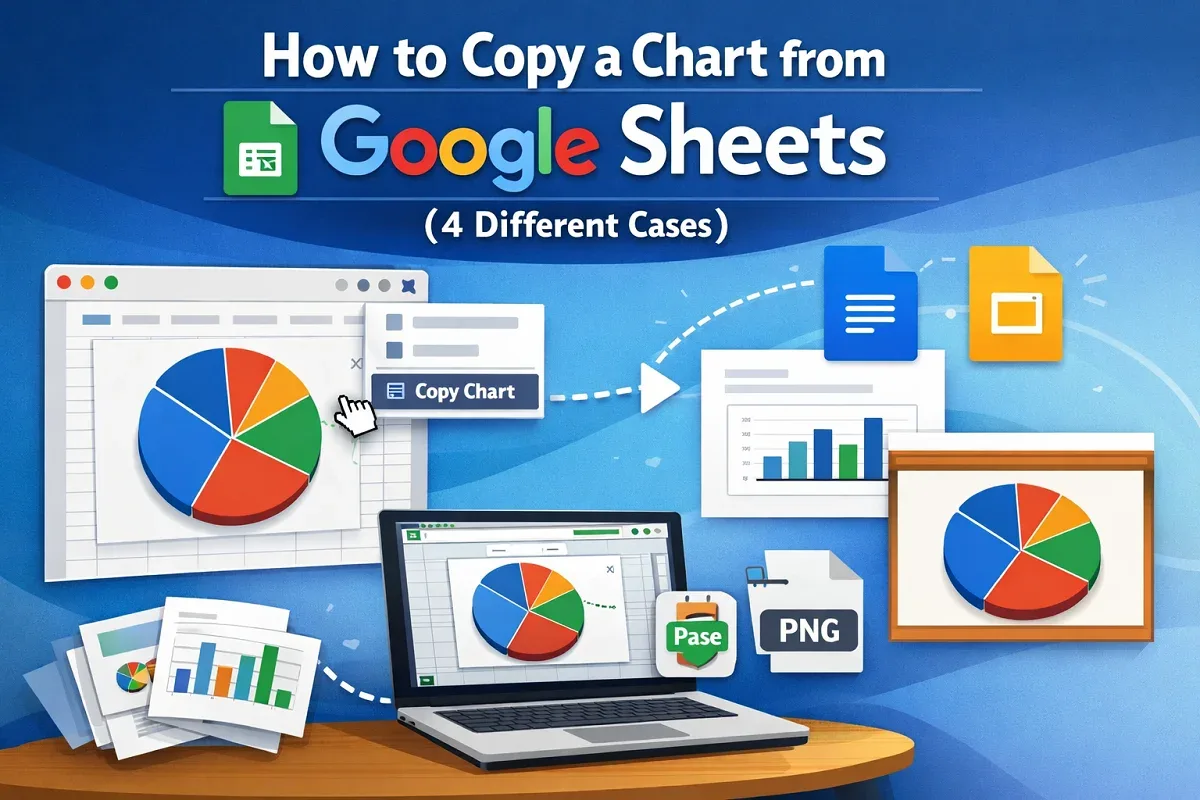
How to Copy a Chart from Google Sheets (4 Different Cases)
Learn how to copy a chart in Google Sheets—within sheets, across workspaces, or save as an image—while keeping formatting intact.
Read article

1285 articles
Learn how to copy a chart in Google Sheets—within sheets, across workspaces, or save as an image—while keeping formatting intact.
Learn how to average only non-blank cells in Excel using AVERAGEIF, AVERAGEIFS, IF, FILTER functions, table totals, and manual methods.

Learn how to split a string by character in Excel using MID, TEXTSPLIT, Power Query, or a VBA macro for quick and easy text parsing.
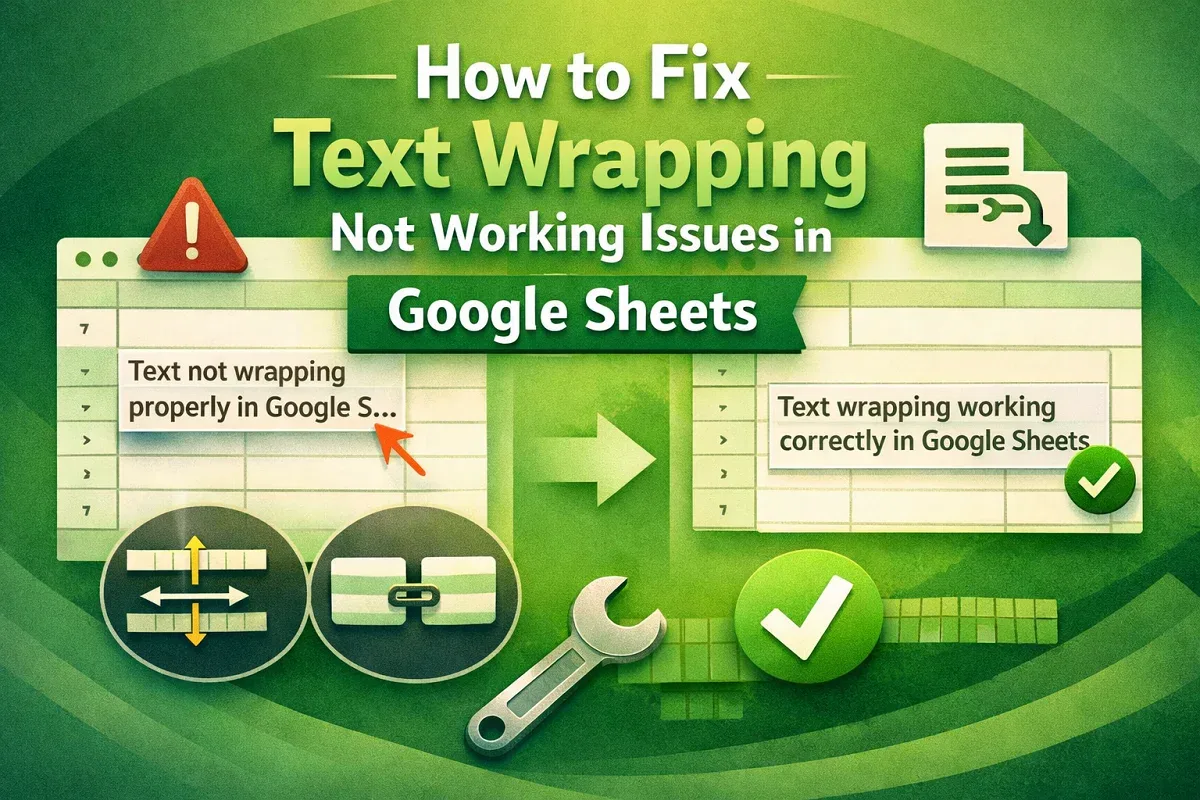
Learn how to fix text wrapping issues in Google Sheets by resizing cells, checking for merges, and applying proper text wrap settings.
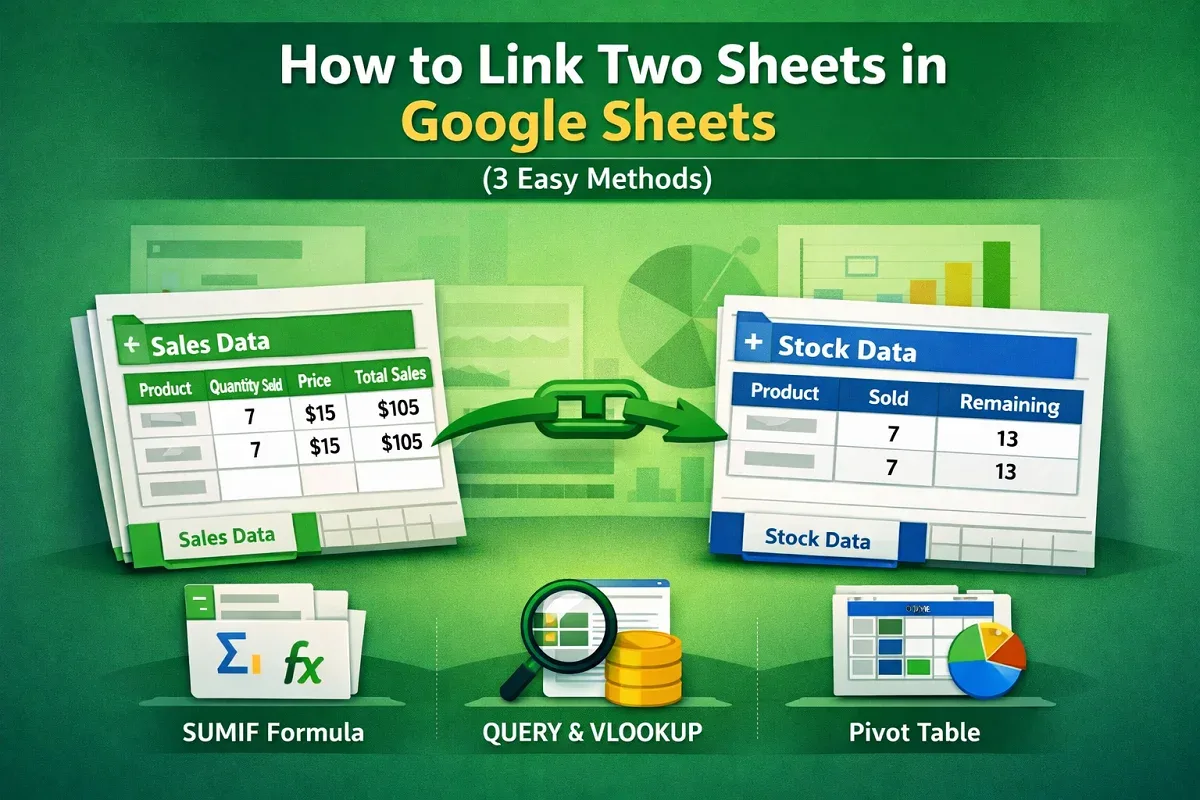
Learn how to link two sheets in Google Sheets, auto-update data, and use QUERY, VLOOKUP, and Pivot Tables effectively.
Learn how to remove both duplicates in Excel using COUNTIF, IF, conditional formatting, or VBA with clear, step-by-step methods.

Learn how to remove the last character from a string in Excel VBA using fixed, user-specified, or custom function methods.
Merge multiple Excel files into one sheet or separate sheets using VBA in a new or existing workbook with this easy automation guide.
Learn how to show the print area in Excel using Page Break Preview, Print Preview, and VBA for precise and professional printing.
Learn how to consolidate data from multiple Excel workbooks into one worksheet using Power Query or VBA, even with varying sheet names.
Learn how to split a string by length in Excel using LEFT, MID, RIGHT functions, Power Query, Flash Fill, and Text to Columns.
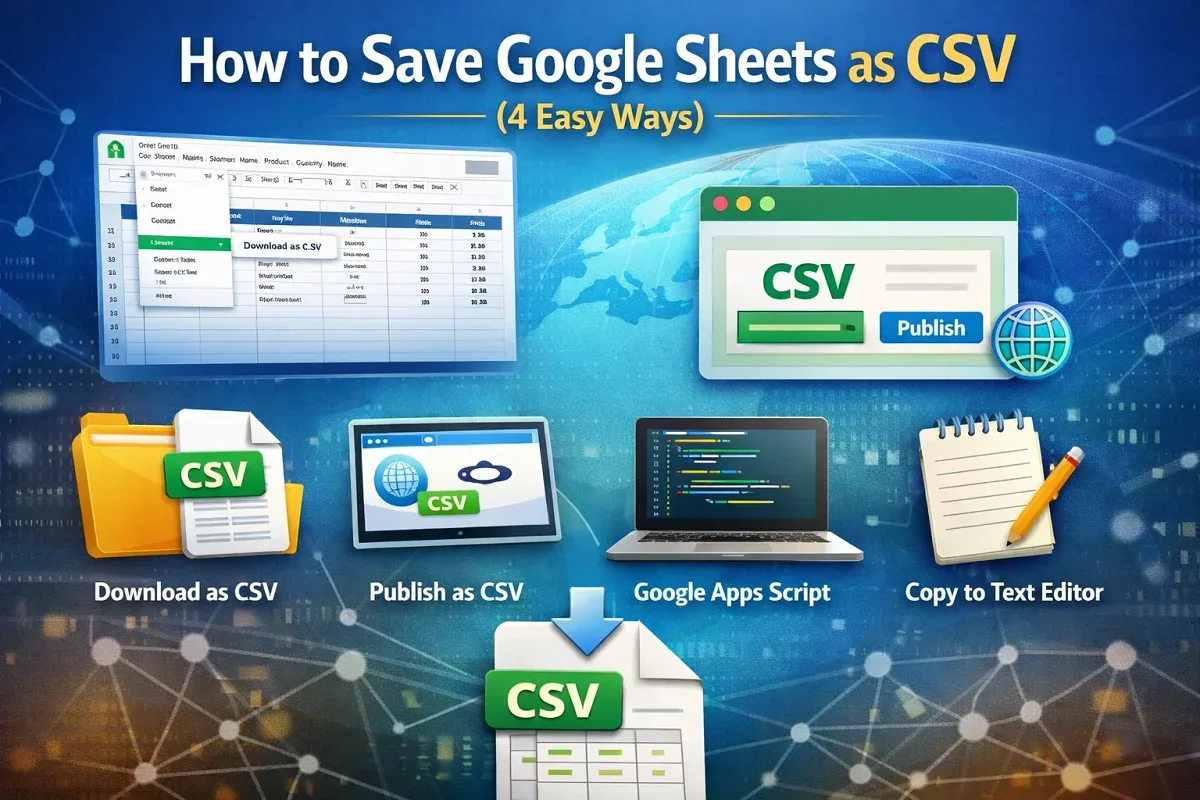
Learn 4 easy ways to save Google Sheets as CSV: download, publish, export with Apps Script, or copy into a text editor.