Excel Functions & Formulas
How to Use IF Function with OR Statement in Excel
Learn how to use the IF function with OR in Excel to check regions, flag pending or delayed orders, and identify low sales or target areas.
Read article

1285 articles
Learn how to use the IF function with OR in Excel to check regions, flag pending or delayed orders, and identify low sales or target areas.
Learn how to use the IF function with dates in Excel to check overdue tasks, identify due today, and test if a date falls within a range.
Learn how to use the IF formula in Excel to check if a value falls between two numbers, return numeric results, or assign categories.
Learn how to use VLOOKUP with date ranges in Excel, plus INDEX-MATCH and LOOKUP methods to return values when dates fall between ranges.

Learn how to use HLOOKUP with IF in Excel through examples, including bonus conditions, IFERROR for invalid data, and nested IF rules.
Learn how to compare two columns in Excel and return a value using IF, MATCH, VLOOKUP, and conditional formatting for differences.
Learn how to look up multiple values in Excel using FILTER, TEXTJOIN with IF, XLOOKUP, and advanced criteria-based lookup methods.
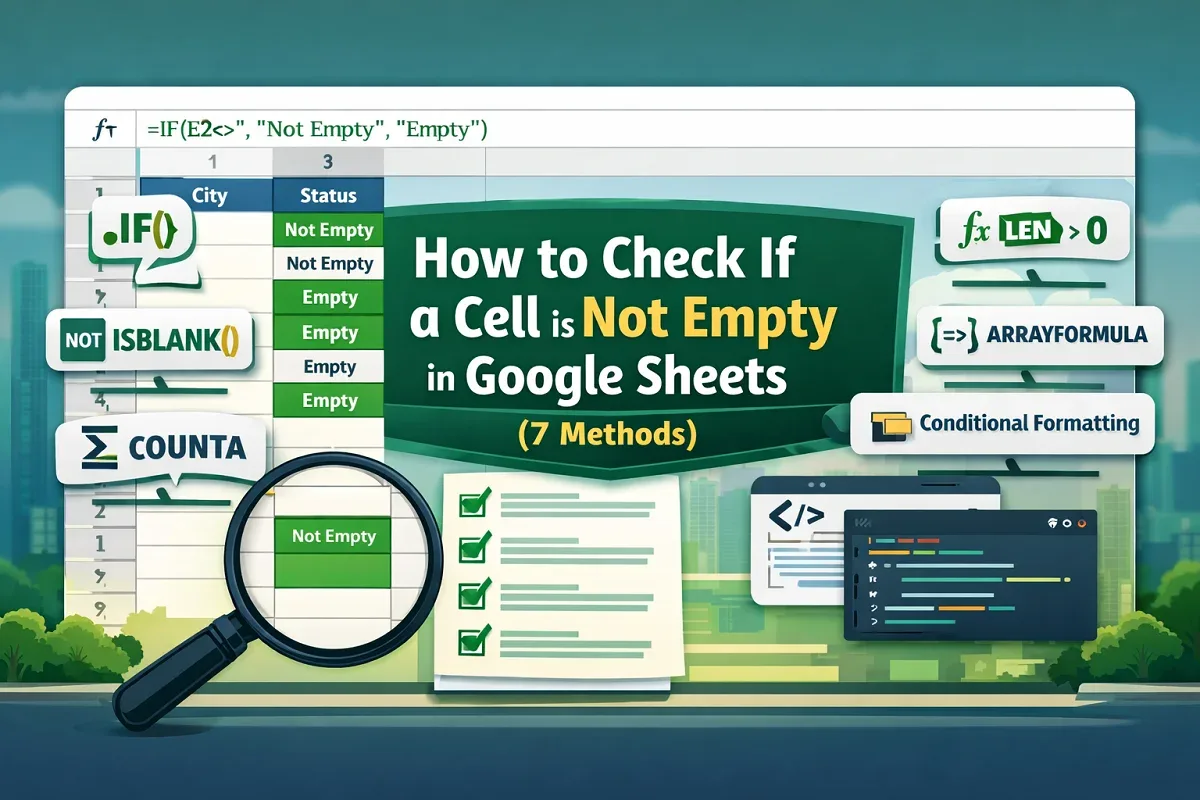
Learn how to check if a cell is not empty in Google Sheets using IF, ISBLANK, COUNTA, LEN functions, conditional formatting & Apps Script.
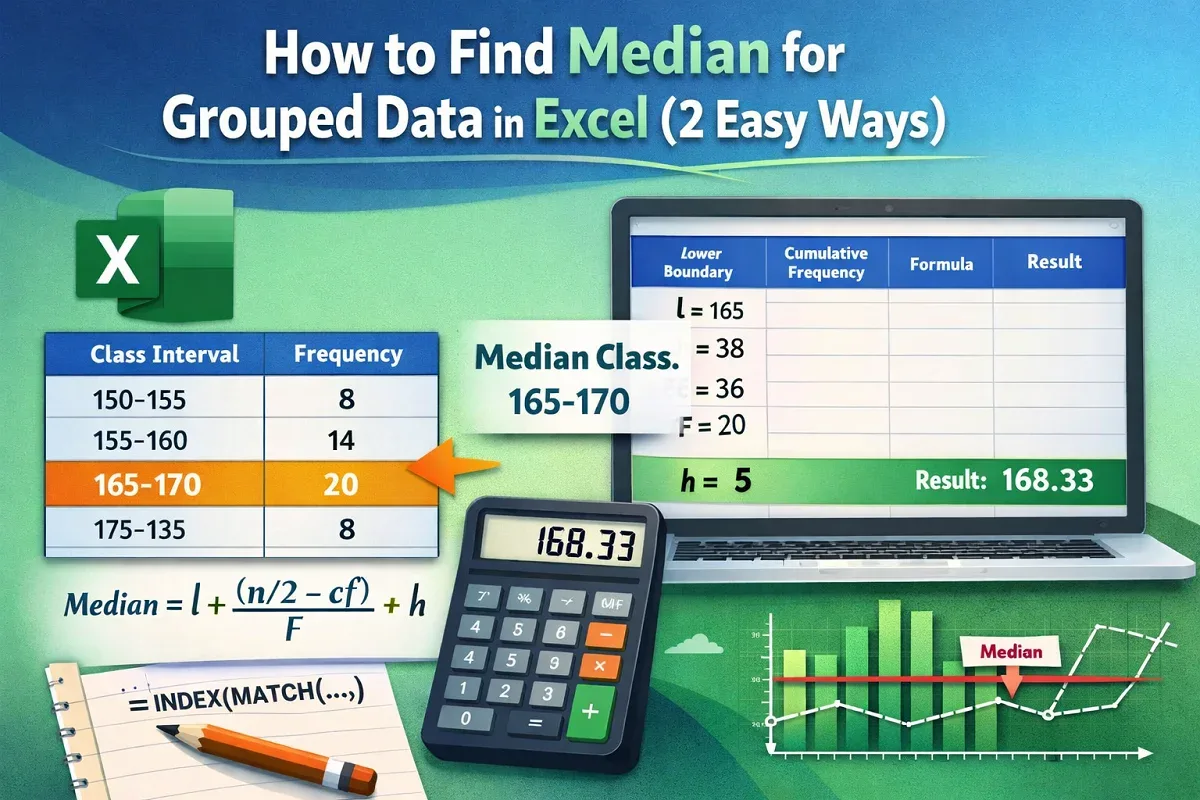
This article explores grouped median and how to find median in Excel for grouped data using manual approach & dynamic approach with functions.
Learn how to create a flowchart in Excel by inserting shapes, adding connectors, aligning steps & customizing formatting for clear visuals.

Learn how to create a real-time currency converter in Excel using Power Query, Exchange Rate API, XLOOKUP, VLOOKUP, and auto-refresh.

Master Excel COUNTIF for partial matches. Learn to count substrings, patterns, wildcard text, and apply COUNTIFS for advanced cases.