Excel Charts
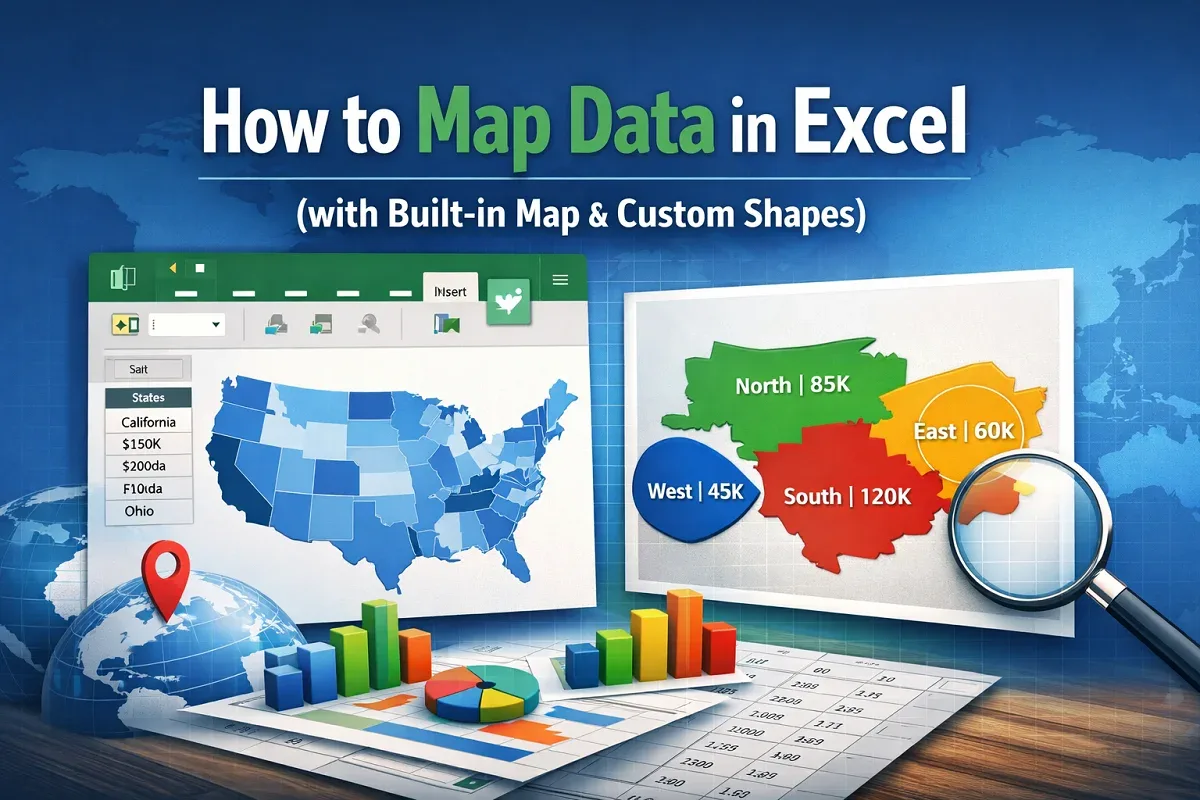
How to Map Data in Excel (with Built-in Map & Custom Shapes)
Learn how to map data in Excel using the built-in map chart feature or by creating a custom visual map manually for geographic insights.
Read article

1285 articles
Learn how to map data in Excel using the built-in map chart feature or by creating a custom visual map manually for geographic insights.
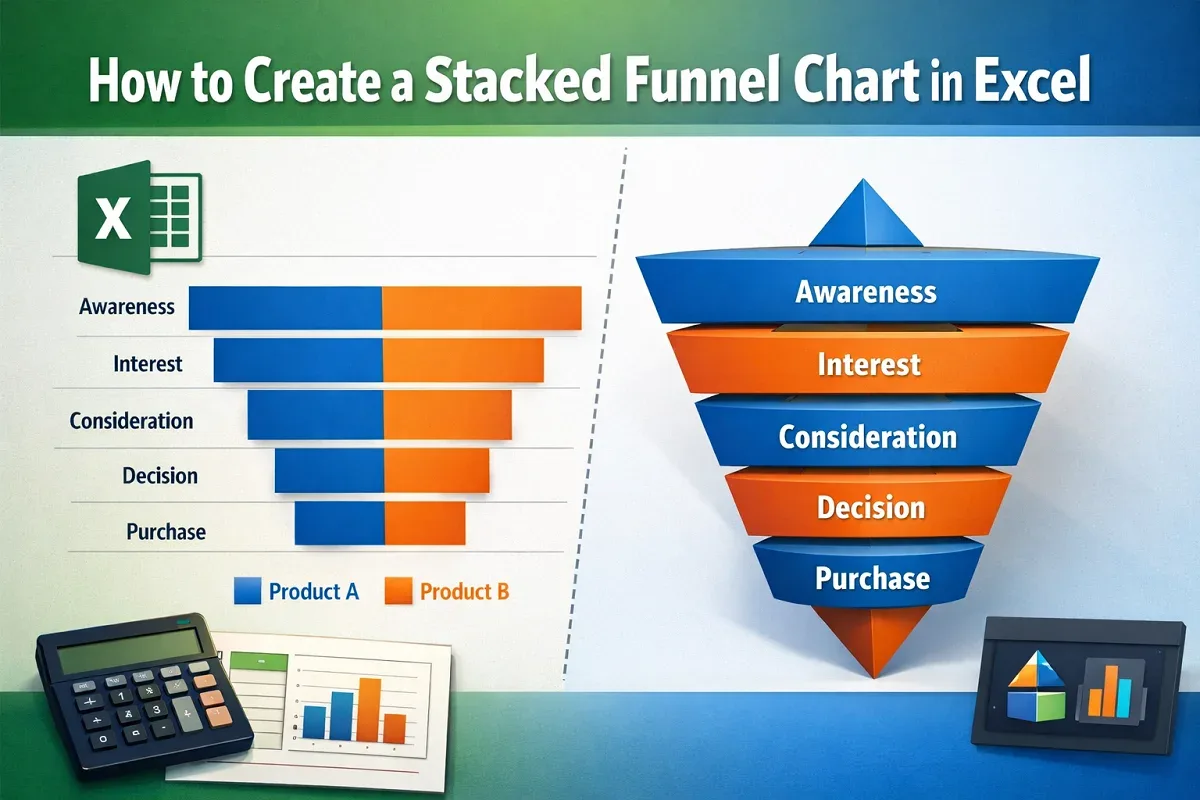
Learn how to create a stacked funnel chart in Excel, including horizontal stacked funnels and 3D pyramid-style charts.
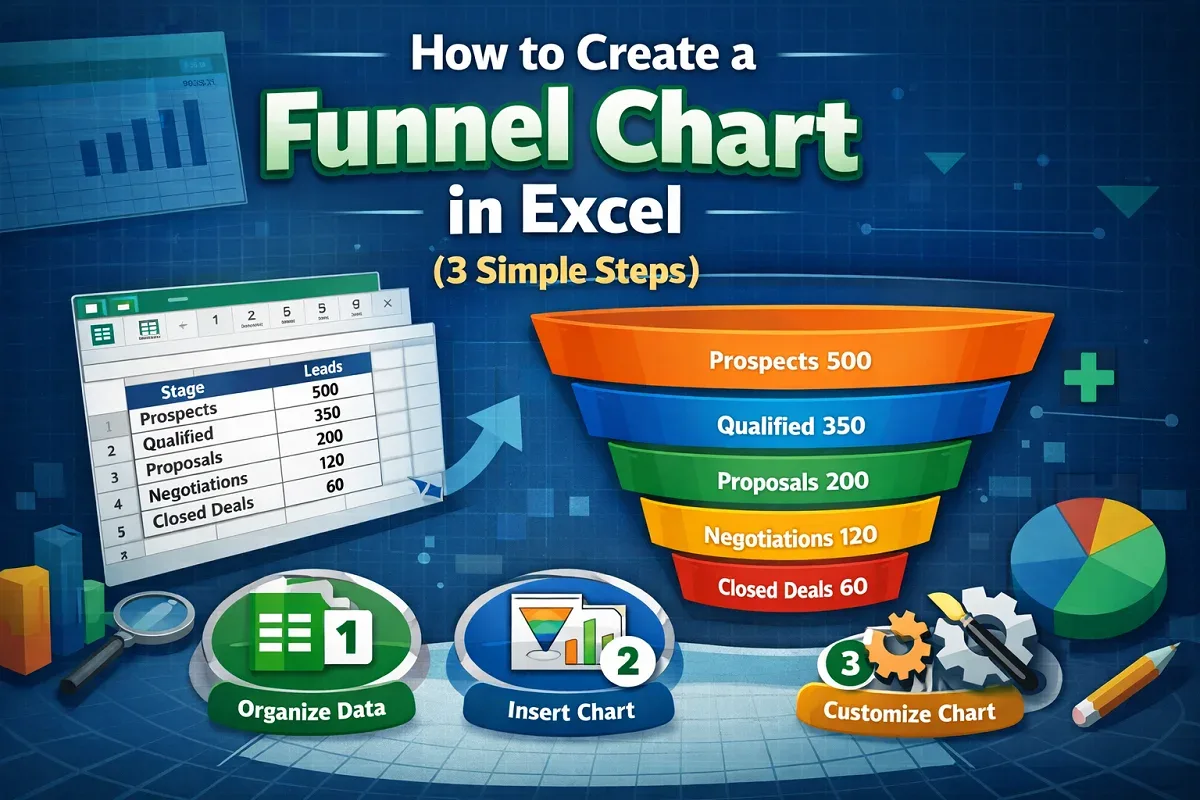
Learn how to create a funnel chart in Excel by selecting your dataset, inserting the chart, and customizing it for clear data visualization.
Learn how to change date format to UK in Google Sheets by adjusting regional settings, using TEXT or QUERY functions, or custom formatting.
Learn how to convert text to numbers in Google Sheets using VALUE, REGEXREPLACE with VALUE, ARRAYFORMULA, or simple multiplication by 1.
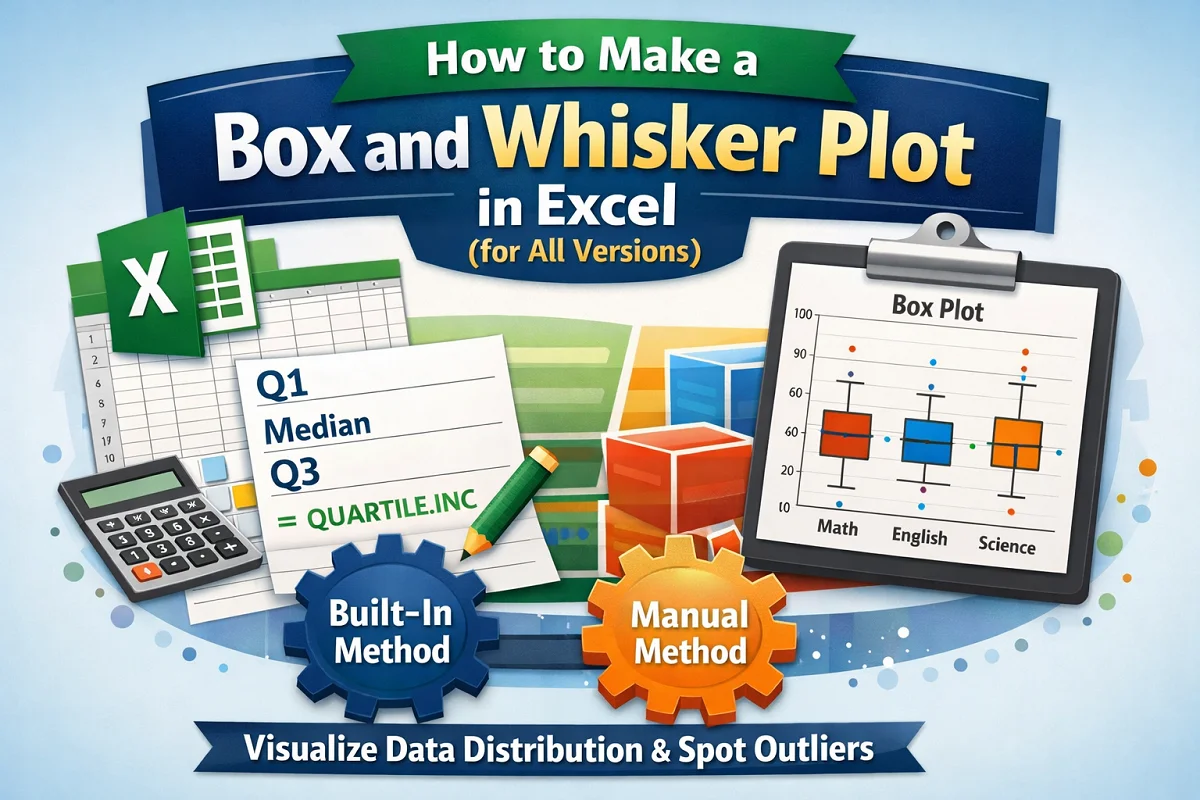
Learn how to make a box and whisker plot in Excel using the built-in chart feature in newer versions or by creating one manually.
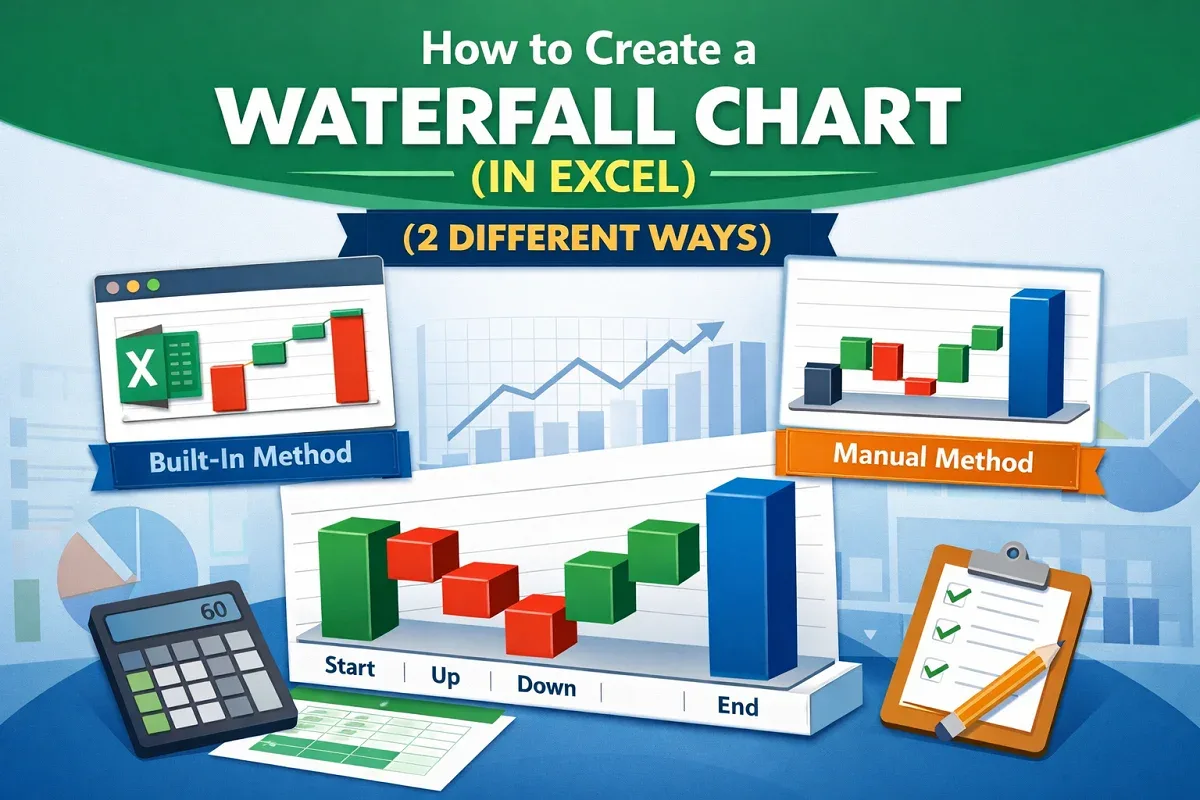
Learn how to create a waterfall chart in Excel using the built-in feature in newer versions or by manually building
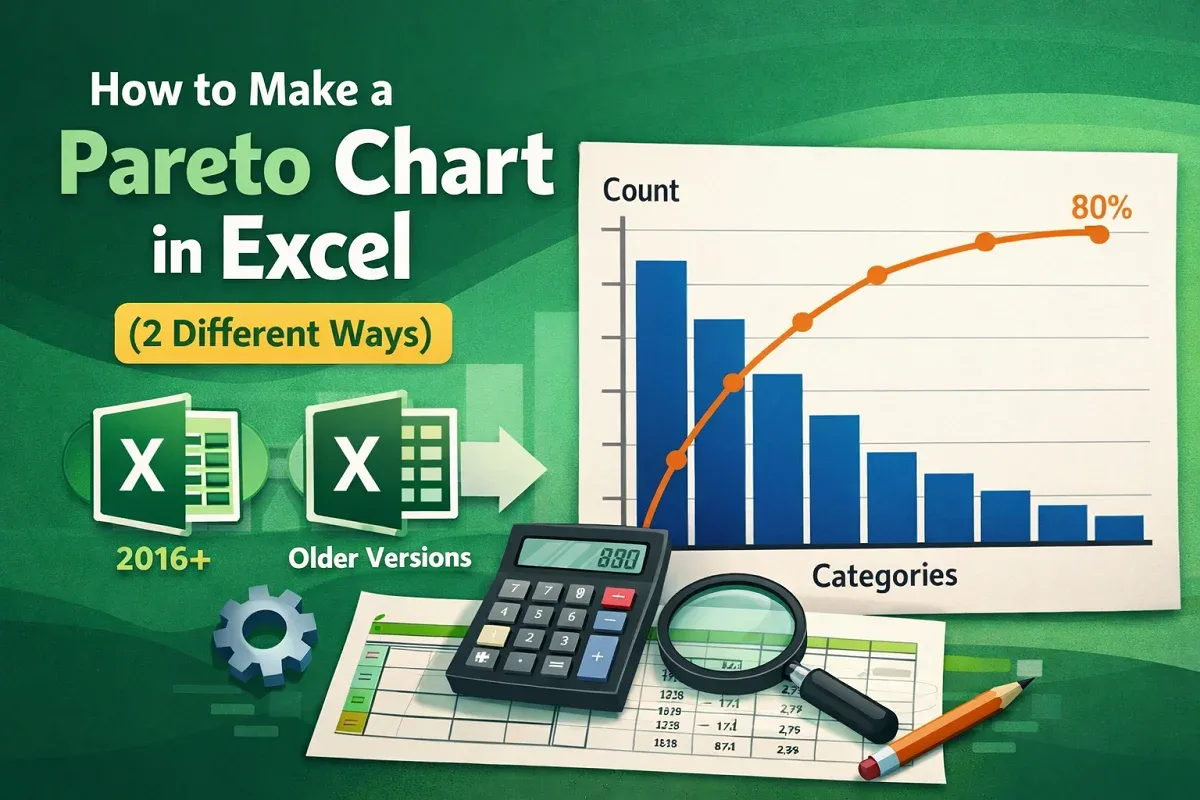
Learn how to make a Pareto chart in Excel using the built-in tool in newer versions or by manually creating one in older Excel versions.
![[Fixed] Histogram Bin Range Not Working in Excel](https://pub-b39c974f4c124a36a2fb517be38076ec.r2.dev/images/2026/08/featured-image-excel-histogram-bin-range-not-working-2-61a2aa04.webp)
Fix the “Histogram bin range not working” issue in Excel by using correct formats, clearing errors or, adjusting axis settings.
Learn how to create a bin range in Excel using the Histogram tool, built-in histogram charts, or the FREQUENCY function for data grouping.
Learn how to make a radar chart in Excel by selecting your dataset, inserting the chart, and formatting it for clear data visualization.
Learn how to make Google Sheets expand cells to fit text using Fit to Data for resizing or the Wrap Text feature for better readability.