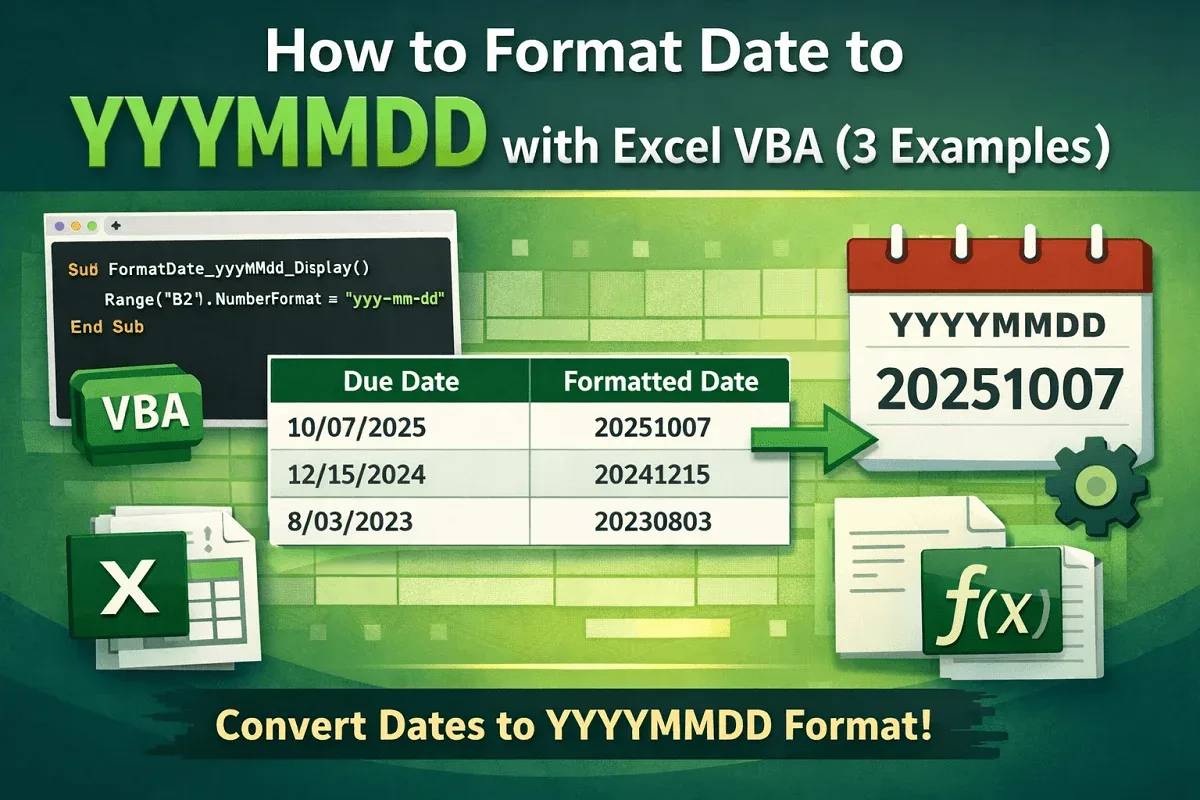
Excel VBA
How to Format Date to YYYYMMDD with Excel VBA (3 Examples)
Learn how to format dates to YYYYMMDD in Excel VBA using NumberFormat for cells or ranges, and the VBA Format function for flexibility.
Read article

1285 articles
Learn how to format dates to YYYYMMDD in Excel VBA using NumberFormat for cells or ranges, and the VBA Format function for flexibility.

Learn how to sort tabs in Excel by drag-and-drop, VBA, or alphabetically in A-Z or Z-A order, while keeping specific sheets in place.

Learn how to sort alphabetically in Excel while keeping rows together using the Sort tool, SORT function or filters for proper organization.
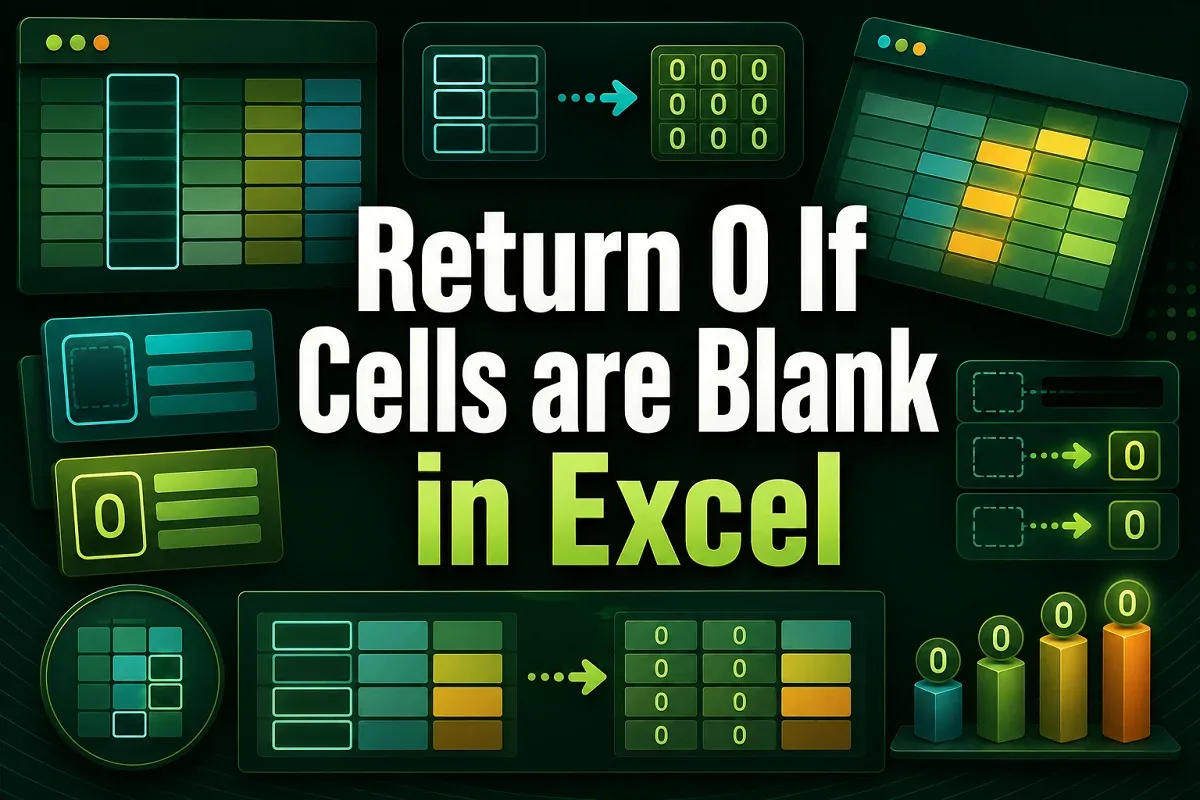
Learn how to return 0 if cells are blank in Excel using IF, ISBLANK, Go To Special, or Find & Replace for quick data cleanup.

Learn how the Smart Fill feature works in Google Sheets, what it does, and how to use it to quickly auto-complete and format your data.
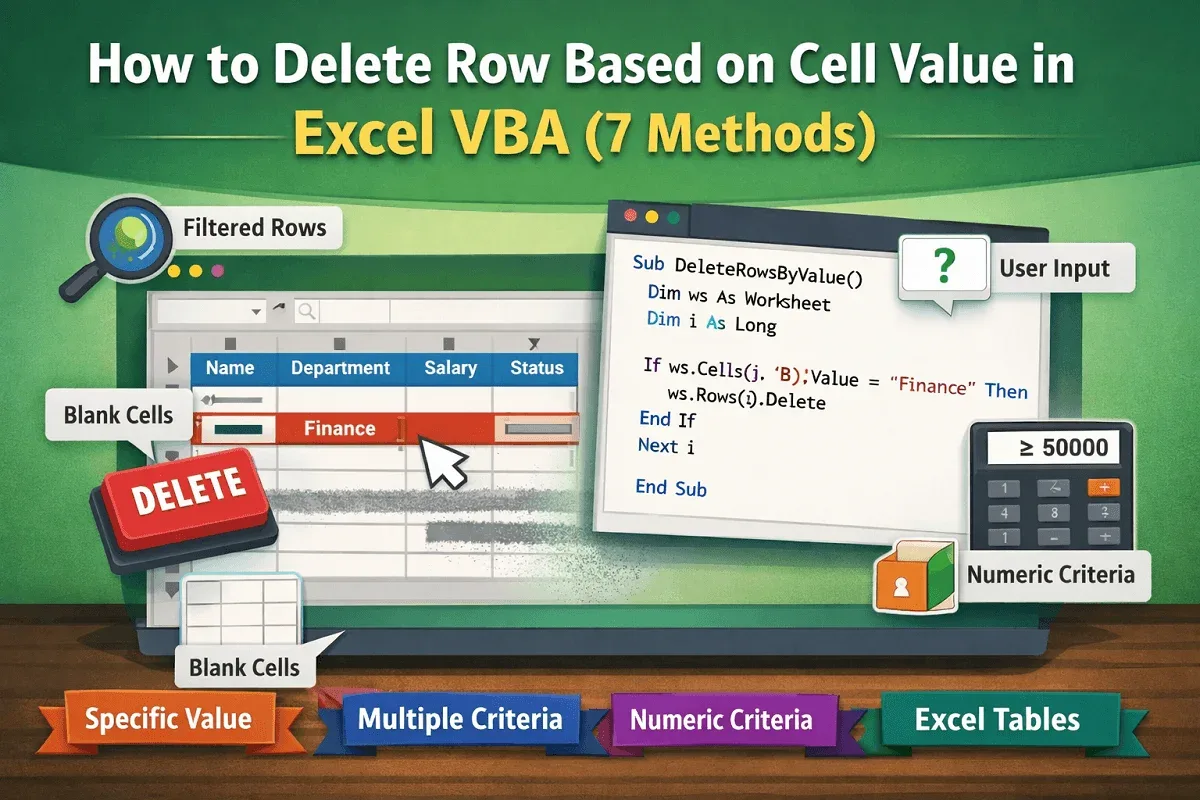
Learn how to delete rows based on cell values in Excel VBA, whether matching text, blanks, numeric criteria, or multiple user-defined rules.
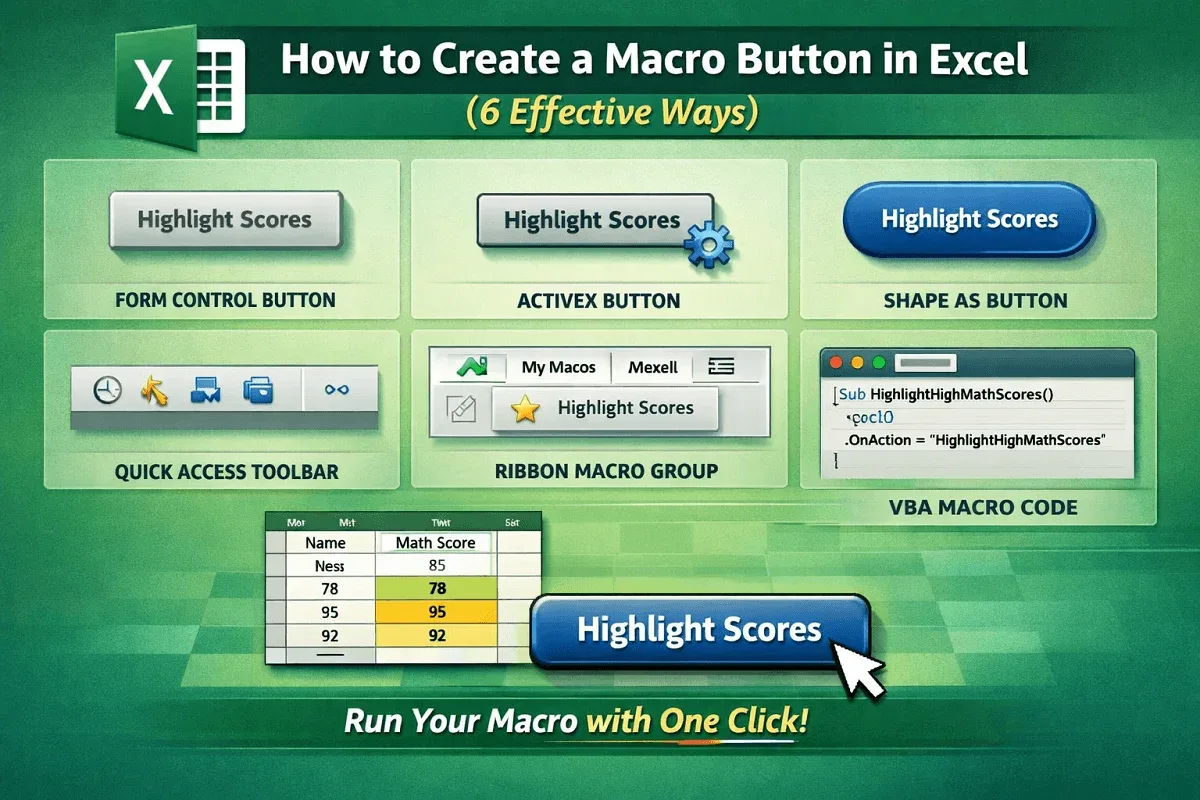
Learn how to create a macro button in Excel using form controls, ActiveX, shapes, VBA, Quick Access Toolbar, or a custom ribbon group.
![[Fixed] Cannot Edit Macro on a Hidden Workbook](https://pub-b39c974f4c124a36a2fb517be38076ec.r2.dev/images/2026/08/featured-image-cannot-edit-a-macro-on-a-hidden-workbook-2-d3e8b523.webp)
Fix the “Cannot edit a macro on a hidden workbook” error in Excel by unhiding, adjusting PERSONAL.xlsb, enabling macros or disabling add-ins.

Learn how to convert numbers to words in Excel for Peso using VBA macro code, along with essential formatting tips for accurate results.

Learn how to copy formatting in Google Sheets using the Format Painter tool or Paste Special features for quick and consistent styling.
Learn how to transfer data between Excel worksheets automatically using VLOOKUP, XLOOKUP, or INDEX-MATCH for flexible and accurate lookups.

Learn how to VLOOKUP from multiple columns in Excel with one return using a helper column, XLOOKUP, or the INDEX-MATCH formula.