Google Sheets Formulas
How to Calculate Months Between Two Dates in Google Sheets
Learn how to calculate months between two dates in Google Sheets using DATEDIF, fractional month formulas, ARRAYFORMULA, and day differences.
Read article

1285 articles
Learn how to calculate months between two dates in Google Sheets using DATEDIF, fractional month formulas, ARRAYFORMULA, and day differences.

Learn how to round up to the nearest 10 in Google Sheets using the ROUNDUP or CEILING function for quick and accurate number adjustments.
Learn how to sort a bar chart in Excel in descending order using built-in sort, SORT function, helper columns, axis options, or pivot tables.
Learn how to add a line to a bar chart in Excel using combo charts, trendlines, extra data series, or vertical average lines for clarity.

Learn how to make a double bar graph in Excel using a preset clustered chart or by manually adding a second series to an existing chart.
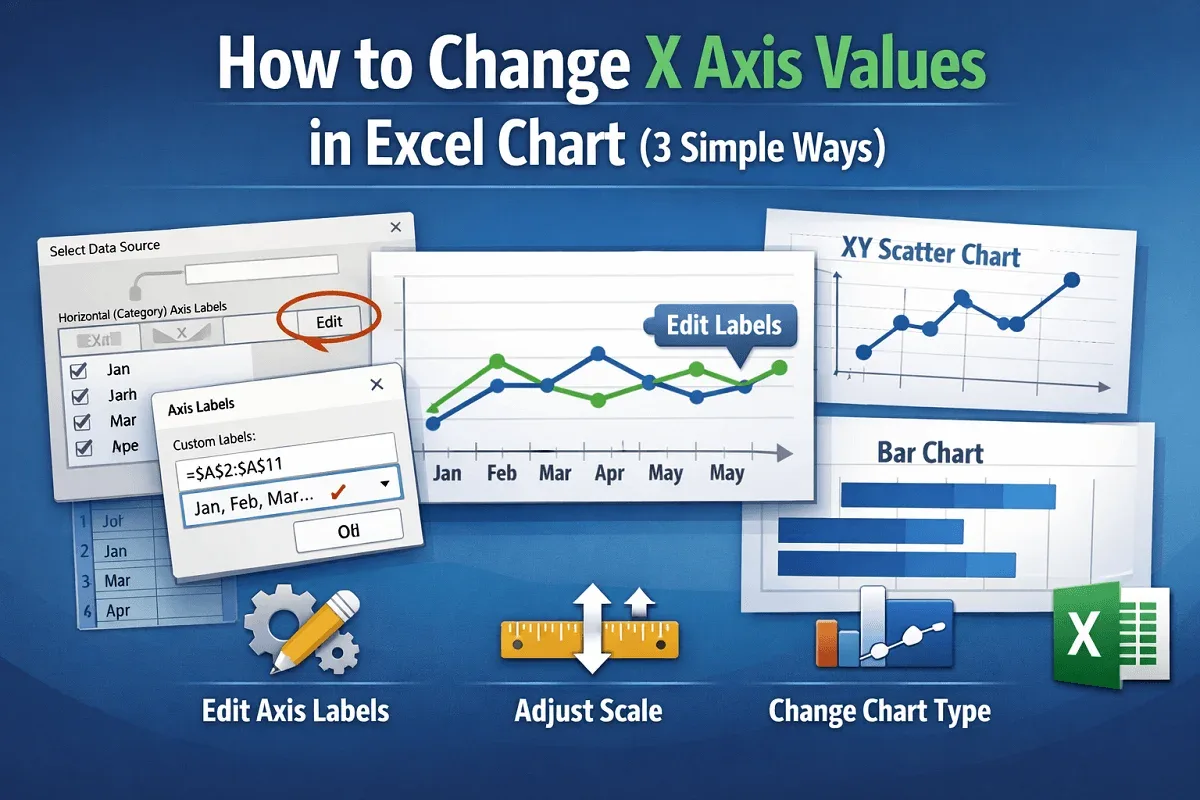
Learn how to change X-axis values in Excel charts by updating labels, adjusting scale and formatting, or switching to a different chart type.

Learn how to use AVERAGEIF in Excel with greater than 0 criteria to calculate averages for numbers, ranges, text matches & date conditions.
Learn how to use COUNTIF in Excel to calculate percentages for text, numeric thresholds, completion rates, and non-blank responses easily.
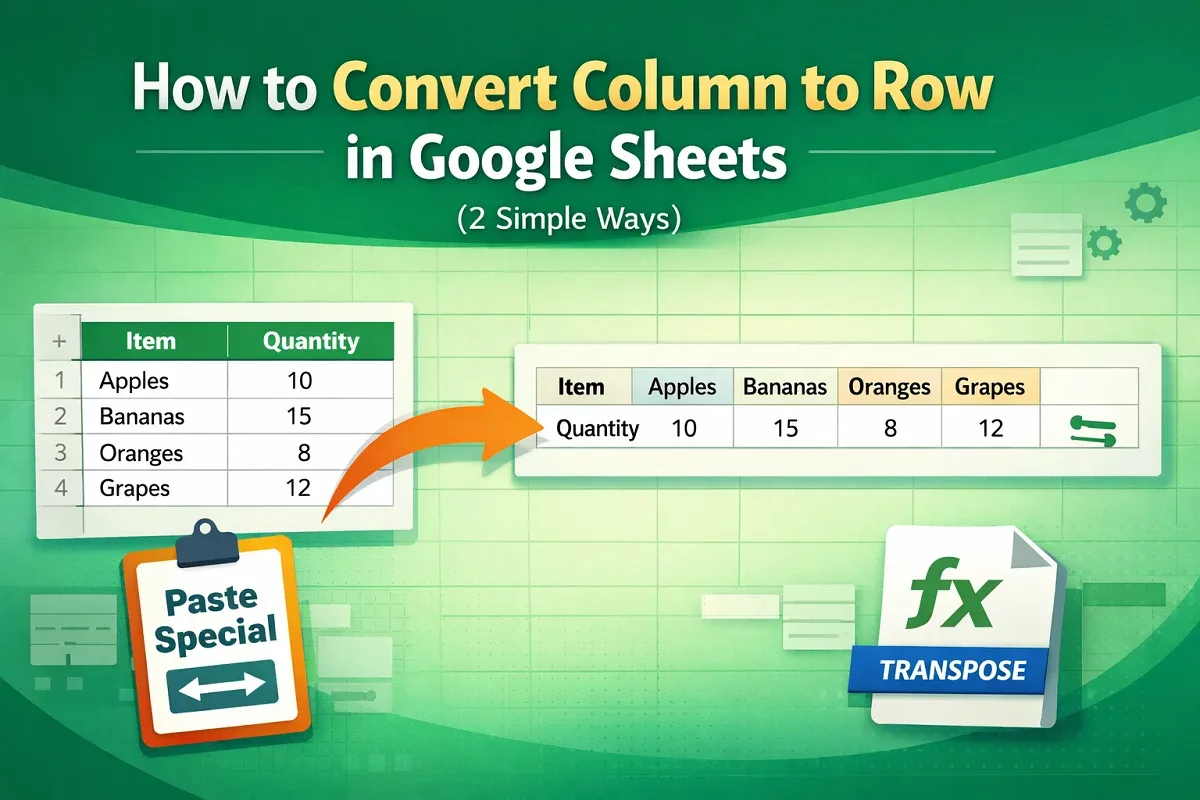
Learn how to convert columns to rows in Google Sheets using the Paste Special option or the TRANSPOSE function for quick data rearrangement.
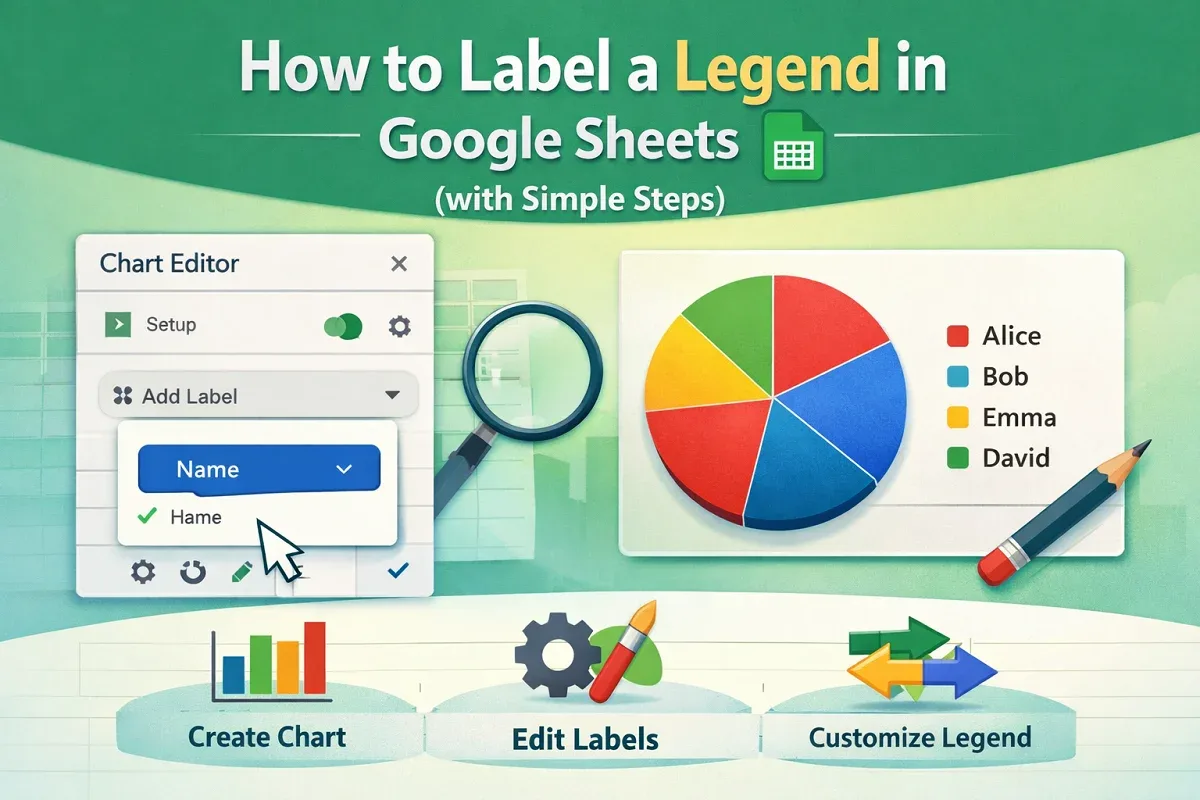
Learn how to label a legend in Google Sheets by creating a chart, adding legend labels, and customizing them for better data visualization.
Learn advanced Excel COUNTIFS techniques to count data by date ranges, partial matches, OR logic, exclusions, and structured references.
Learn how to rank data in Excel with sorting using SORT, RANK, INDEX, and MATCH functions, plus VBA for automatic ranking and tie-breaking.