
Excel Pro Tips
How to Apply Conditional Formatting to Blank Cells in Excel
Learn how to apply conditional formatting to blank cells in Excel using the built-in “Blanks” option, ISBLANK, OR, LEN functions & formulas.
Read article

1285 articles
Learn how to apply conditional formatting to blank cells in Excel using the built-in “Blanks” option, ISBLANK, OR, LEN functions & formulas.

Learn how to compare two columns in Google Sheets and find missing data using MATCH, ISNA, FILTER, VLOOKUP & conditional formatting methods.

Learn how to use SUMIF and SUMIFS in Excel to sum values greater than, less than, or between cell values using dynamic ranges & references.

Learn how to do ranking in Excel based on multiple criteria using RANK, COUNTIFS, SUMPRODUCT, and techniques for unique and grouped rankings.

Learn how to use MIN and MAX together in Excel to limit values, apply dynamic lookups, and control SUM outputs within defined ranges.
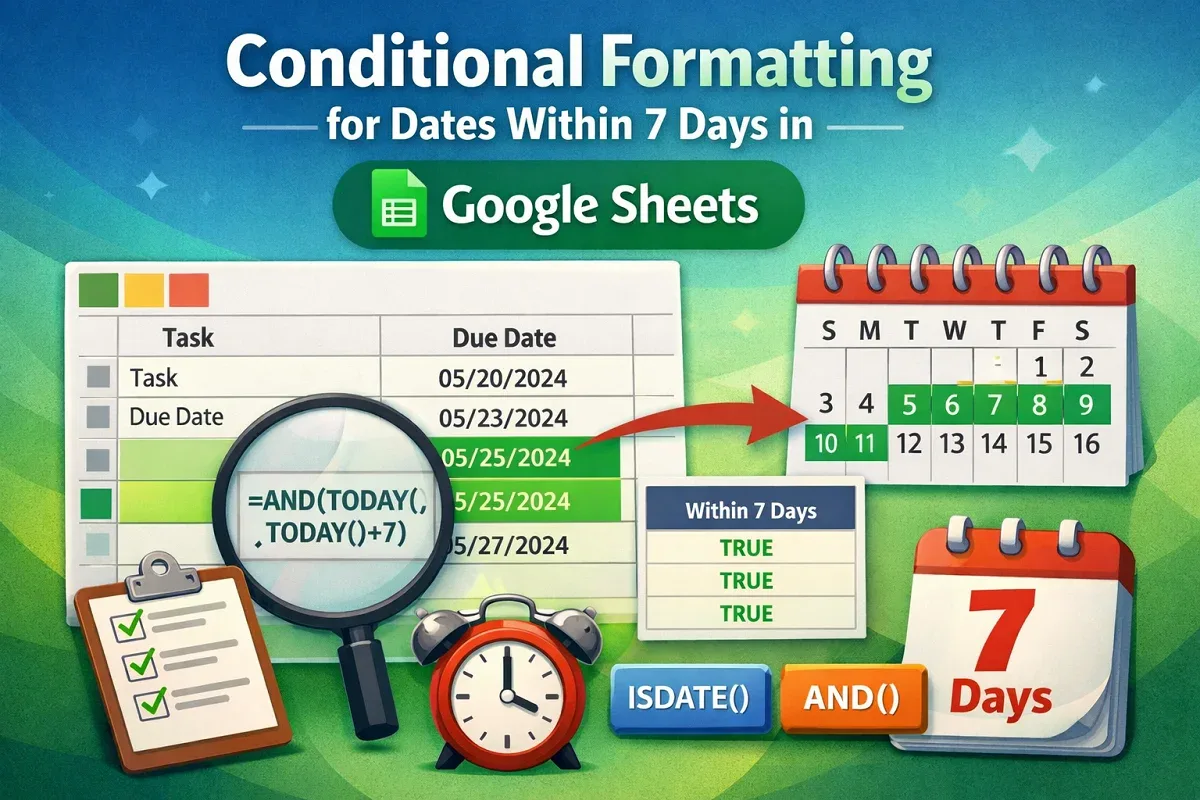
Learn how to use conditional formatting in Google Sheets to highlight dates within the past or next 7 days using TODAY, AND & helper columns.

Learn how to find the maximum value in Excel with conditions using MAX, MAXIFS, SUMPRODUCT, AGGREGATE, and INDEX-MATCH for advanced filtering.

Learn how to find the max value and its cell address in Excel using functions like INDEX, MATCH, XLOOKUP, CELL, LET, and even VBA macros.

Learn how to find the lowest value in Excel with criteria using MIN, MINIFS, IF, SMALL, and FILTER functions, AND/OR condition filtering.

Learn how to fix Google Sheets IMPORTRANGE not updating issues by reauthorizing permissions, adjusting the formula, and limiting the range.

Learn how to use COUNTIFS in Excel to filter by date range and text, match partial text, count specific months, & apply dynamic date filters.

Learn how to use COUNTIF and COUNTIFS in Excel to apply multiple criteria across columns, handle OR logic, and count keyword occurrences.