Excel Pro Tips
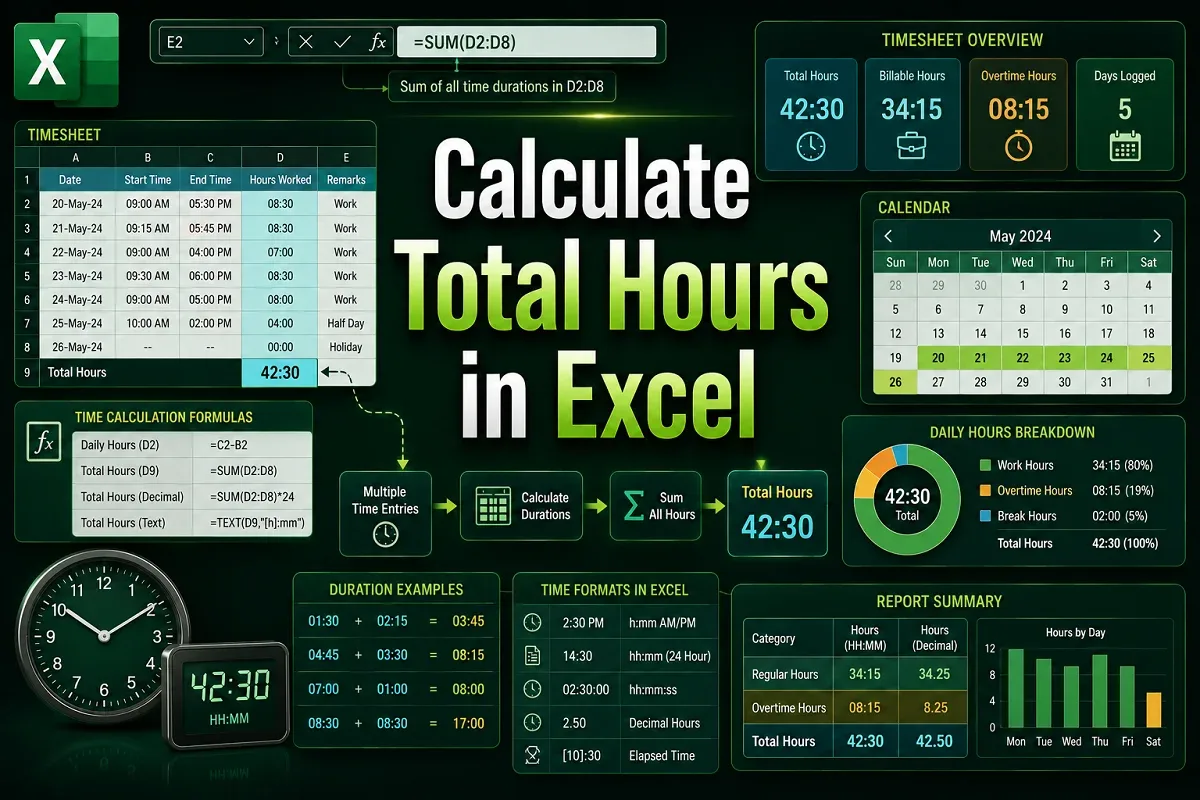
How to Calculate Total Hours in Excel (3 Suitable Ways)
Learn how to calculate total hours in Excel using correct time formats, MOD, TEXT, and conditional formulas for regular and overnight shifts.
Read article

1285 articles
Learn how to calculate total hours in Excel using correct time formats, MOD, TEXT, and conditional formulas for regular and overnight shifts.
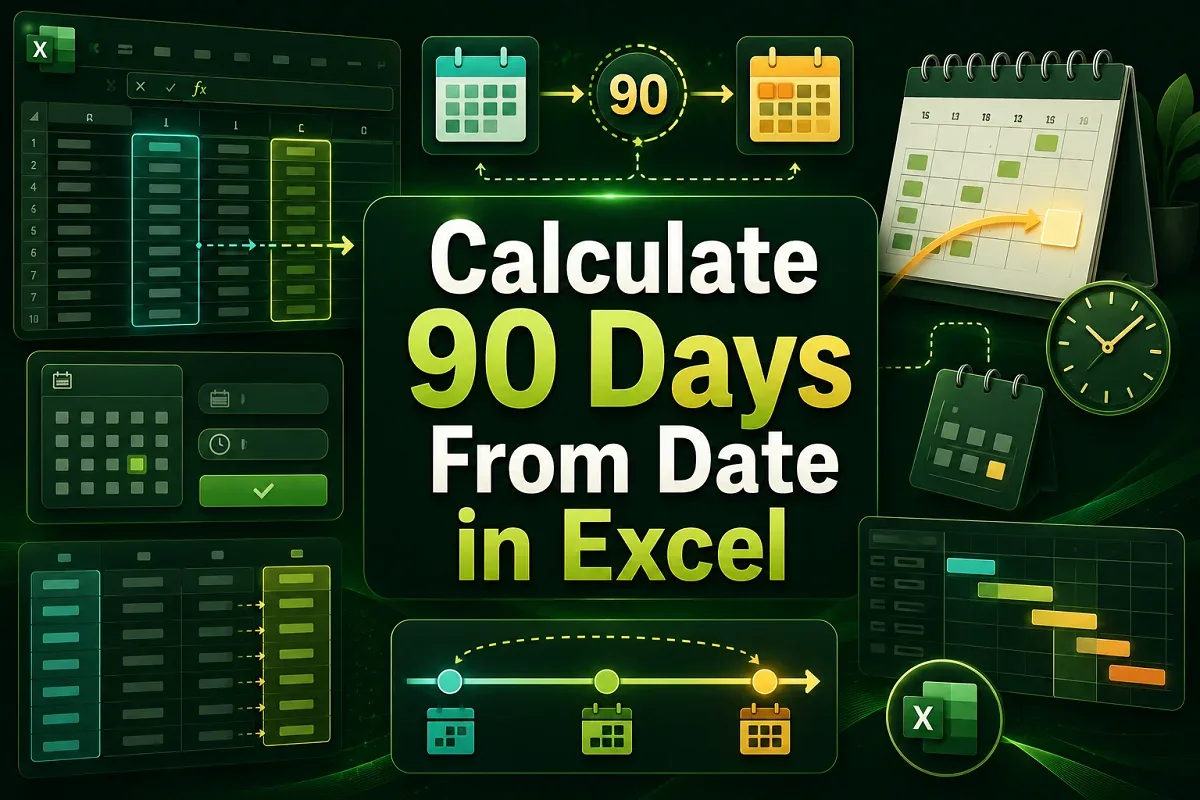
Learn how to calculate 90 days from a date in Excel using simple addition, DATE, EDATE for months, and WORKDAY to exclude weekends.

Learn how to create an organizational chart in Excel from a list using SmartArt, TAB for hierarchy, and the Visio Data Visualizer Add-in.
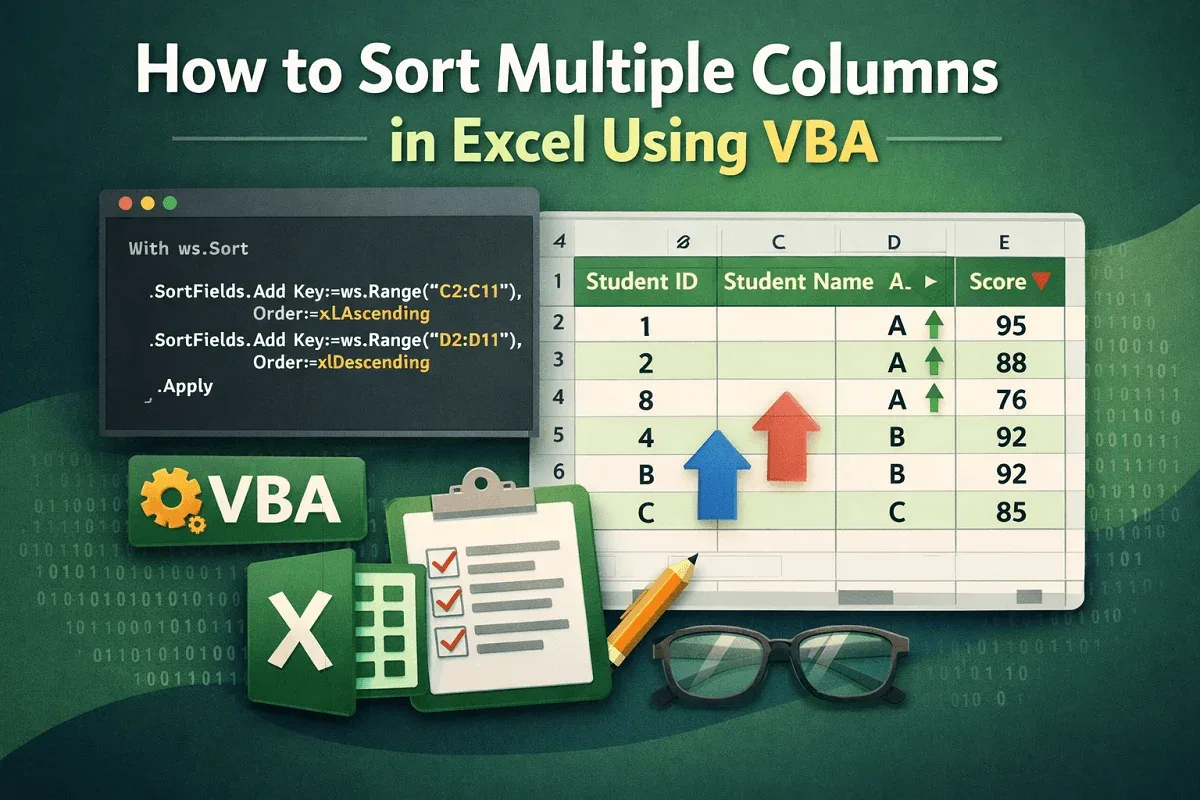
Learn how to sort multiple columns in Excel using VBA, including sorting by a single column or applying multi-level sorting.
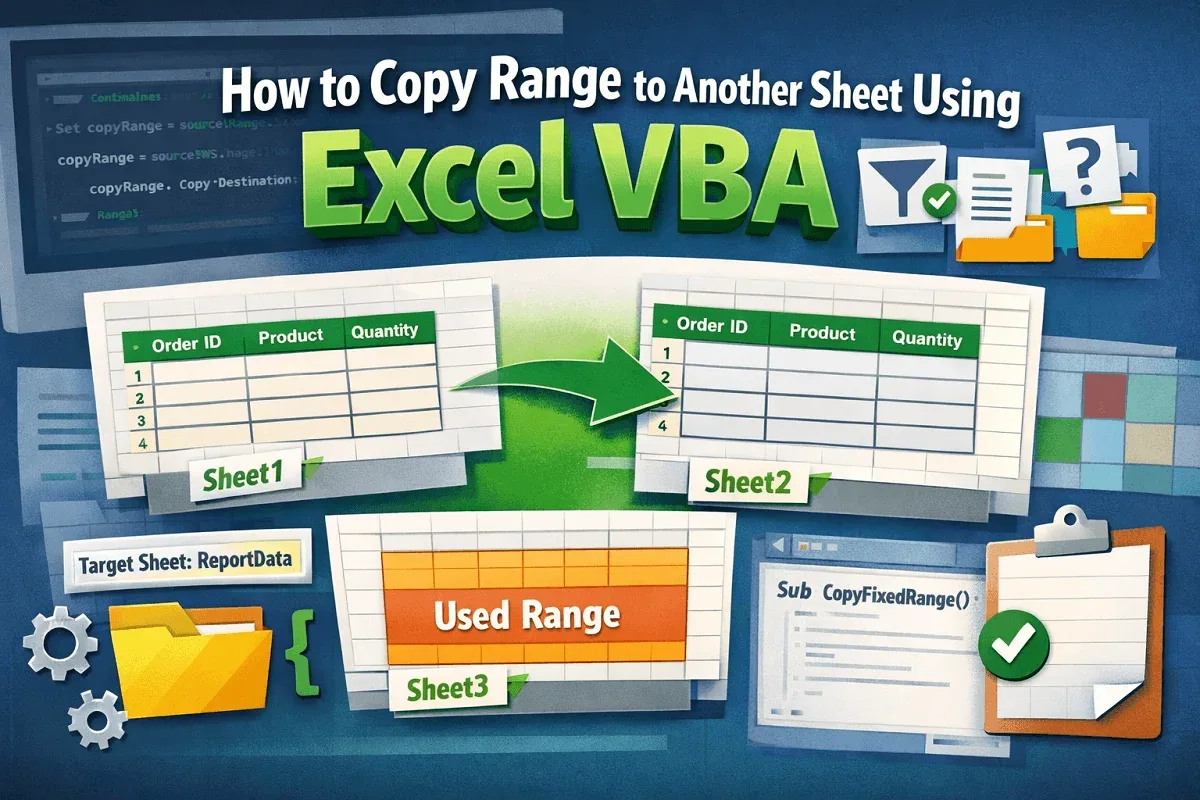
Learn how to copy a range to another sheet in Excel using VBA, including fixed ranges, filtered data, user-specified sheets, and used ranges.
Learn how to change number formats in Google Sheets, including text conversion, time, duration, decimals, and custom formatting examples.

Learn how to merge cells in Google Sheets without losing data using CONCATENATE, JOIN, TEXTJOIN, ampersand (&), CHAR(10), and Apps Script.
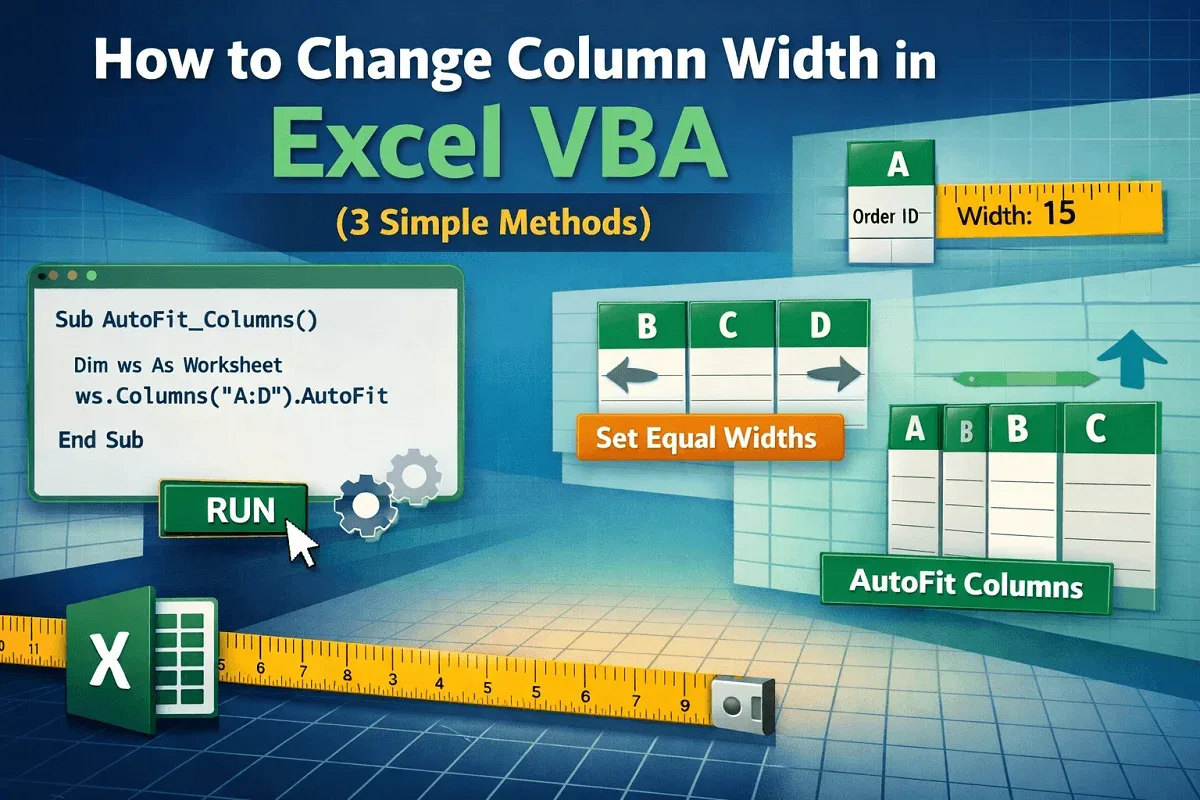
Learn how to change column width in Excel using VBA to adjust single or multiple columns and auto-fit widths based on cell content.
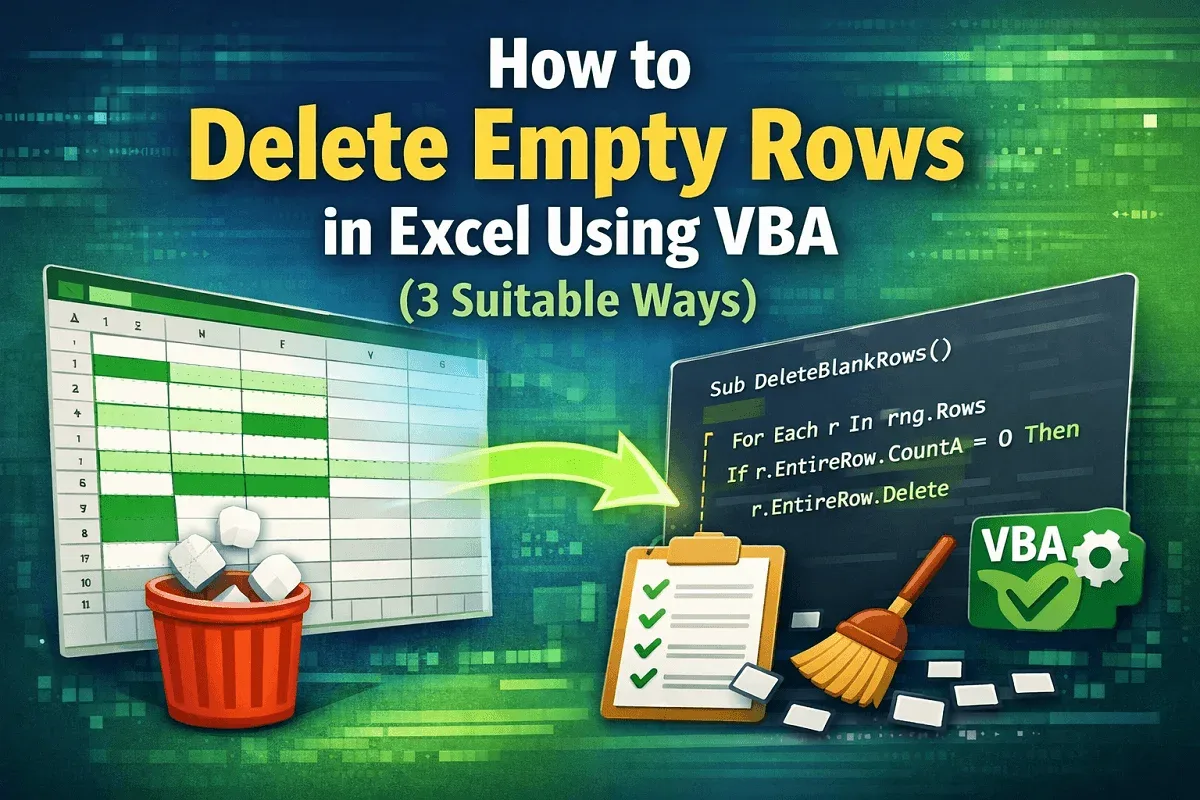
Learn how to delete empty rows in Excel using VBA by targeting user-selected ranges, defined areas, or removing all blank rows in one go.
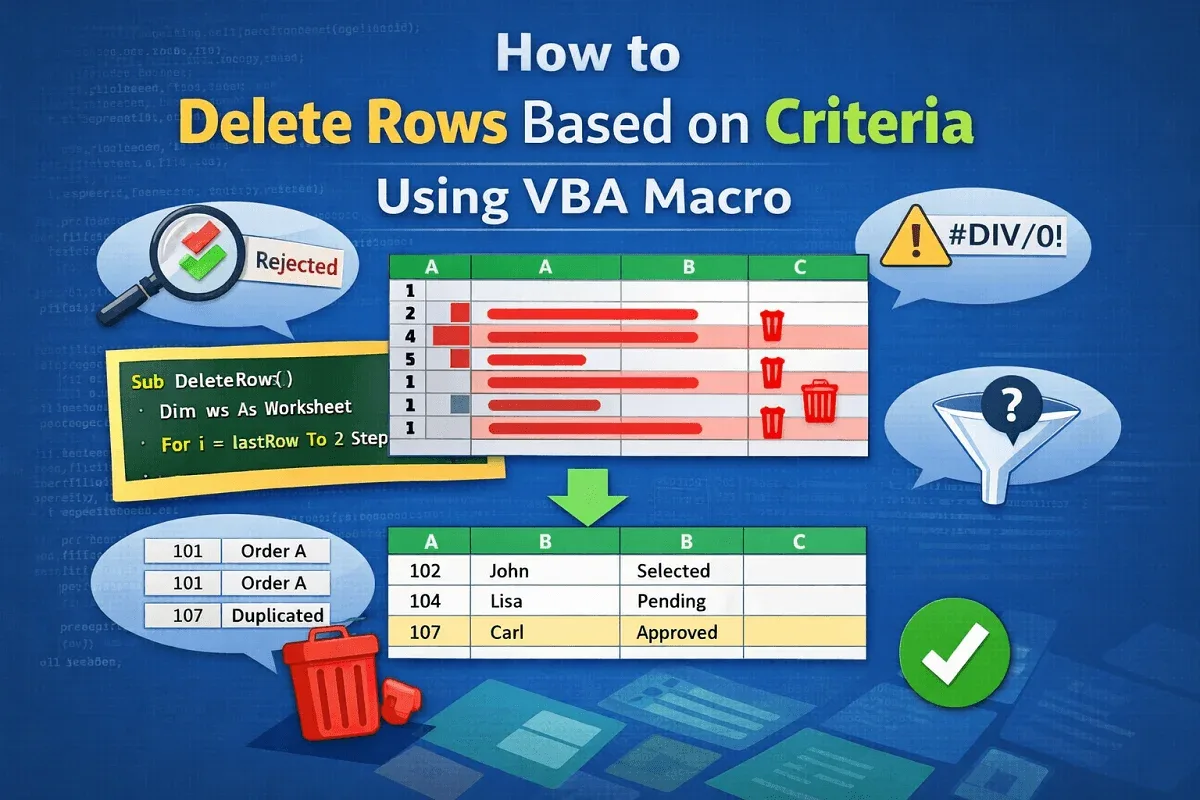
Learn how to delete rows based on criteria using VBA in Excel—remove by keyword, blanks, errors, duplicates, or user-defined conditions.
Learn how to count rows with data in Excel using VBA by applying CountA, looping through rows, using criteria, and targeting specific ranges.
Learn how to find Color Index numbers in Excel using ColorIndex, Color & DisplayFormat properties to identify cell background & RGB values.