
Excel for Statistics
How to Do an Unpaired T Test in Excel (2 Quick Methods)
Learn how to do an unpaired t test in Excel using the T.TEST function or the Data Analysis ToolPak with step-by-step guidance in minutes.
Read article

1285 articles
Learn how to do an unpaired t test in Excel using the T.TEST function or the Data Analysis ToolPak with step-by-step guidance in minutes.
Are you looking for a simple solution to master your schedules, calculate work hours, and manage time effortlessly? Google Sheets time formulas will help you add, subtract, and format time values just like clockwork in a well-oiled machine. Functions like TIME, NOW, and TEXT will simplify your time management, perfectly tracking hours, schedules, and event […]
To perform various calculations and manipulations on dates and times, Google Sheets provides a wide range of date functions and formulas. You can add or subtract days to count days between two dates, or extract specific details like the weekday name, month name, or week number from a given date. You can also find the […]
Rounding is making a number shorter and simpler. It is a mathematical process that is used to simplify numbers by reducing their decimal places. By adjusting numbers up or down, you can focus on the essentials without getting lost in unnecessary detail. Rounding is oftenly used in cost estimation, travel-time calculation, distance measurement, etc. In […]
Percentage is a mathematical term that expresses a number as a fraction of 100. It is often used to represent a part of a whole. The percentage is symbolized with “%”. The formula for calculating the percentage of a number: Percentage=(Part of a Number/Whole Number100)*100 Percentages are very commonly used in our daily life. You […]
Average, also called as Mean, is the middle point or central value of a set of numbers. To calculate the average of a group of numbers, you have to add the numbers first and divide by the total number of numbers of that group. The basic formula for calculating the average is: Average = (Sum […]
To perform various mathematical calculations in the simplest possible way, Google Sheets is considered a powerful online spreadsheet tool. Multiplying numbers in Google Sheets is a fundamental task for calculating totals, applying formulas on datasets, or simplifying complex calculation. You can multiply numbers directly by using an asterisk (*) sign between two numbers, using cell […]

You can display text on multiple lines within a single cell in Google Sheets by using a line break. A line break is useful when you are working with lengthy sentences, addresses, or concatenated text values. By using a line break, you can maintain readable and clear content. You don’t need to use multiple cells […]

With Google Sheets, autofill allows you to enter data without having to type it all by hand. When working with numbers, dates, or the days of the week, autofill can be used to extend cells. It can also be used to duplicate formulas between cells. To use autofill, you must first enter data in a […]
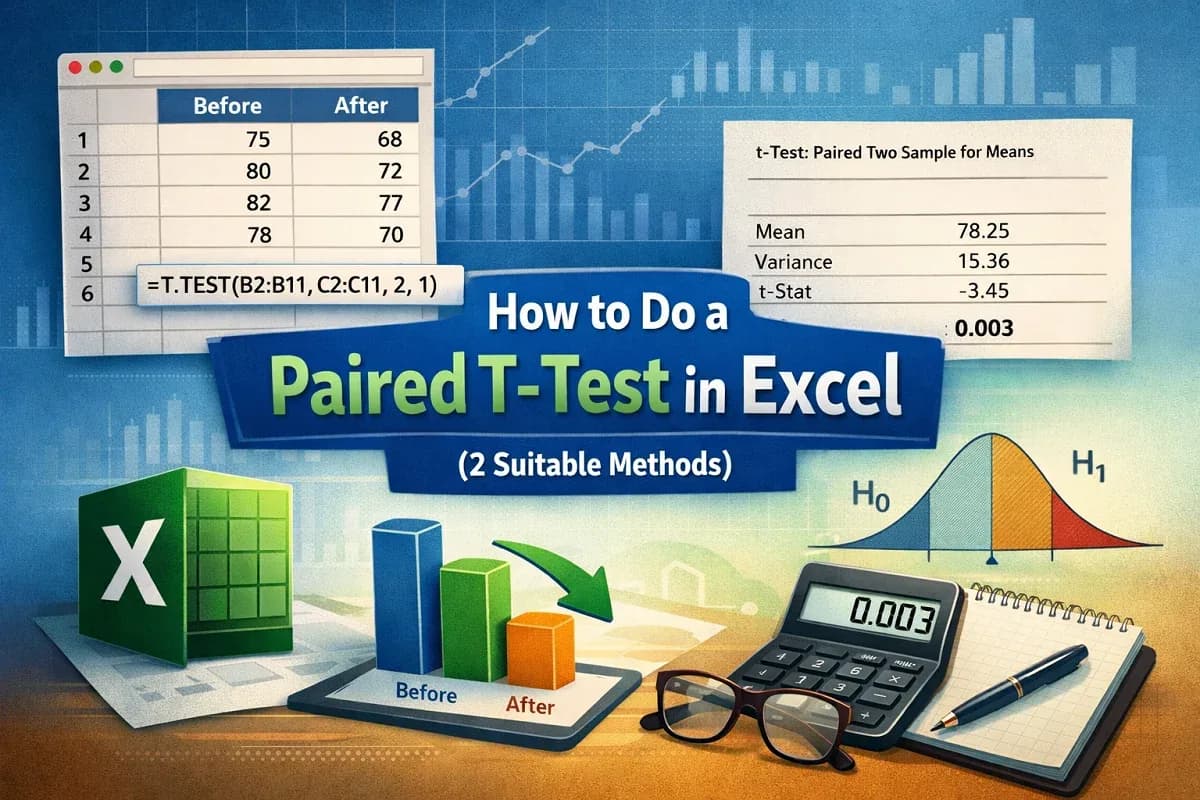
Learn how to do a paired t-test in Excel using the T.TEST function and the Data Analysis ToolPak with step-by-step instructions easily.
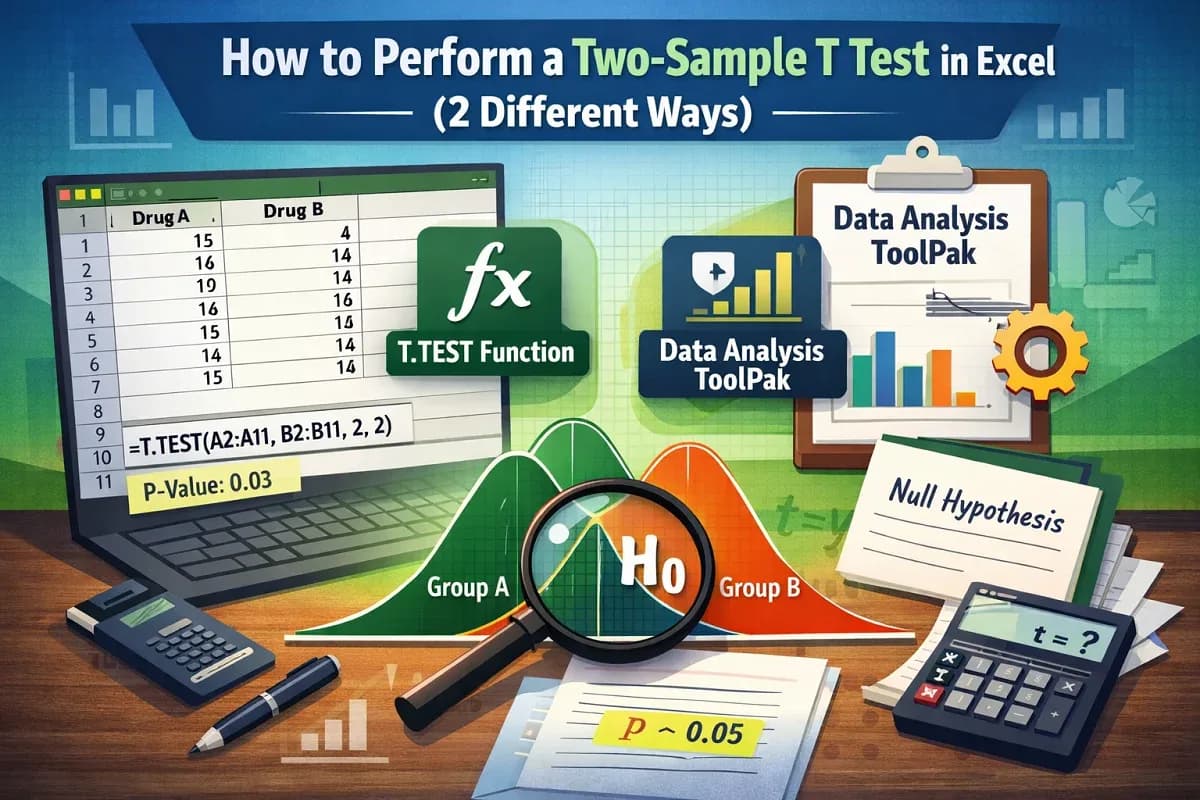
Learn how to perform a two-sample t-test in Excel using the T.TEST function and the Data Analysis ToolPak with clear steps and examples.
Learn how to calculate P-value in Excel T-Test using the T.TEST function and the Data Analysis ToolPak with step-by-step guidance.