Google Sheets Functions
How to Use IMPORTRANGE in Google Sheets with Conditions
Learn how to use IMPORTRANGE in Google Sheets with conditions by combining it with QUERY, FILTER, helper columns, and multiple criteria.
Read article

1285 articles
Learn how to use IMPORTRANGE in Google Sheets with conditions by combining it with QUERY, FILTER, helper columns, and multiple criteria.
Learn how to convert decimal time to hours and minutes in Excel using TEXT, INT, MOD functions, division by 24, VBA code, or Power Query.
Learn how to round time to the nearest 15 minutes in Excel using MROUND, CEILING, FLOOR, and ROUND functions, Power Query, or VBA code.

Learn how to merge cells vertically in Excel without losing data using Justify, CONCATENATE, TEXTJOIN, ampersand (&), or a VBA macro.
Learn how to count unique values in Google Sheets using COUNTUNIQUE, UNIQUE with COUNTA, COUNTIF, SUMPRODUCT, and FLATTEN for advanced cases.
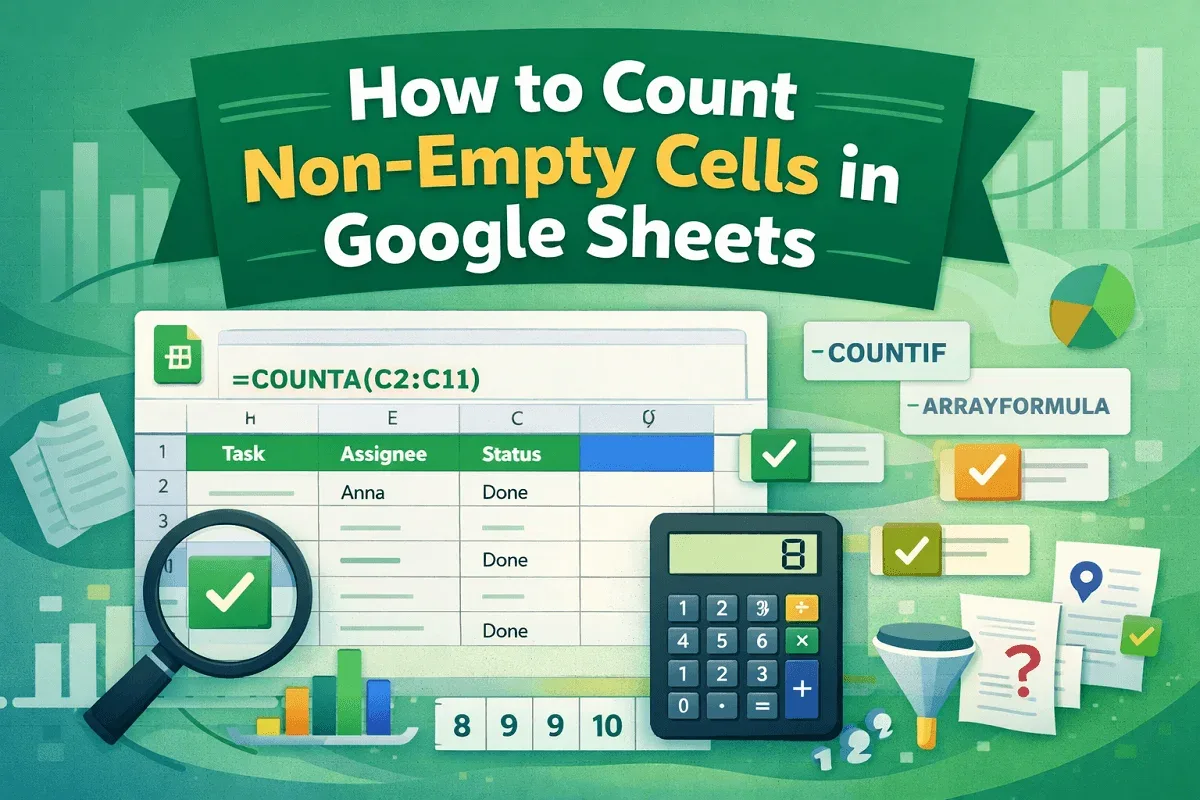
Learn how to count non-empty cells in Google Sheets using COUNTA, COUNTIF, and ARRAYFORMULA while filtering spaces and applying conditions.
Learn how to remove duplicates in Google Sheets using formulas like UNIQUE, FILTER, QUERY, ARRAYFORMULA, and MATCH for dynamic data cleanup.
Learn how to calculate time difference in Excel using direct subtraction, TEXT, IF, MOD functions and convert results to minutes or seconds.
Learn how to copy data from Excel to Word without losing formatting using paste options, pictures, or by embedding Excel files easily.
Learn how to highlight the lowest value in Excel using built-in rules, custom formulas, and highlighting entire rows easily and effectively.
Learn how to calculate years from today in Excel using DATEDIF, YEARFRAC, INT, and YEAR functions with easy step-by-step methods.
Learn how to convert numbers to words in Excel using formulas and VBA—handle decimals and currency values easily with step-by-step methods.