
Excel Pro Tips
Conditional Formatting Based on Another Cell with Multiple Values
Learn how to apply conditional formatting based on anothr cell with multiple values using OR, COUNTIF, partial matches, and named range
Read article

1285 articles
Learn how to apply conditional formatting based on anothr cell with multiple values using OR, COUNTIF, partial matches, and named range
Learn how to sort data by column in Excel while keeping rows intact using table format, SORT function, custom lists, and helper columns.
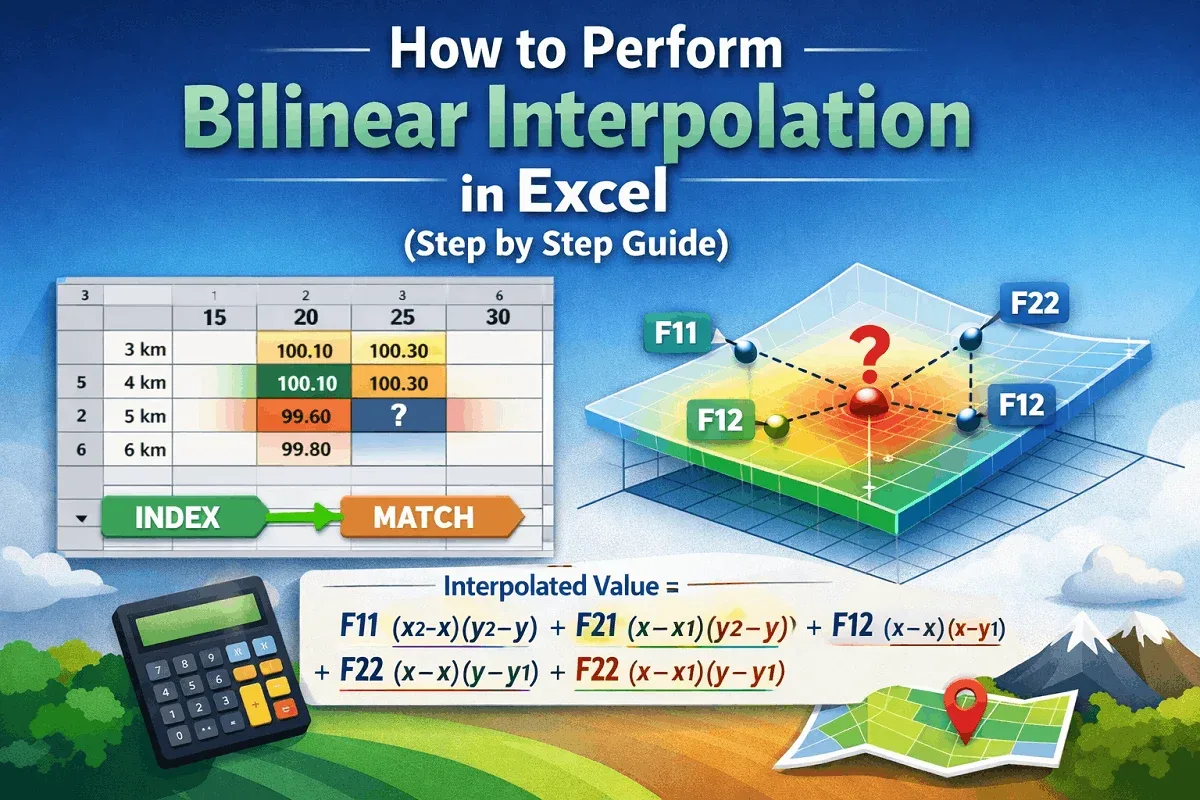
This article explores what bilinear interpolation is and the bilinear interpolation Excel formula and application with detailed steps.

Learn how to return a custom value if a cell is blank in Excel using IF, ISBLANK, LEN, COUNTBLANK, and other logical functions.

Learn what Compatibility Mode is in Excel and how to convert files to modern formats to remove compatibility prompts and improve performance.
Discover how to find the last occurrence of a value in an Excel column using LOOKUP, INDEX-MAX, XLOOKUP, or VBA methods easily.
Learn how to convert addresses to latitude and longitude in Excel using the Geography data type and VBA code for precise results.
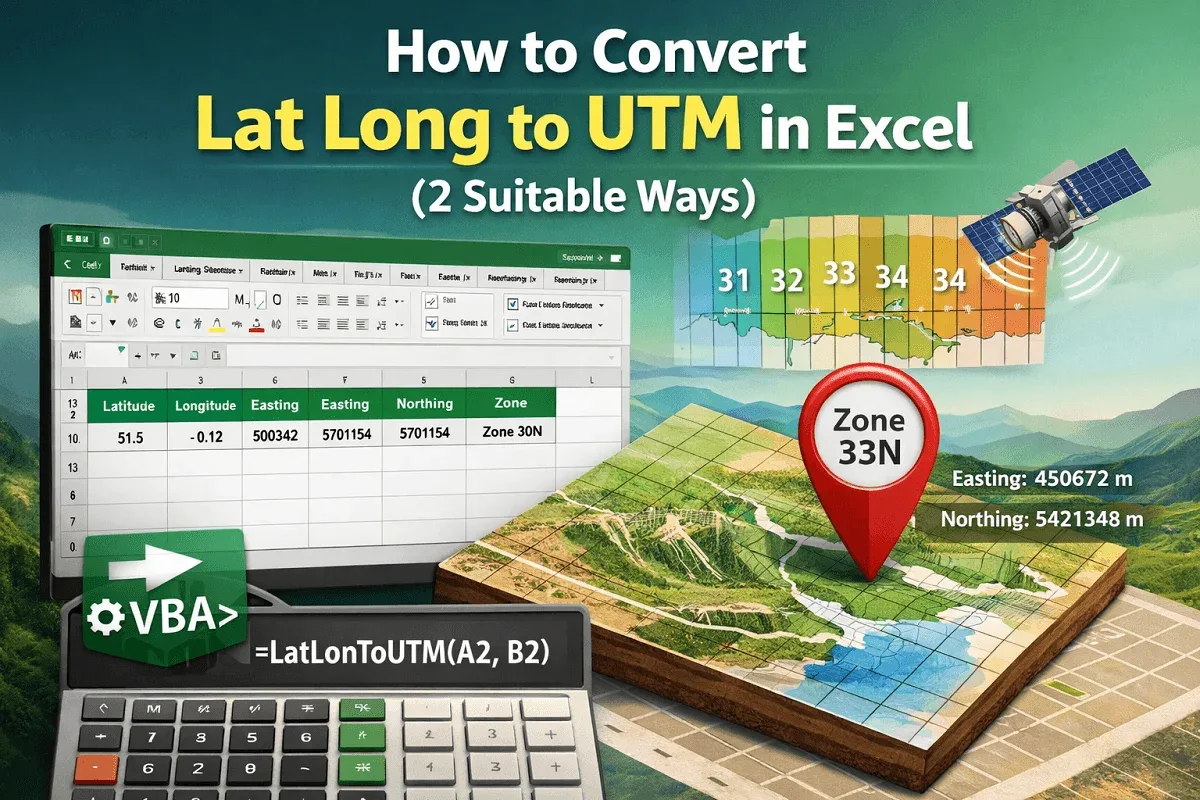
Learn how to convert latitude and longitude to UTM coordinates in Excel using VBA code, including Easting and Northing values accurately.
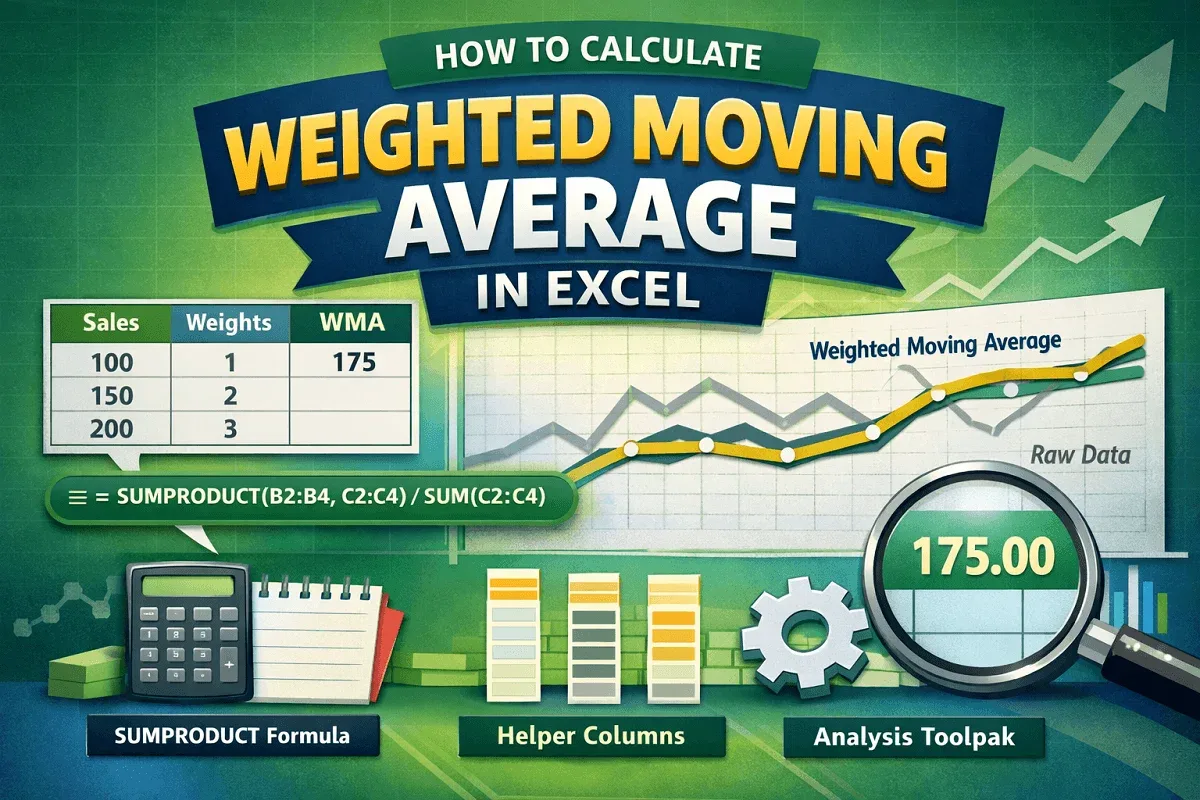
Learn how to calculate weighted moving average in Excel using SUMPRODUCT, helper columns, and the Data Analysis Toolpak for simple averages.

Learn how to unprotect an Excel workbook without a password using VBA, editing XML files, copying data, or saving as an older XLS format.
Learn how to alternate row colors in Excel without using a table by applying conditional formatting or custom Nth-row formulas.

Learn how to highlight a cell in Excel if its value is greater than another cell using conditional formatting, formulas, and built-in rules.