Excel Pro Tips
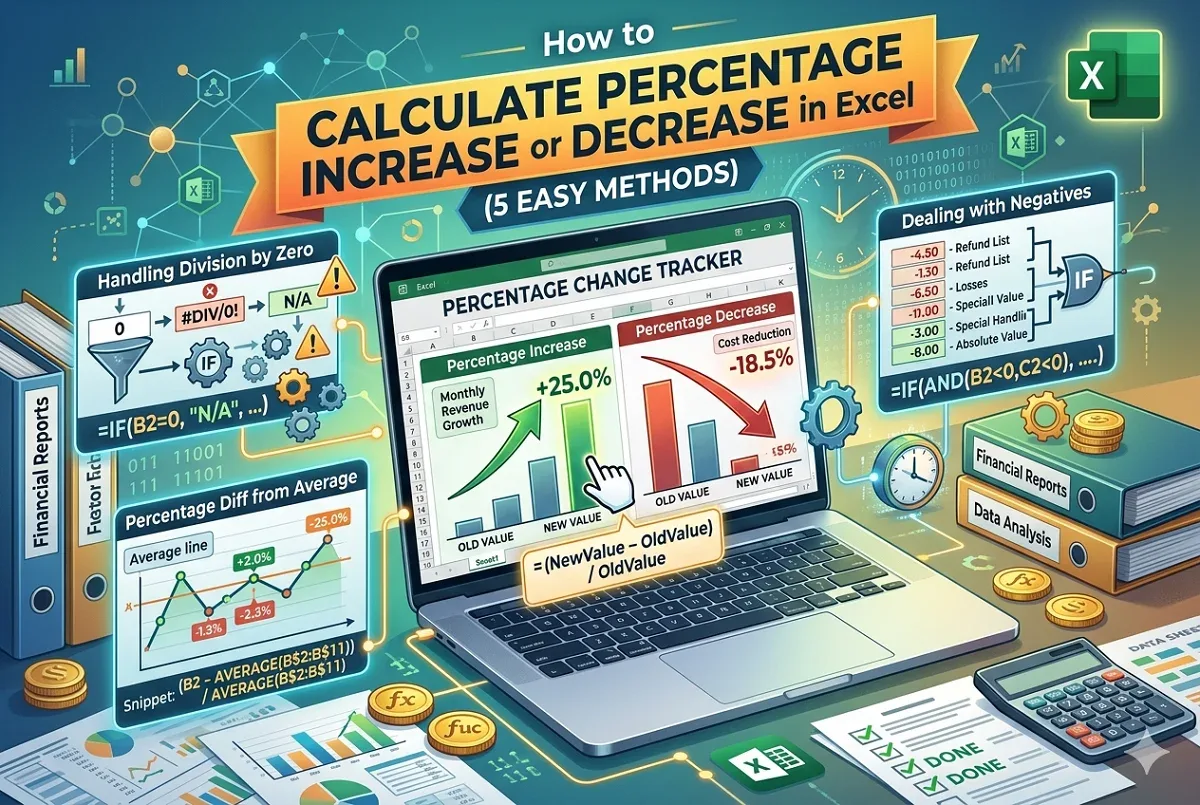
How to Calculate Percentage Increase or Decrease in Excel
Learn to calculate percentage increase or decrease in Excel, handle negative values, division by zero, and find absolute % changes easily.
Read article

1285 articles
Learn to calculate percentage increase or decrease in Excel, handle negative values, division by zero, and find absolute % changes easily.

This article explores how to interpolate between two values in Excel using arithmetic formula and FORECAST.LINEAR function in detailed steps.
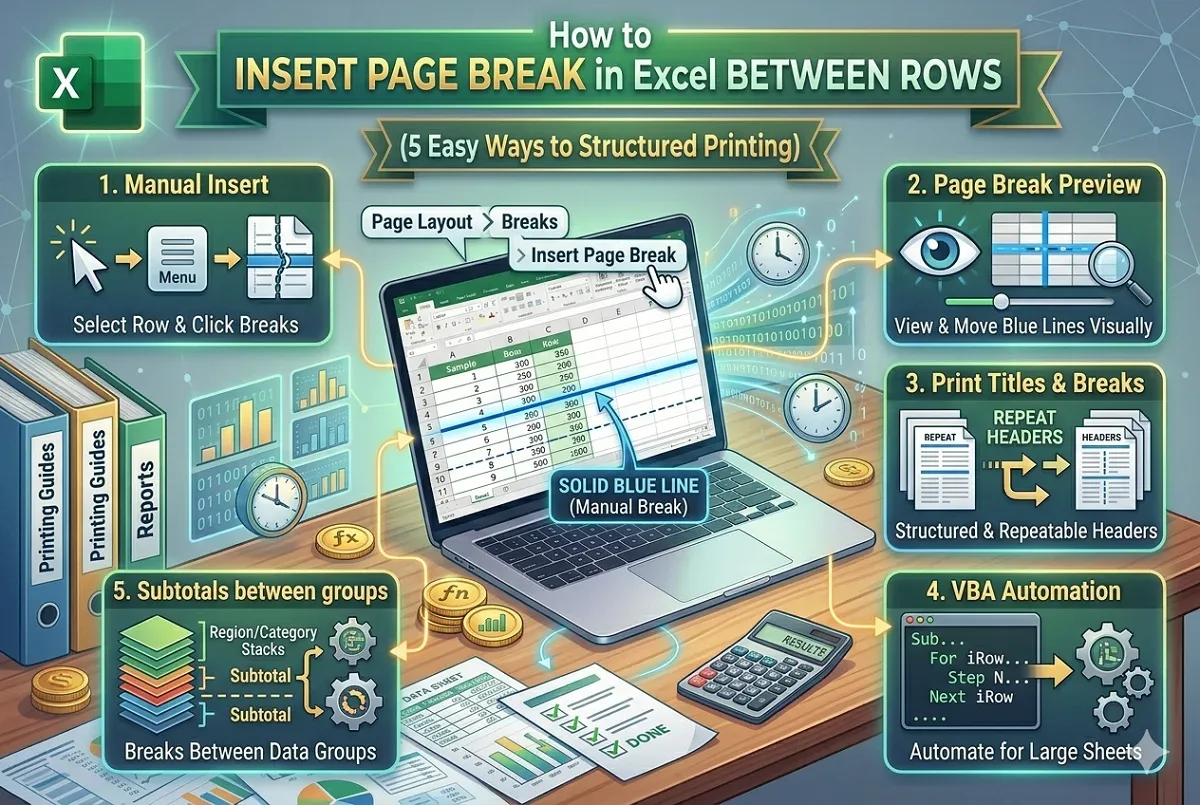
Learn how to insert page breaks in Excel between rows manually, with VBA, using subtotals, and how to remove them for better print layout.
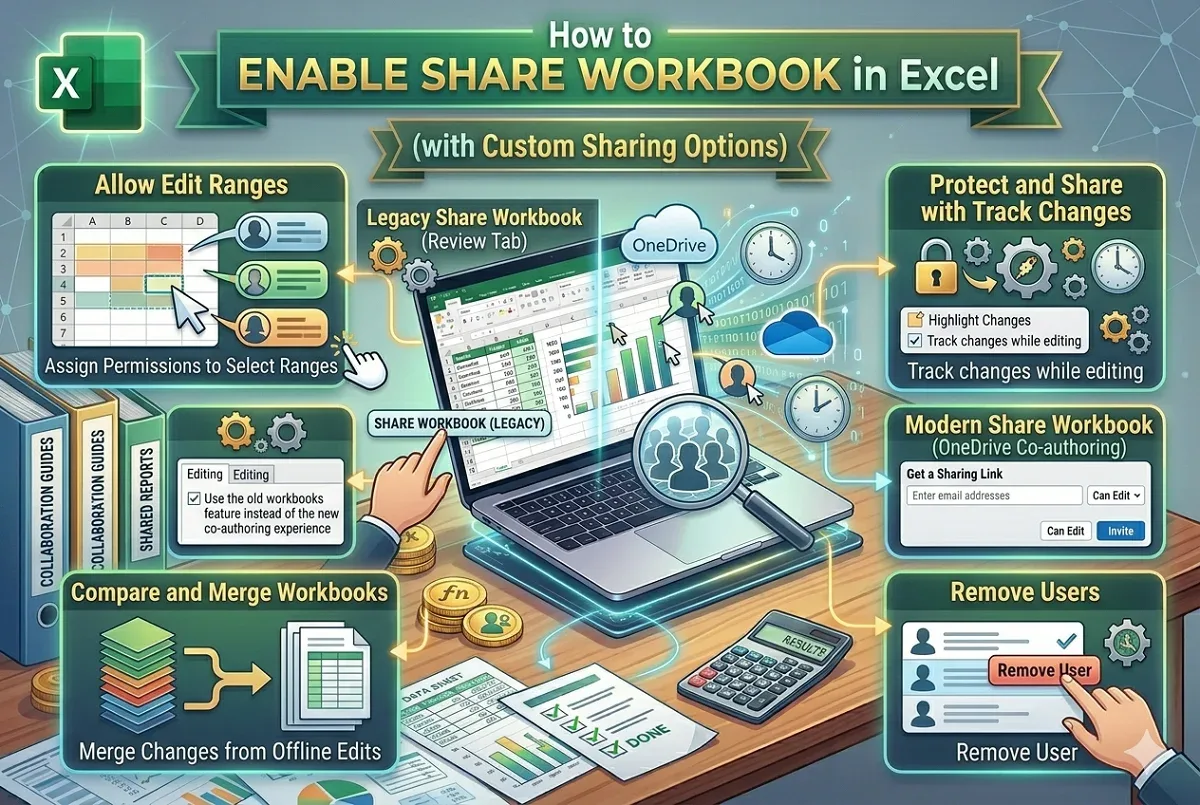
Learn how to enable sharing workbooks in Excel, manage user access, compare changes, and use OneDrive for modern co-authoring seamlessly.
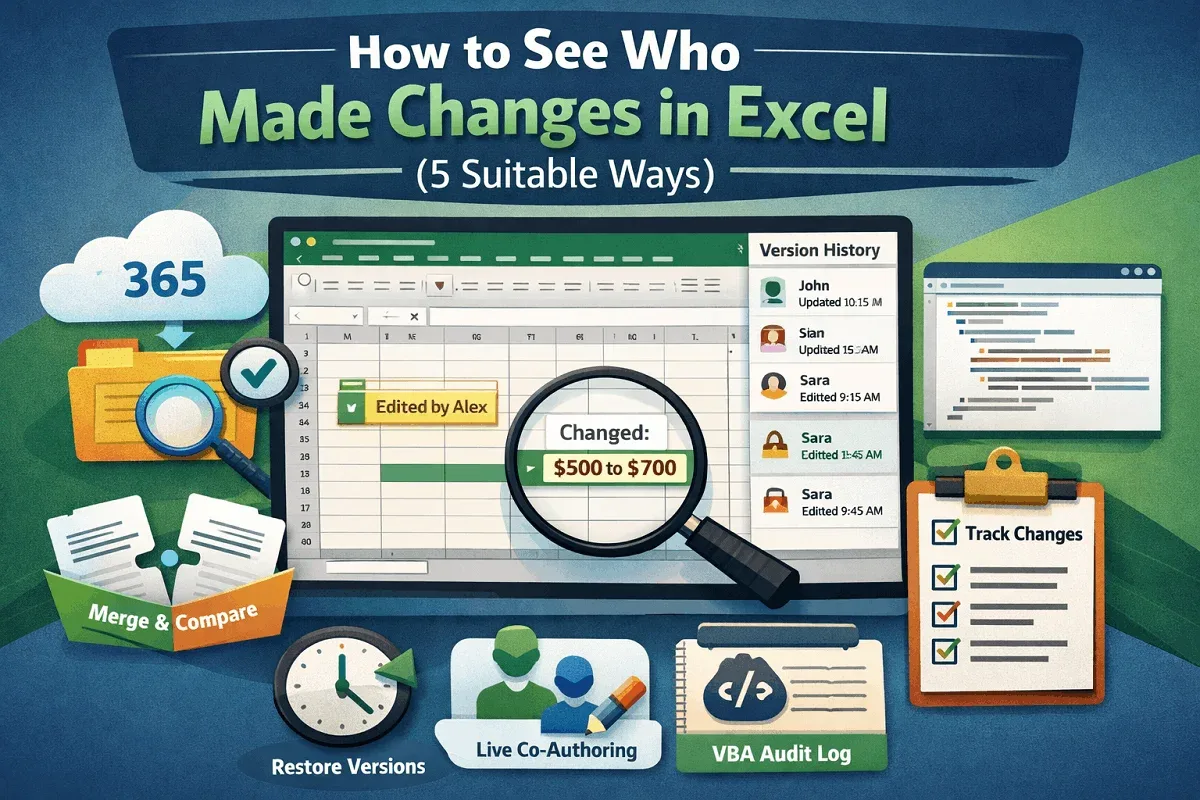
Learn how to see who made changes in Excel using version history, co-authoring, legacy track changes, and VBA for audit trails.
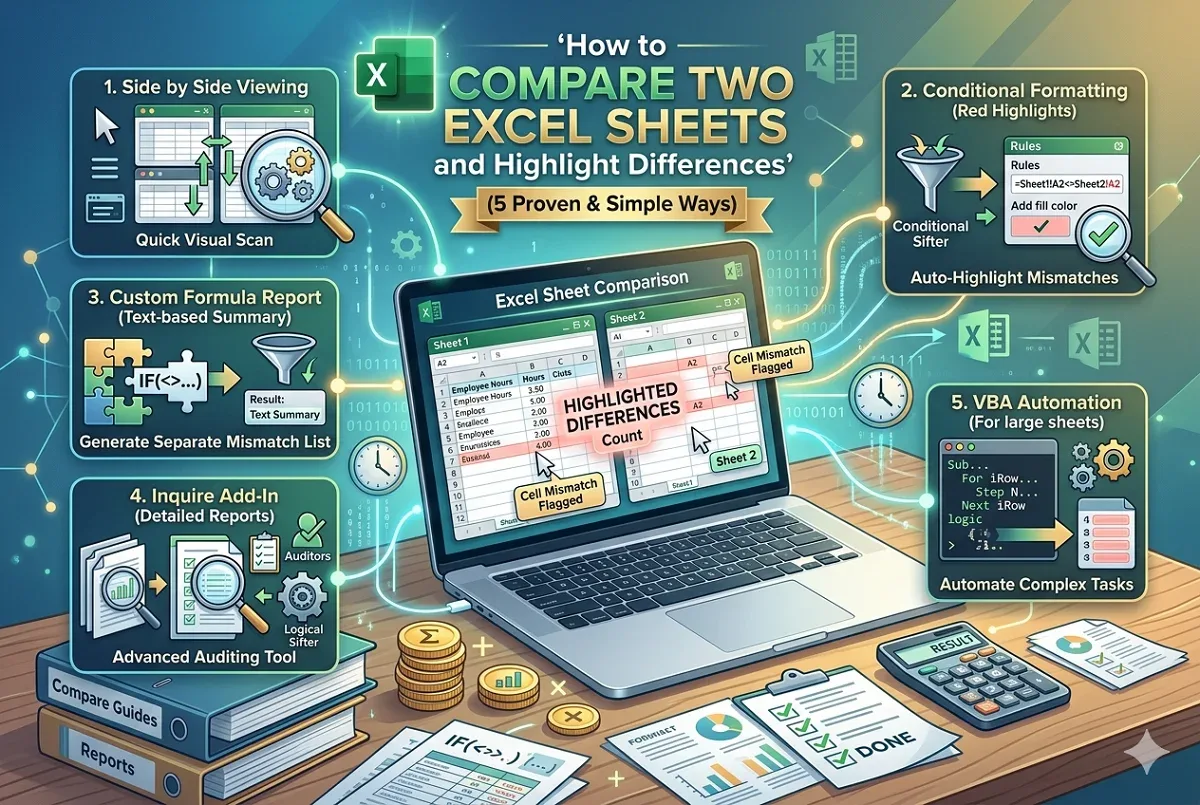
Easily compare two Excel sheets and highlight differences using built-in features, formulas, or VBA for accurate data analysis.
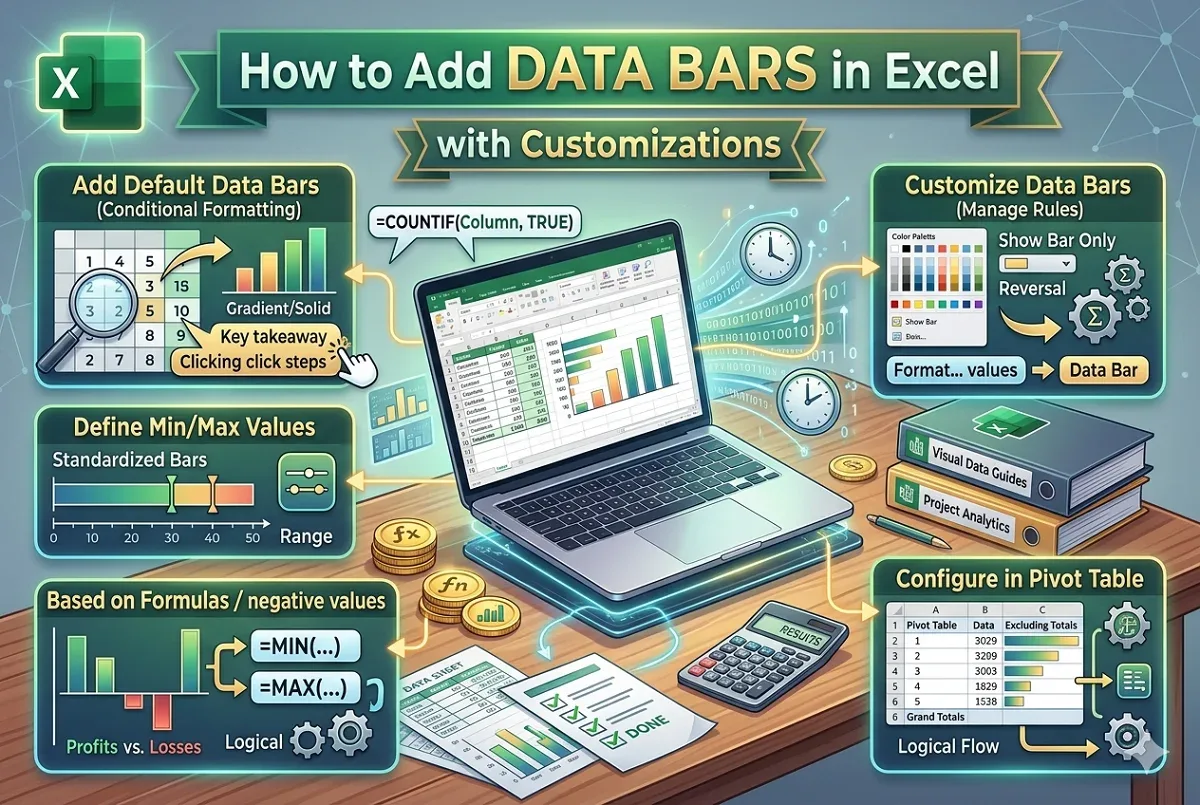
Learn how to add data bars in Excel using conditional formatting, customize them, and apply them to pivot tables and formulas.
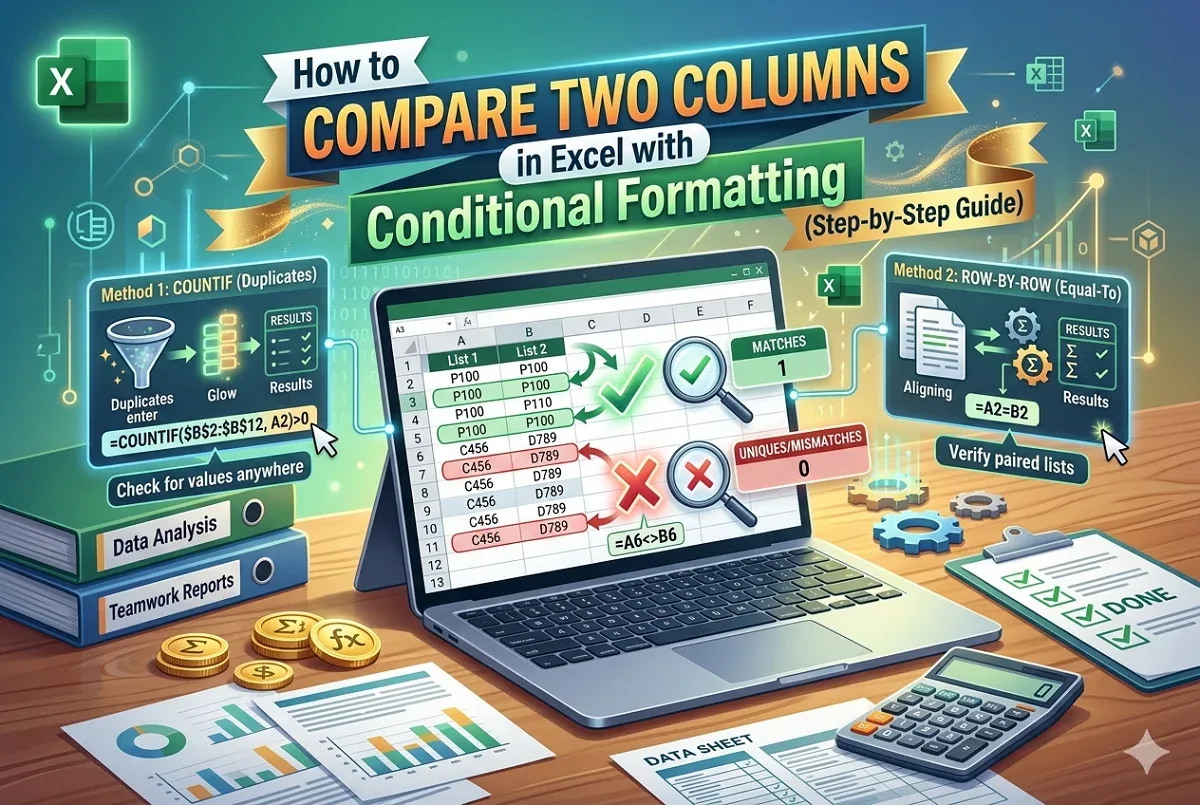
Learn how to use conditional formatting in Excel to compare two columns and highlight matching or unique values easily.
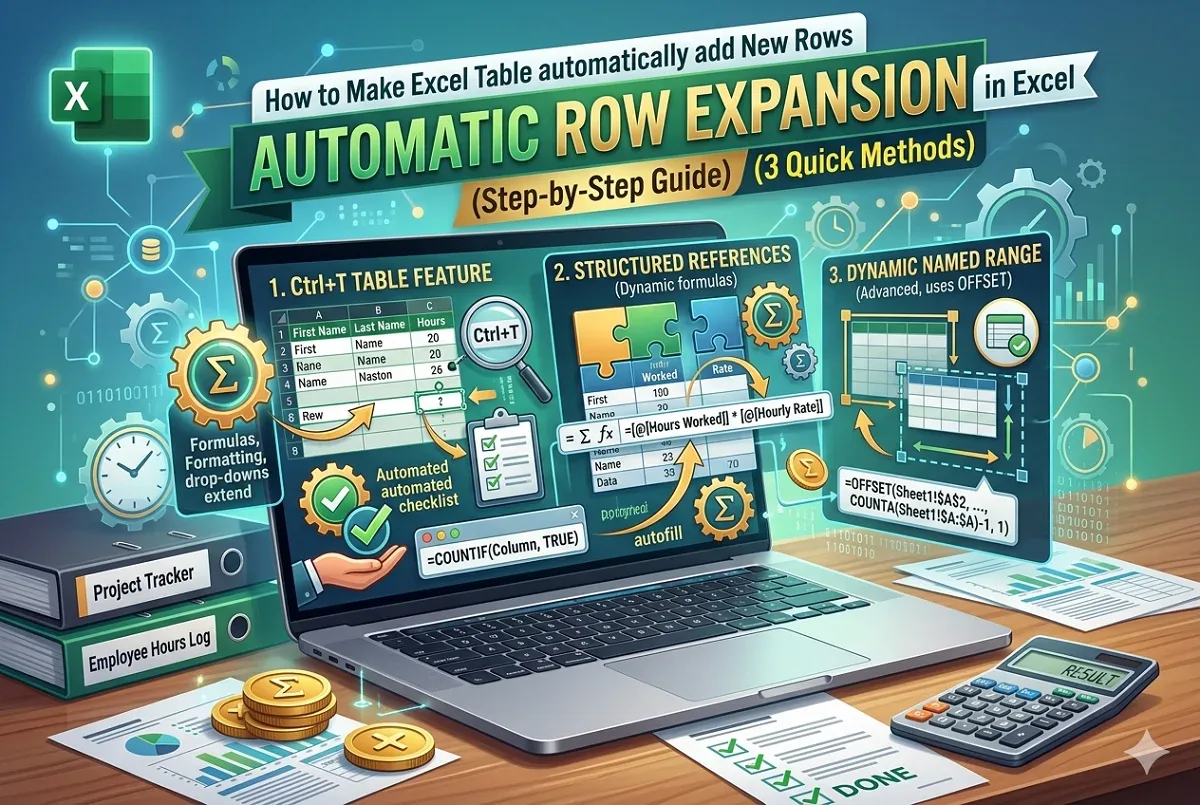
Learn how to make Excel tables automatically add new rows using table features, structured references, and dynamic named ranges.

Learn how to link a text box to a cell in Excel for dynamic content, including using the formula bar and creating dynamic dashboard titles.
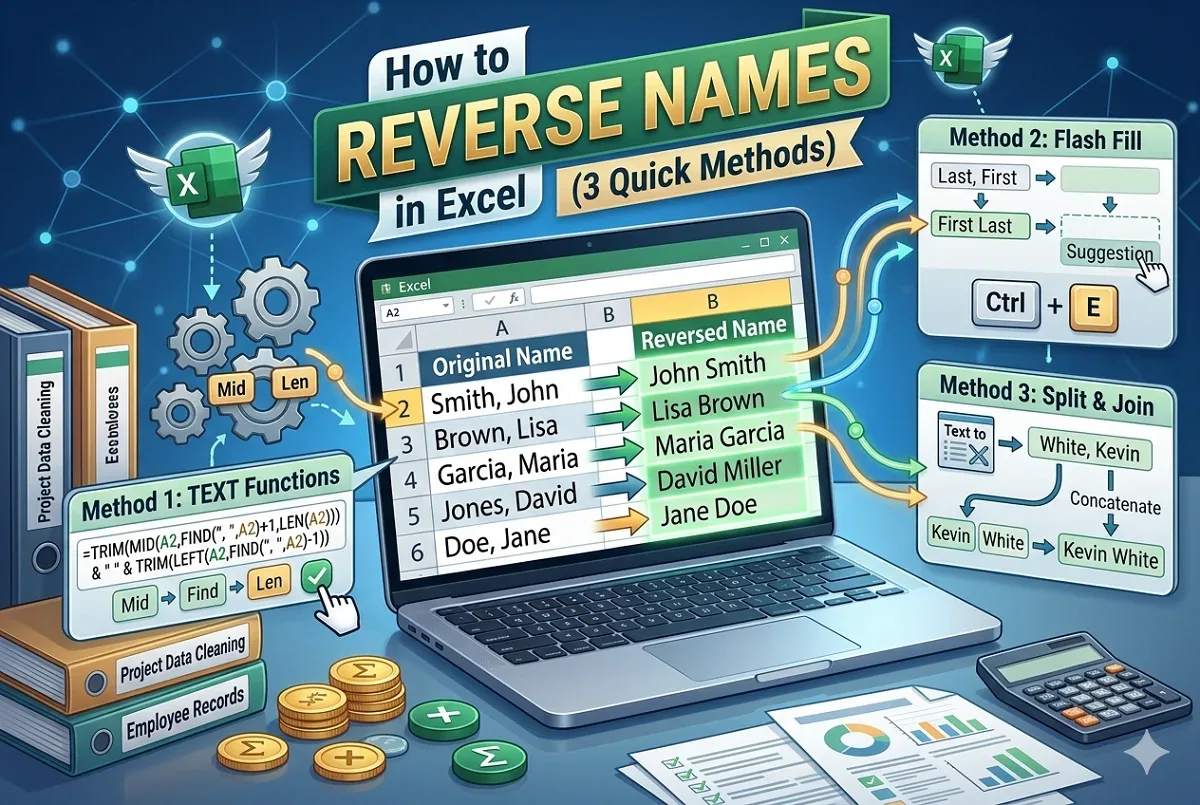
Learn how to reverse names in Excel using text functions, Flash Fill, or Text to Columns and concatenate for easy “Last, First” formatting.
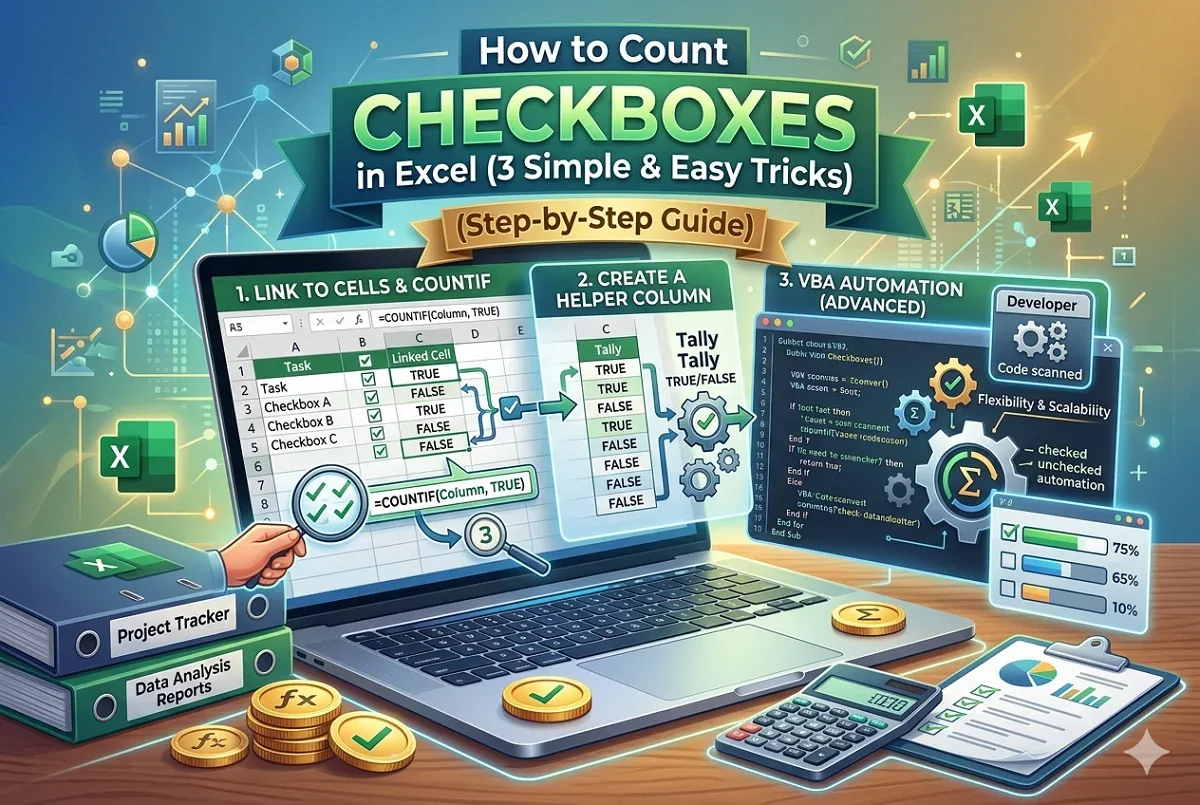
Learn how to count checkboxes in Excel by linking to cells, using helper columns, or applying VBA for advanced counting methods.