Excel Functions & Formulas
HLOOKUP vs VLOOKUP Formula in Excel: All Explained in Detail
Compare HLOOKUP vs VLOOKUP in Excel, including syntax, performance, error handling, and examples for exact, approximate, and two-way lookups.
Read article

20 articles tagged with “Excel VLOOKUP Function”
Compare HLOOKUP vs VLOOKUP in Excel, including syntax, performance, error handling, and examples for exact, approximate, and two-way lookups.
Learn how to remove VLOOKUP formulas in Excel and keep values using paste special, shortcuts, and drag and drop methods.
Learn how to use a dynamic VLOOKUP in Excel with MATCH, dynamic column references, and COLUMNS function for flexible lookups.
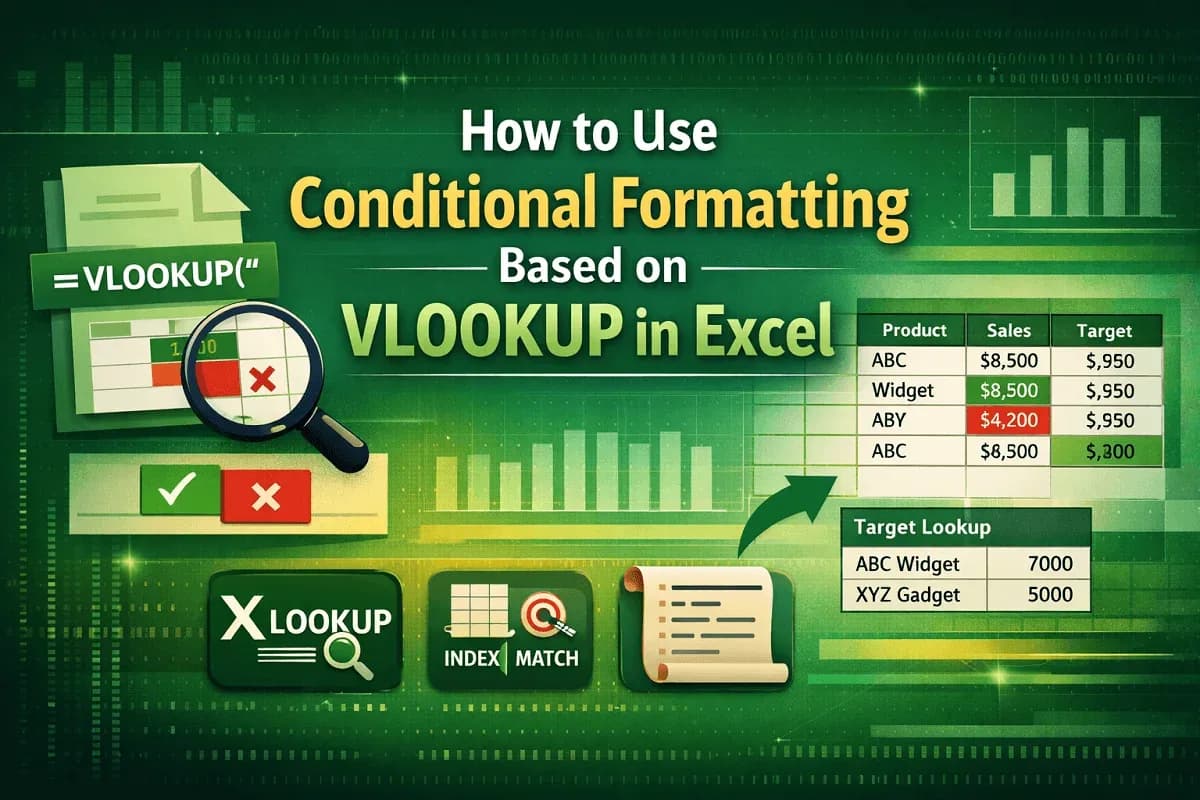
Learn how to use conditional formatting with VLOOKUP in Excel to highlight values, compare targets, and explore XLOOKUP, MATCH and VBA.
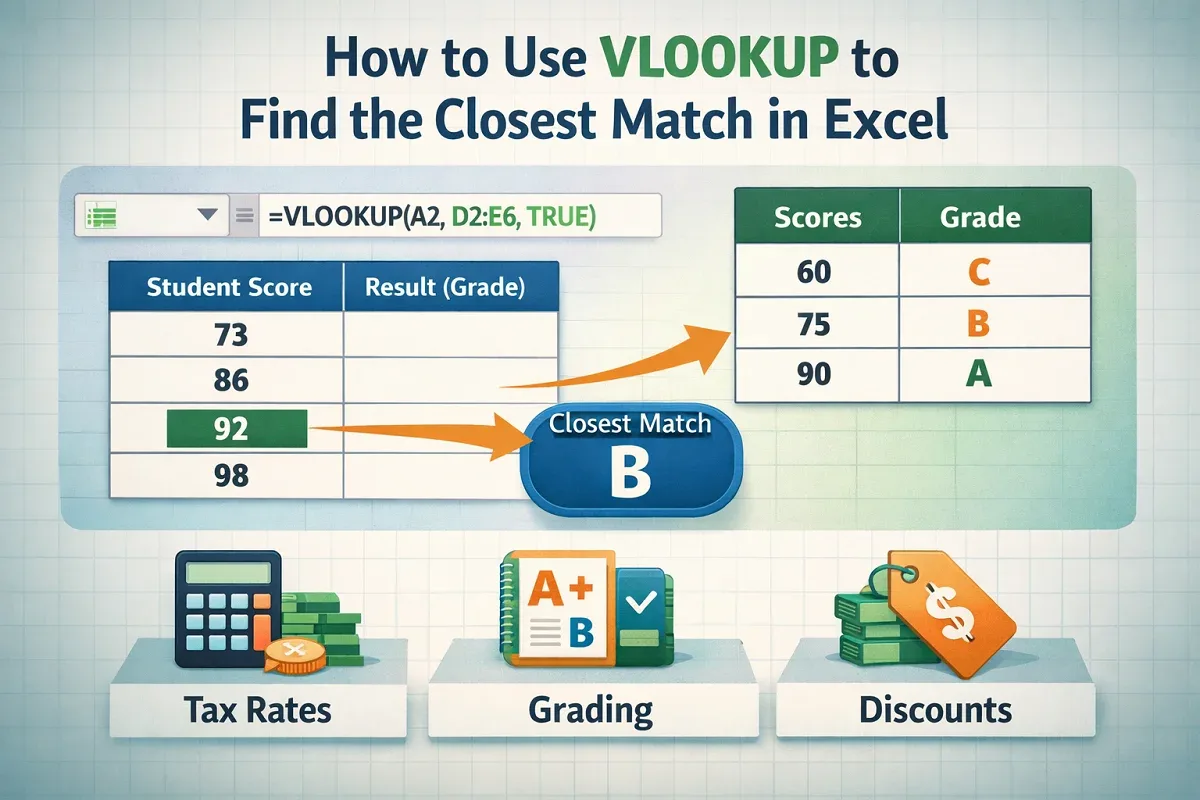
Learn how to use VLOOKUP in Excel to find the closest approximate or partial text match with step-by-step examples and tips.
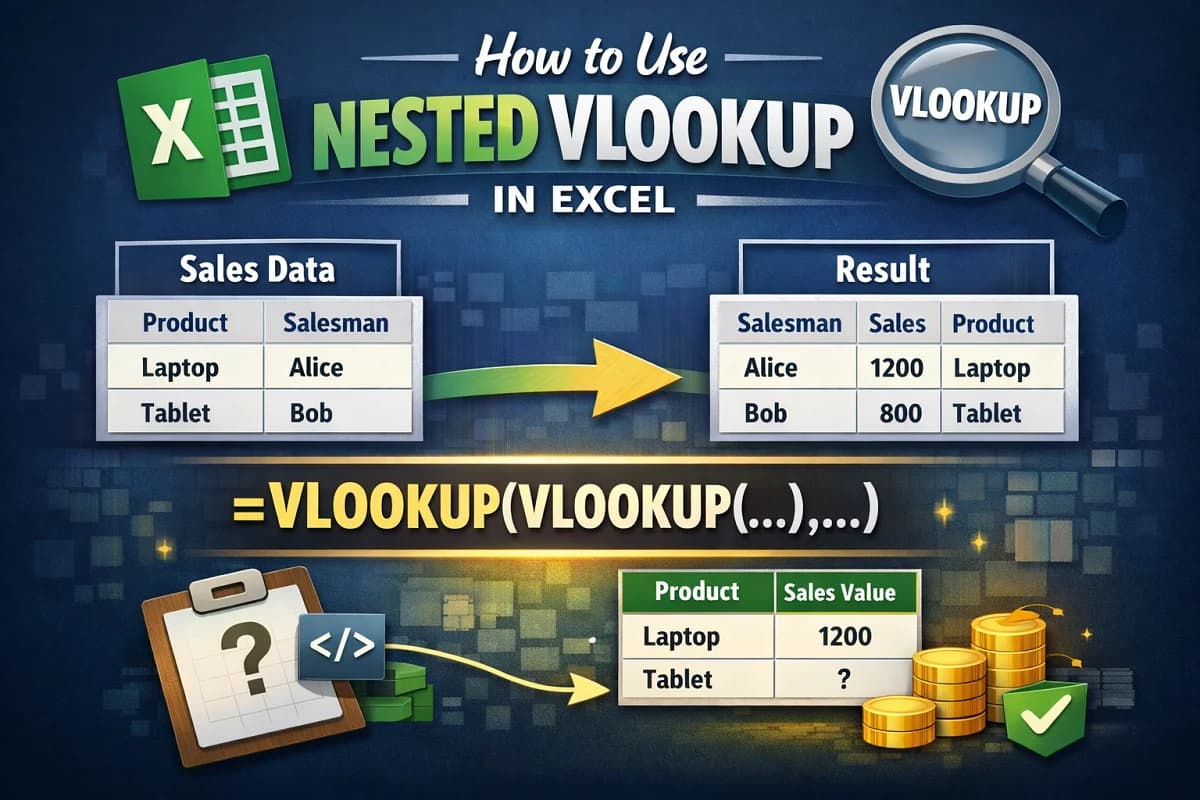
Learn how to use nested VLOOKUP in Excel to find sales values by product and return product details by salesman easily.
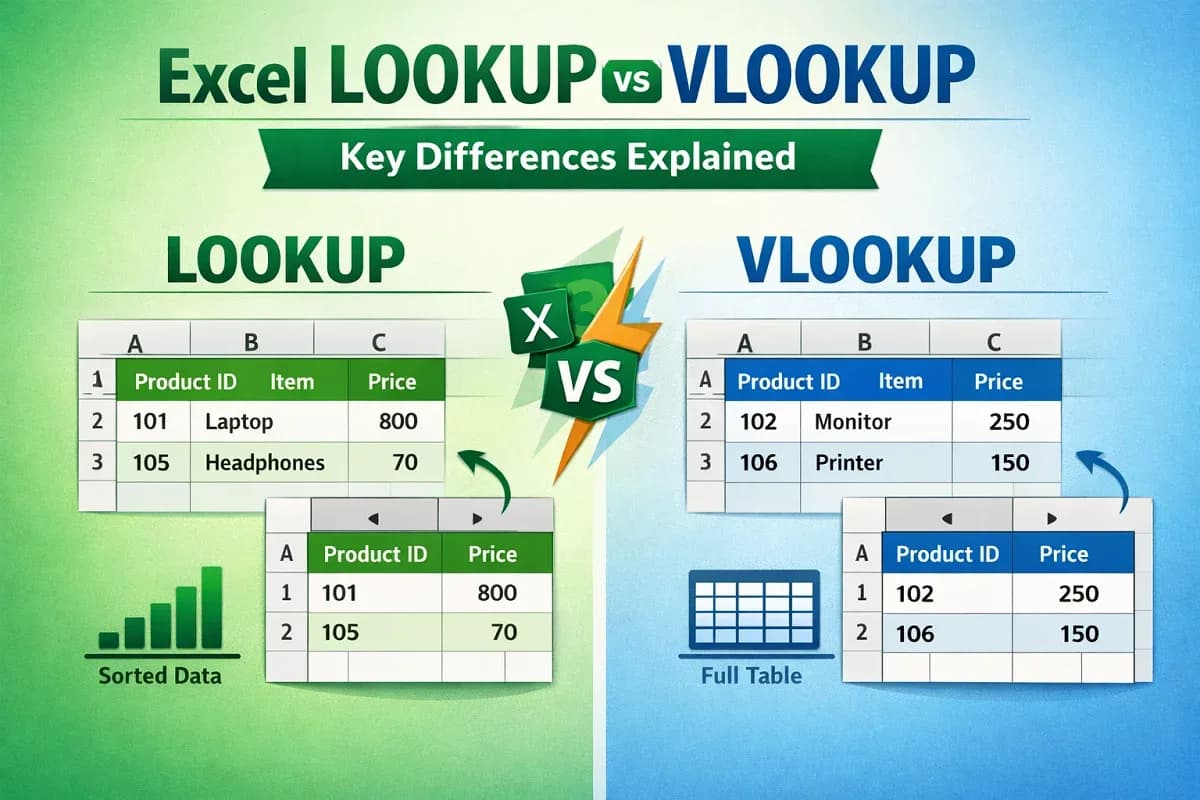
Learn the key differences between Excel LOOKUP and VLOOKUP functions, including how to use each for efficient data searches.
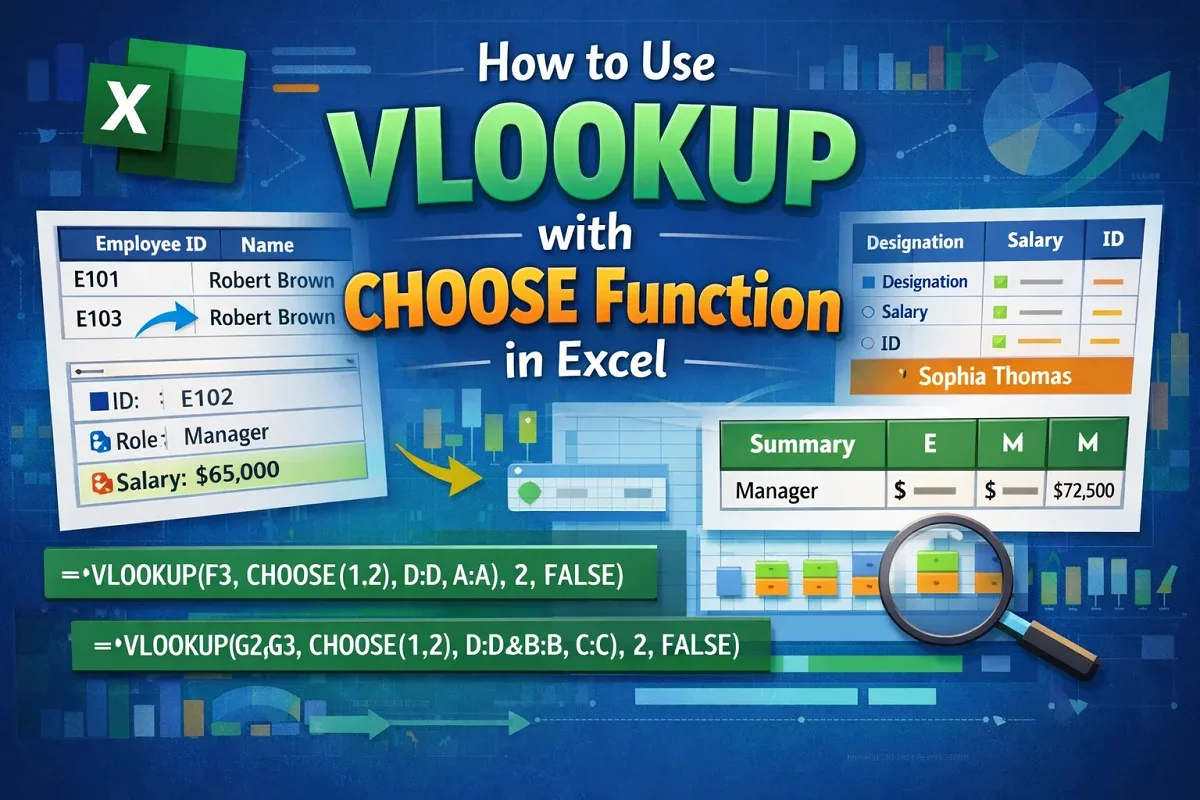
Learn how to use the VLOOKUP with CHOOSE function in Excel to handle single, multiple, and complex lookup criteria efficiently.
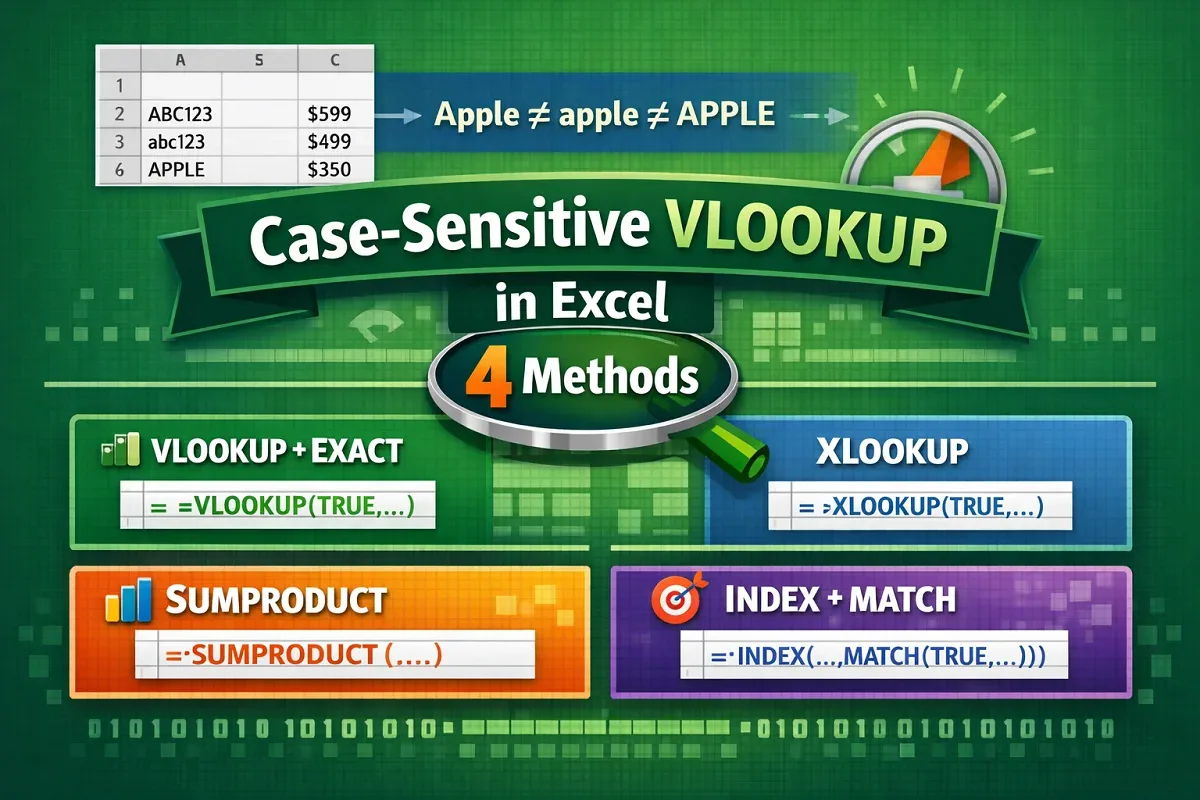
Learn 4 effective ways to perform case-sensitive VLOOKUP in Excel using CHOOSE, EXACT, XLOOKUP, SUMPRODUCT, and INDEX-MATCH functions.

Learn how to combine VLOOKUP and HLOOKUP in Excel, including using MATCH and the powerful XLOOKUP as a modern alternative.

Learn how to VLOOKUP multiple values in one cell using TEXTJOIN, FILTER, UNIQUE, and VBA codes—both with and without duplicates.
Learn how to VLOOKUP with multiple criteria across different Excel sheets using INDEX-MATCH, XLOOKUP, and FILTER functions.