
Excel Pro Tips
How to Highlight Row If a Cell Contains Any Text in Excel
Learn how to highlight a row if a cell contains text in Excel using formulas, SEARCH, FIND, AND, OR, MATCH, and drop-down controls.
Read article

16 articles tagged with “Highlight Cells in Excel”
Learn how to highlight a row if a cell contains text in Excel using formulas, SEARCH, FIND, AND, OR, MATCH, and drop-down controls.
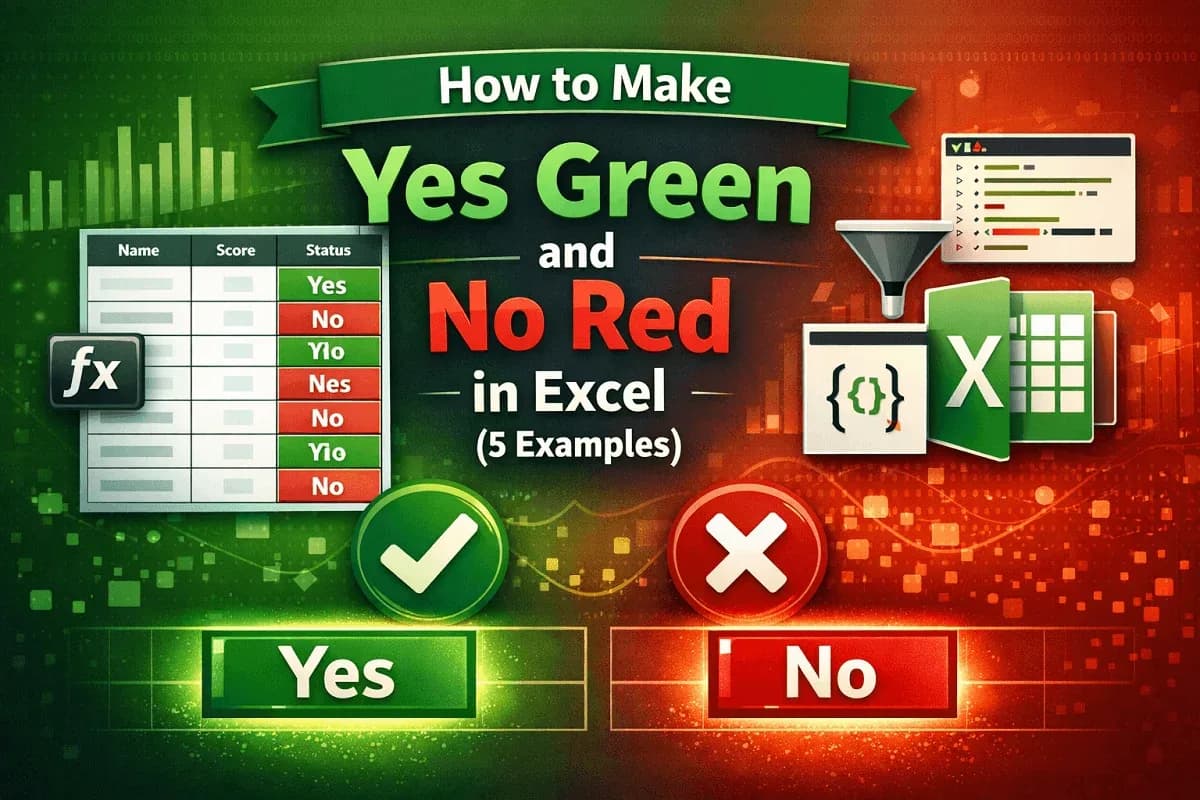
Make Yes green and No red in Excel using conditional formatting, filters, VBA Editor, or Office Scripts for highlights easily.

Learn how to highlight rows in Excel when a checkbox is checked using conditional formatting, IF-based logic, or automated VBA macros.
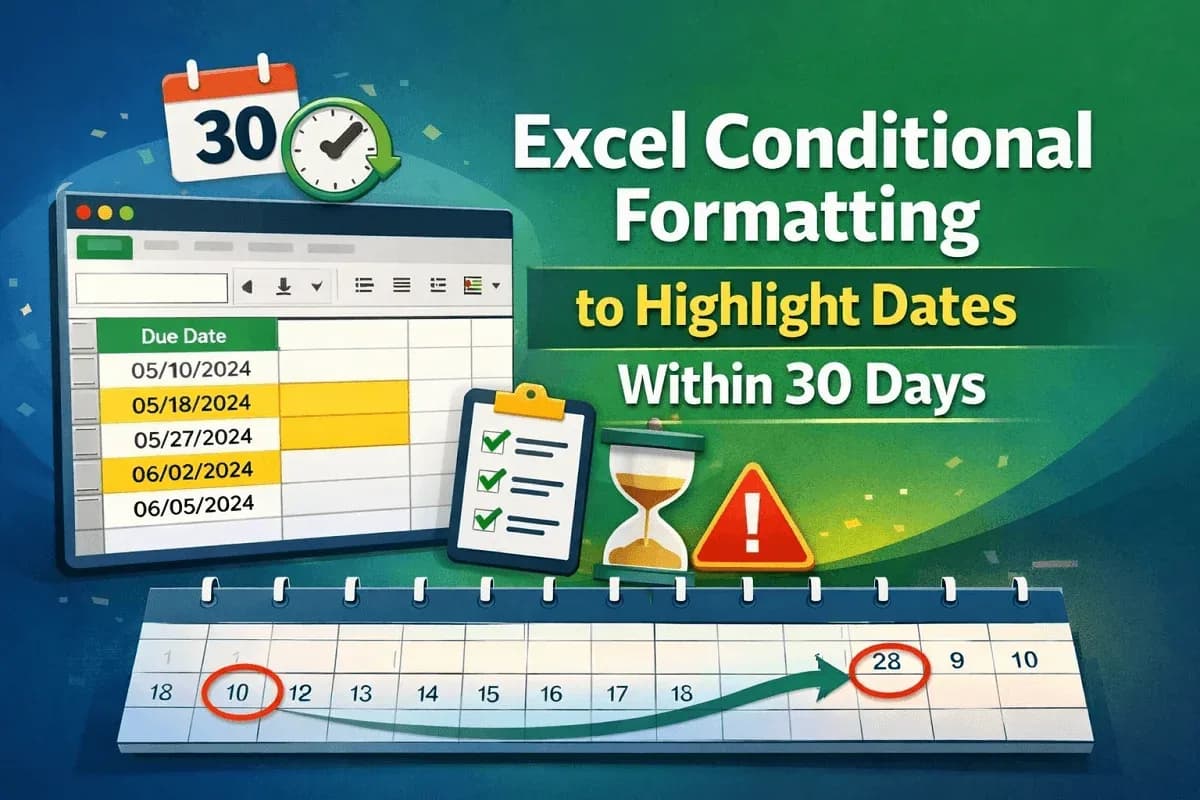
Learn how to use Excel conditional formatting to highlight dates within 30 days using TODAY and AND for dynamic tracking and accuracy.

Learn how to alternate row colors in Excel based on groups using formulas, helper columns, and conditional formatting for any group size.

Learn how to highlight cells containing text from a list in Excel using COUNTIF, MATCH, SEARCH, and SUMPRODUCT for exact and partial matches.
![[Fixed] Excel Not Highlighting Cells in Formula](/_next/image/?url=https%3A%2F%2Fpub-b39c974f4c124a36a2fb517be38076ec.r2.dev%2Fimages%2F2026%2F08%2Ffeatured-image-excel-not-highlighting-cells-in-formula-ce84ffe8.webp&w=3840&q=75)
Fix Excel not highlighting cells in formulas with easy methods—enable editing in cells, use VBA, repair Office, or check F2 settings.

Learn how to highlight the active row in Excel using conditional formatting, VBA macros, or combining defined names with VBA for automation.

Learn how to highlight entire row in Excel with conditional formatting using cell values, numeric criteria, logical functions or dropdowns.

Learn how to highlight selected cells in Excel using manual formatting, conditional formatting, custom formulas, or VBA macros easily.

Learn how to highlight cells in Excel based on value using rules for numbers, text, duplicates, averages, exact matches & multiple conditions.

Learn how to highlight the lowest value in Excel using built-in rules, custom formulas, and highlighting entire rows easily and effectively.