Excel Pro Tips
How to Create a Fillable PDF from Excel (2 Useful Methods)
Learn how to create a fillable PDF from Excel by using prebuilt templates or designing custom forms with interactive, fillable fields.
Read article

1285 articles
Learn how to create a fillable PDF from Excel by using prebuilt templates or designing custom forms with interactive, fillable fields.
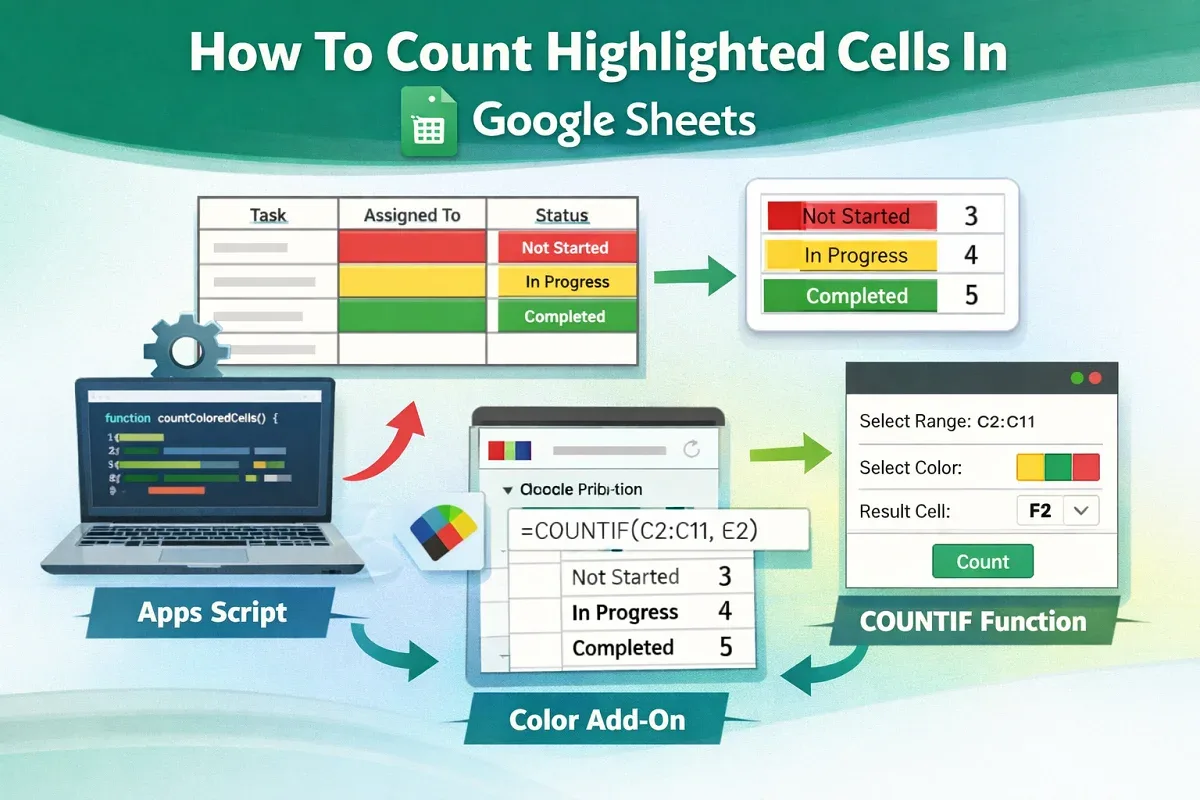
Learn how to count highlighted cells in Google Sheets using Apps Script, Function by Color add-on, or COUNTIF for text-based highlights.
Learn how to save Excel as PDF without cutting off data by adjusting paper size, orientation, scaling options, and page setup settings.
Learn how to count duplicate values only once in Excel using functions like EXACT, MATCH, SUMPRODUCT, UNIQUE, Advanced Filter, and more.
Learn how to merge duplicate rows in Excel using Consolidate, UNIQUE, PivotTables, Power Query, or VBA to clean and organize data.
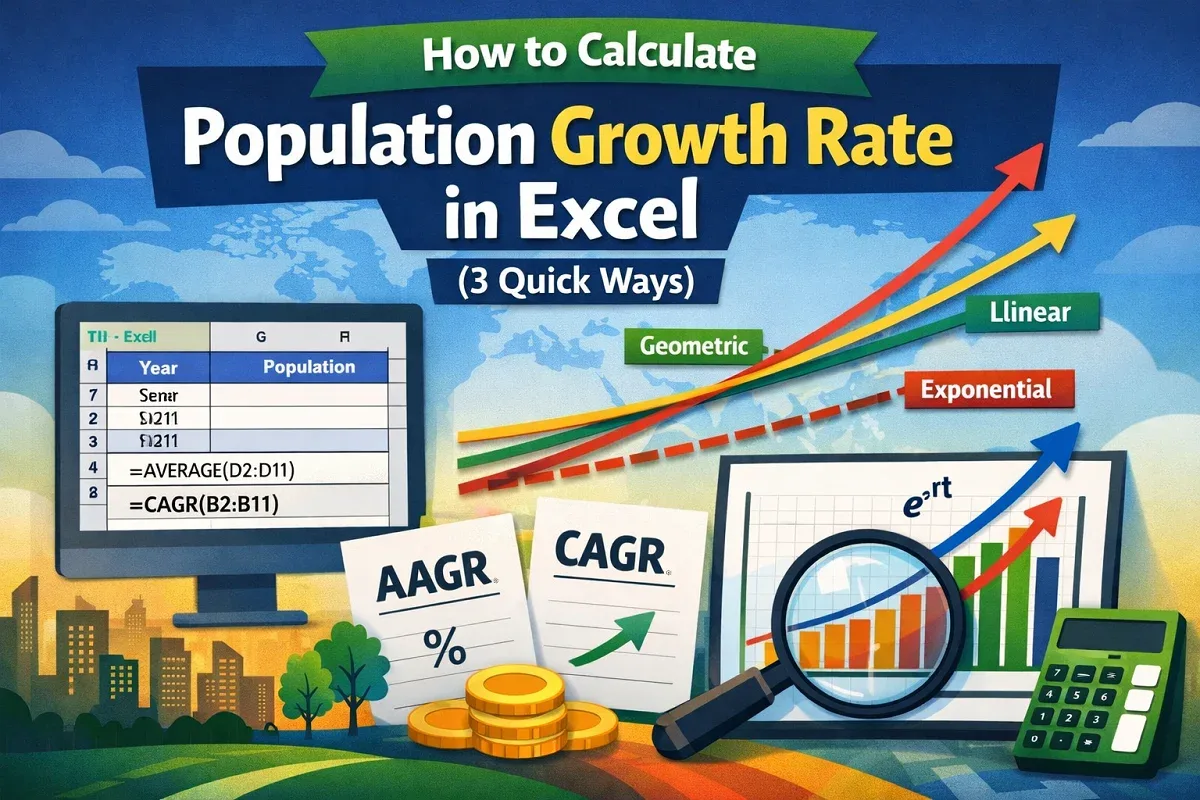
This article explores how to calculate population growth rate in Excel using AAGR and CAGR, in addition to population projection formulas.
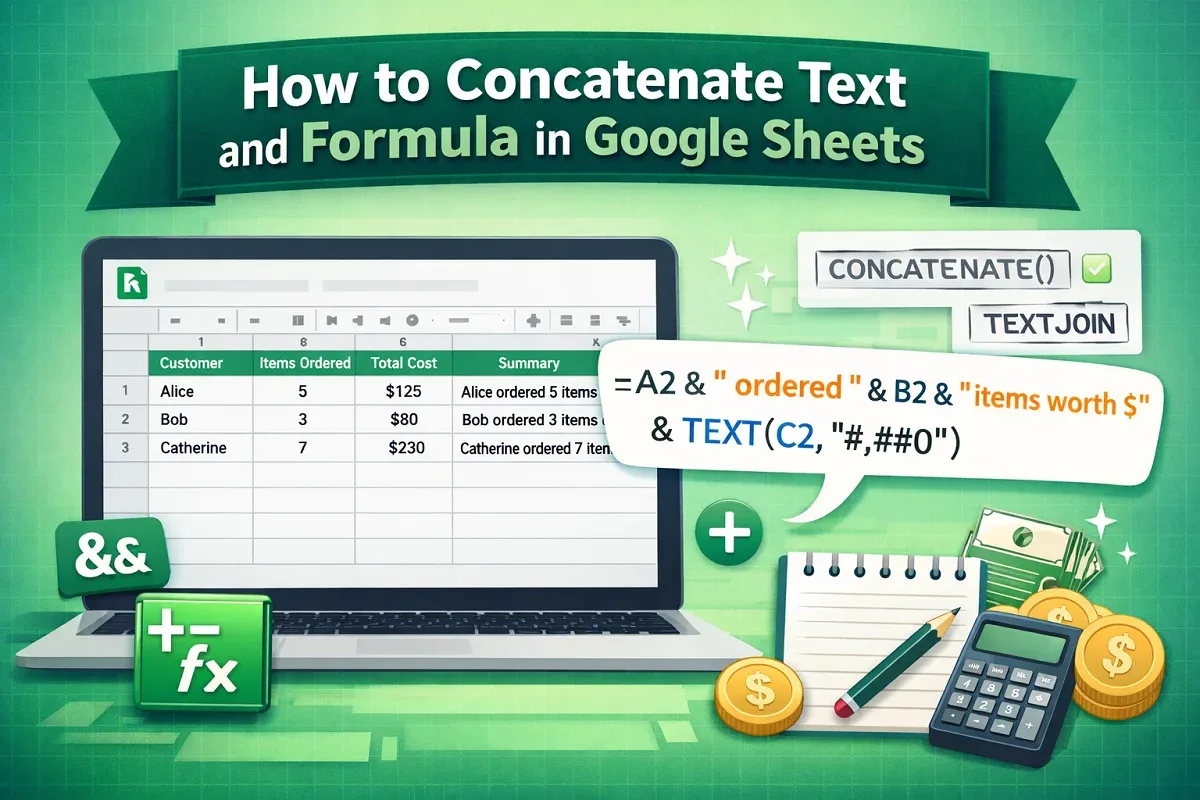
Learn how to concatenate text and formula in Google Sheets using the ampersand operator, TEXTJOIN, or CONCATENATE for flexible results.

Learn how to remove dashes from SSNs in Excel using Find & Replace, SUBSTITUTE, Flash Fill, Power Query, or VBA for quick cleanup.

Learn how to remove first 3 characters in Excel using RIGHT, MID, REPLACE, Flash Fill, Text to Columns, or VBA for quick data editing.

Learn how to remove space after text in Excel using Find & Replace, TRIM, LEFT, SUBSTITUTE, Power Query, or VBA for clean and accurate data.

Learn how to insert video into Google Sheets using Google Drawing, Slides, or hyperlinks for easy access and better presentations.
Learn how to remove space before numbers in Excel using Find & Replace, TRIM, MID & FIND, Data Validation, or VBA for clean data.