Excel Pro Tips
How to Remove Compatibility Mode in Excel (2 Simple Ways)
Learn how to remove Compatibility Mode in Excel using the “Save As” feature or the “Convert” option for seamless editing in modern formats.
Read article

1285 articles
Learn how to remove Compatibility Mode in Excel using the “Save As” feature or the “Convert” option for seamless editing in modern formats.

Learn how to remove outliers in Excel using TRIMMEAN, IQR logic, standard deviation, or manual methods to clean up your data analysis.
Create a master sheet in Google Sheets using FILTER, QUERY, or IMPORTRANGE functions to combine and manage data from multiple sheets easily.
Convert Word to Excel with columns by using plain text import or automate the process with VBA to extract tables accurately into Excel.
Extract data from PDF to Excel using copy-paste, Power Query, Word, or Adobe Acrobat to convert tables while preserving structure.
Learn how to split text into columns automatically in Excel using formulas like LEFT, MID, RIGHT, FILTERXML, TEXTSPLIT, and more.

Learn how to delete multiple sheets in Google Sheets manually, with Apps Script, or using add-ons to remove unwanted tabs efficiently.
Learn how to combine multiple Excel files into one workbook with separate sheets using manual methods, Power Query, or VBA automation.
Learn how to convert decimal values to hexadecimal in Excel using the DEC2HEX function or custom formulas for colon-separated hex formats.
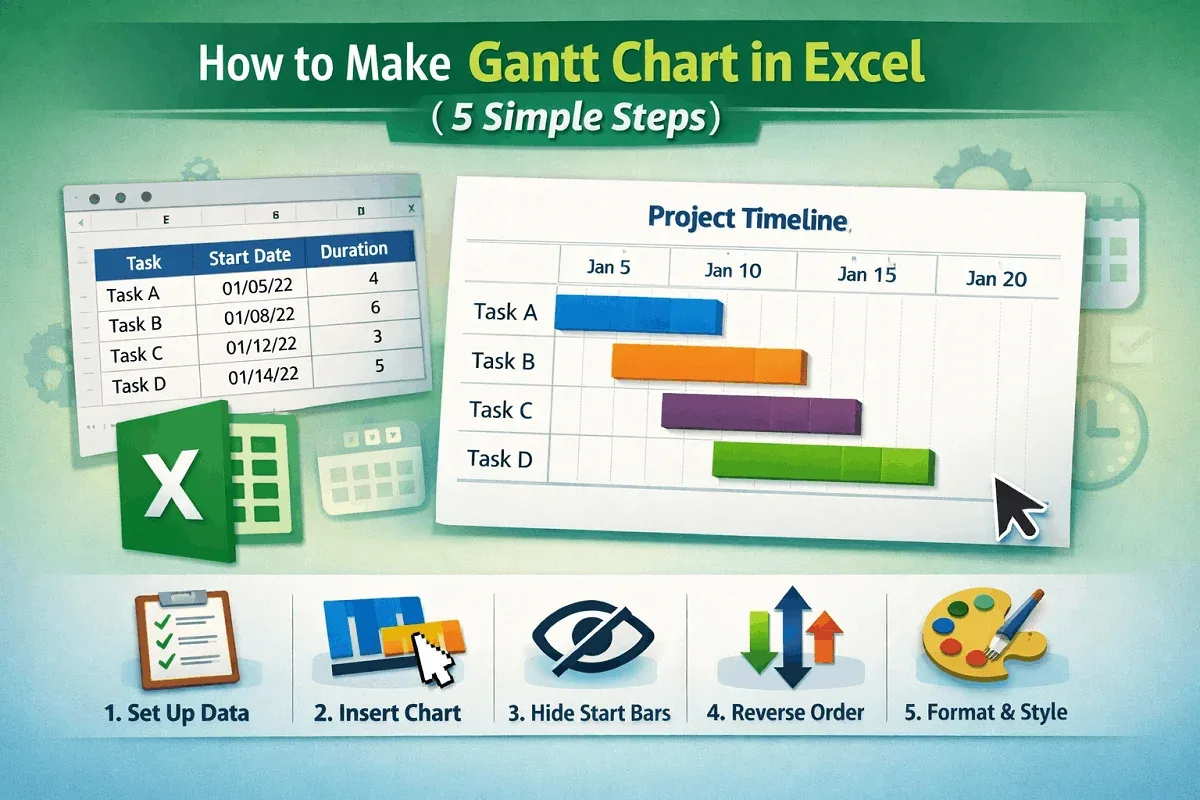
Learn how to make a Gantt chart in Excel by setting up tasks, inserting a stacked bar chart, hiding start dates, and formatting for clarity.
Learn how to convert numbers to text in Google Sheets using TO\_TEXT, TEXT function, or Google Apps Script to display values as words.
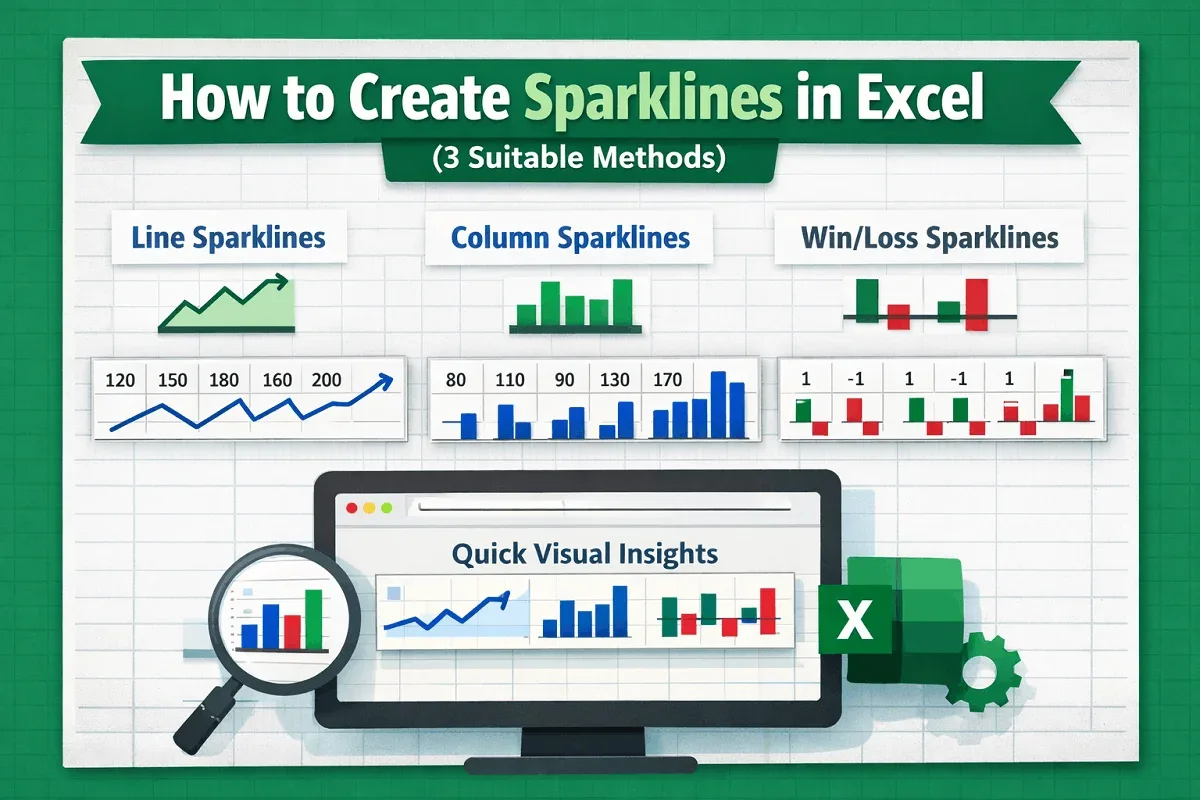
Learn how to create sparklines in Excel with line, column, and win/loss styles to visualize trends, highs and lows, and value comparisons.