Google Sheets Intermediate Tutorials
How to Protect Columns in Google Sheets (3 Simple Tricks)
Learn how to protect columns in Google Sheets using the main menu, context menu, or by setting warning messages to prevent unwanted edits.
Read article

1285 articles
Learn how to protect columns in Google Sheets using the main menu, context menu, or by setting warning messages to prevent unwanted edits.
Learn how to save Google Sheets to your desktop by creating shortcuts, downloading files locally, or managing them via Google Drive.
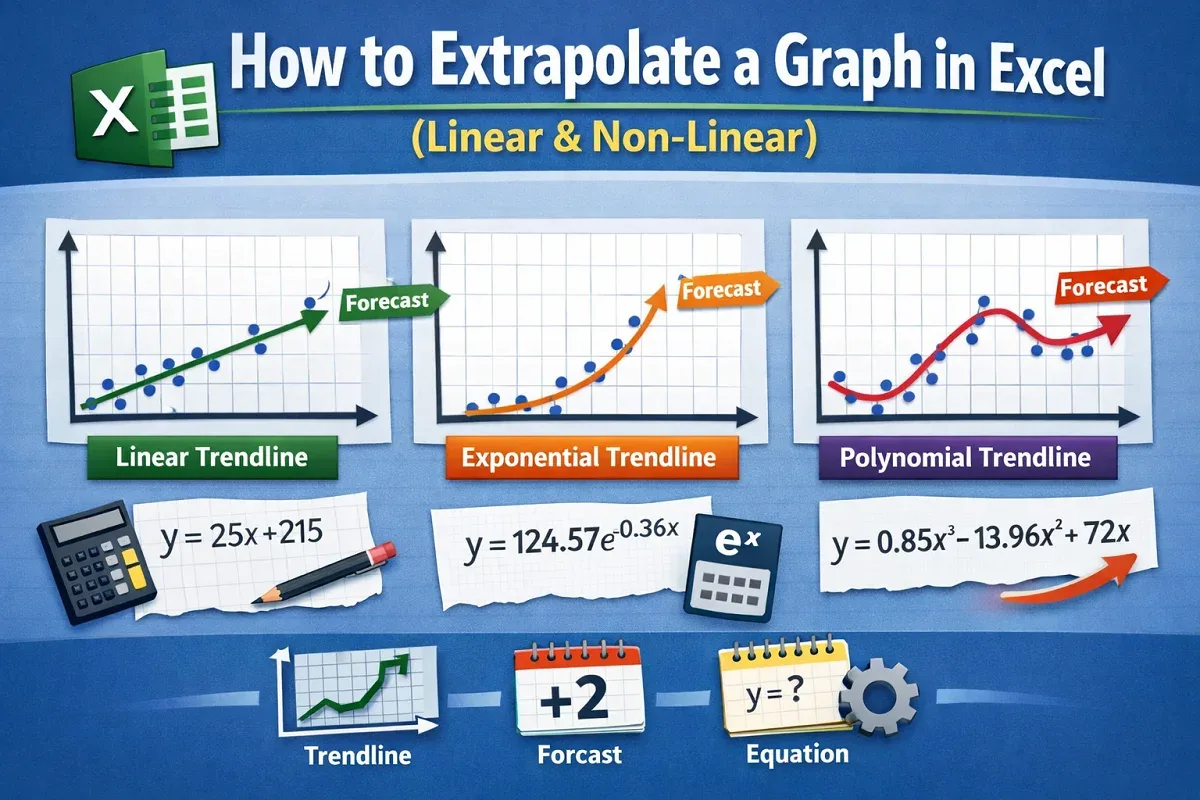
This article explores how to extrapolate a graph in Excel using Trendline and forecast features for linear and nonlinear data.
Learn how to automatically send emails from Excel based on specific dates using VBA and the Workbook Open event to trigger the process.
Learn how to create mailing labels in Excel using Word Mail Merge, VBA automation, or cell formatting for customized label designs.
Learn how to create a mailing list in Excel by setting up structure, entering valid contact data, organizing, sorting and exporting the list.
Learn how to perform mail merge without Word using Excel formulas, VBA macros, CSV exports, and tools like the Mailmeteor add-in.
Discover how to pull data from another sheet in Excel using VLOOKUP, INDEX & MATCH, FILTER, XLOOKUP, and Power Query based on criteria.
Learn how to extract month and day from a date in Excel using functions like MONTH, DAY, TEXT, CHOOSE, SWITCH, and Power Query.
Learn multiple ways to extract data from a table in Excel using FILTER, SUMIFS, XLOOKUP, Power Query, and advanced formulas.
Learn how to calculate duration between two times in Google Sheets using subtraction, TEXT function, and methods to separate hours & minutes.
Learn how to randomize a list in Google Sheets using the Randomize Range tool, context menu, RAND, and RANDBETWEEN functions.