Google Sheets Intermediate Tutorials
How to Import Excel into Google Sheets (3 Suitable Ways)
Learn how to import Excel files into Google Sheets using the built-in import feature, direct file opening, or simple copy-paste methods.
Read article

1285 articles
Learn how to import Excel files into Google Sheets using the built-in import feature, direct file opening, or simple copy-paste methods.

Learn how to use data validation with custom multiple criteria in Excel using AND/OR logic, COUNTIF, date rules, named ranges and lists.
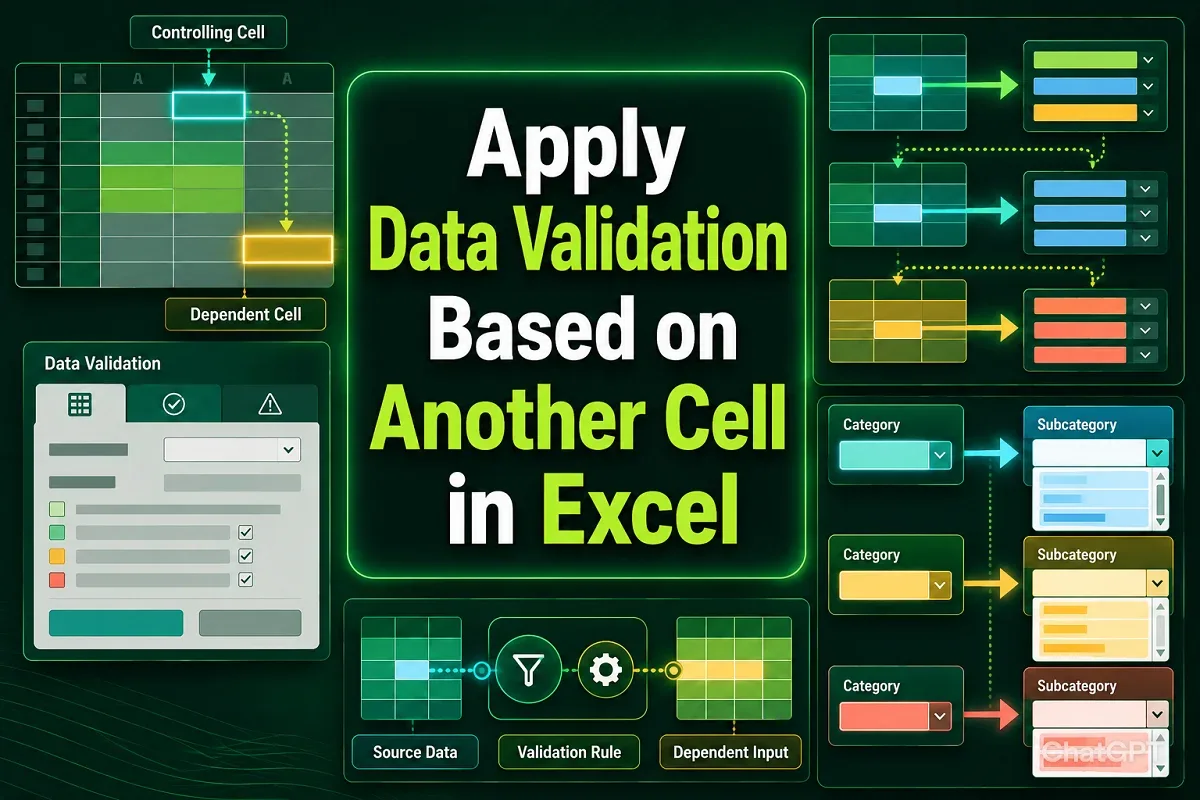
Learn how to apply data validation in Excel based on another cell using dependent drop-downs, IF formulas, custom rules, and VBA automation.

Learn how to circle invalid data in Excel using Data Validation, input messages, error alerts, conditional formatting, and helper columns.
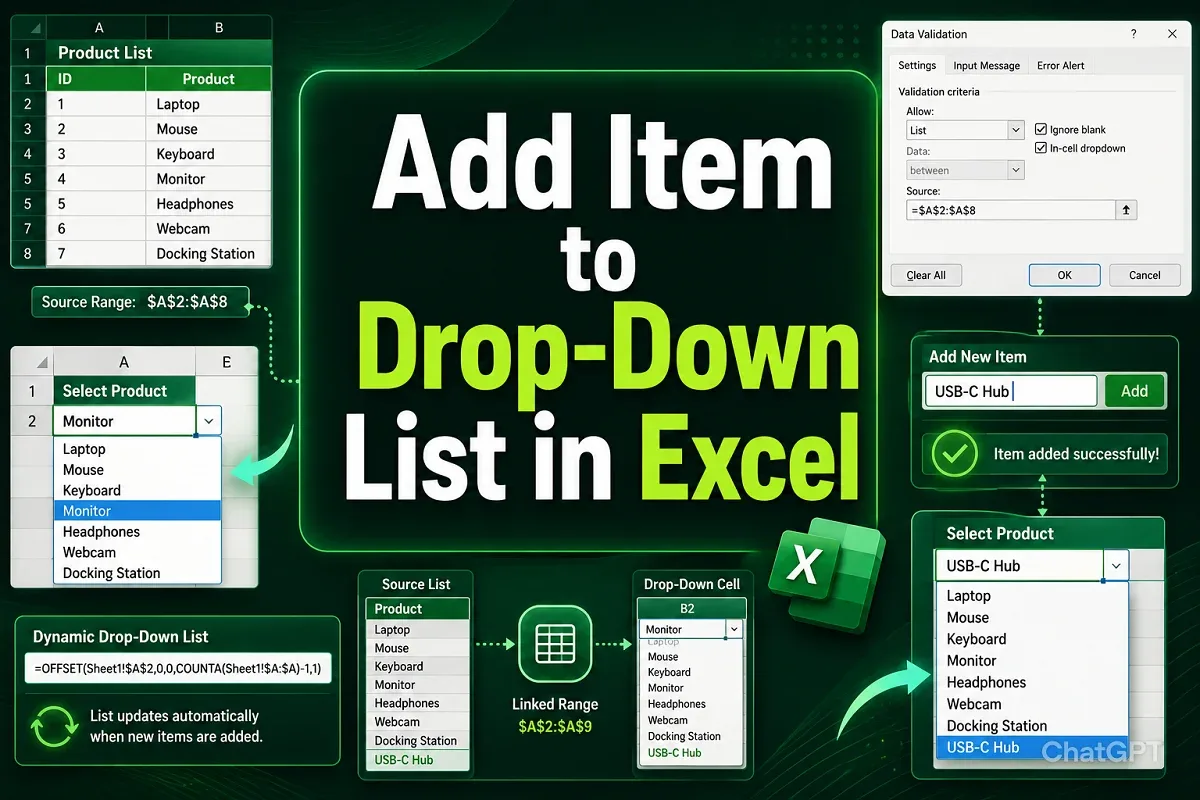
Learn how to add items to a drop-down list in Excel by editing sources, using tables, extending named ranges, OFFSET, and UNIQUE formulas.
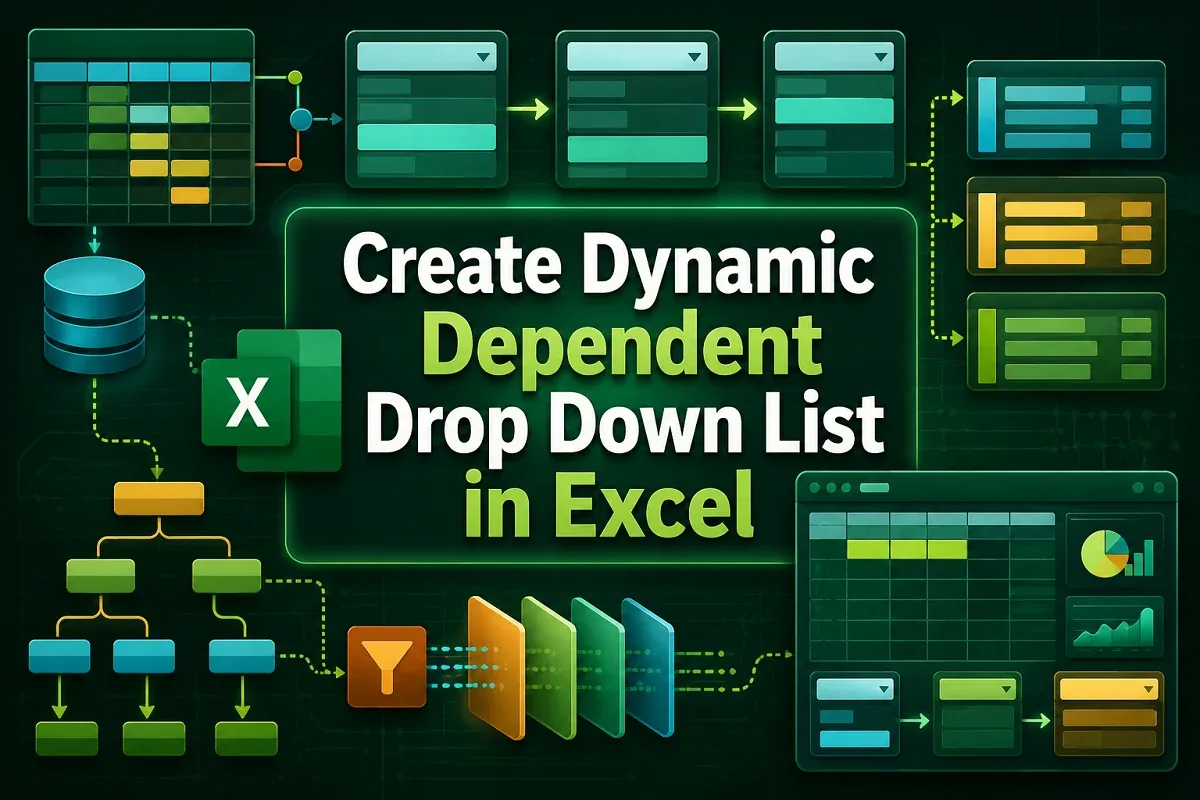
Learn how to create a dynamic dependent drop-down list in Excel using named ranges, INDIRECT, XLOOKUP, and auto-updating, sorted lists.
Learn how to create a drop-down list from a table in Excel using dynamic ranges, named ranges, and UNIQUE for auto-updating lists.
Learn how to apply Excel conditional formatting based on another cell range using operators, text rules, AND/OR logic, and VBA.

Learn how to flip a table in Excel vertically or horizontally using SORTBY, INDEX, TRANSPOSE, Power Query, or VBA for table inversion.

Learn how to sort a drop-down list in Excel using SORT, COUNTA with OFFSET, Power Query, or VBA for dynamic and alphabetically ordered lists.

Learn how to delete blank cells in Excel and shift data up using Go To Special, FILTER, Sort, Power Query, and VBA for organized sheets.
Learn how to create a drop-down list in Google Sheets from another sheet using direct range references, named ranges, and dependent lists.